
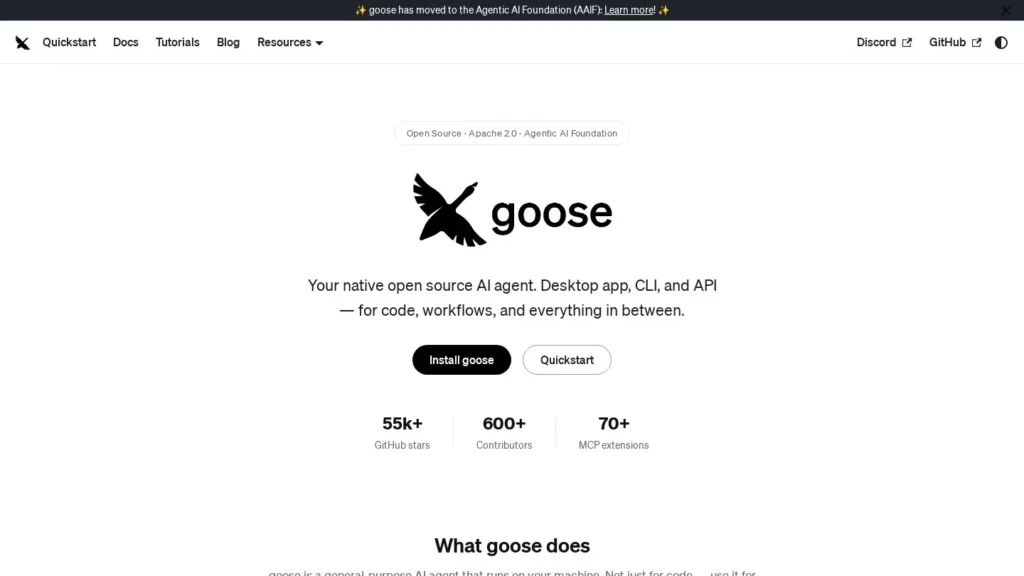
goose costs nothing beyond the model it runs on, and it now belongs to the Agentic AI Foundation, a Linux Foundation body, rather than to Block, the company behind Square and Cash App that created it. It was one of the foundation’s three founding projects in December 2025, alongside the Model Context Protocol and AGENTS.md.
Block built goose as an internal coding agent, rolled it out to all employees and released it under the Apache 2.0 license. It runs on a user’s own machine, not in a vendor’s cloud.
How It Works
goose comes as a desktop app for macOS and a command-line tool for macOS, Linux and Windows, plus an API and a JetBrains plugin. On first launch it asks for a model provider. Options include an API key from Anthropic, OpenAI, Google or others, a ChatGPT subscription, routers such as OpenRouter, or local models through Ollama; more than 15 providers are documented. Its docs say it works best with Claude models because it leans heavily on tool calling.
Given a task, goose plans the steps and acts: installing packages, running commands, editing files and testing the result. Extensions built on the Model Context Protocol give it new abilities, with more than 70 first-party ones and access to thousands of public MCP servers. Recipes, written in YAML, bundle prompts, extensions, parameters and error handling into shareable workflows that a team can rerun.
Pricing
goose is free to download and use. Costs depend on the model: pay-per-token API usage, an existing ChatGPT subscription, a free tier such as Google Gemini’s, or no fee at all with a local model on your own hardware. Heavy tool use can burn through tokens quickly on paid APIs, so watch usage.
What to Watch Out For
An agent that can run shell commands on your machine needs guardrails, so review its permission settings and be careful with untrusted MCP servers and prompts. Results vary a lot by model, and cheaper or local models may struggle with long, tool-heavy tasks. There is no vendor support contract; help comes from documentation and the open-source community.
Recent News
In May 2026, The New Stack examined why Block handed goose to the Linux Foundation, reporting that Block’s ownership of the trademarks had held back enterprise adoption and that neutral governance was meant to fix it.
User Reviews
No reviews yet. Be the first to rate goose.