
GitHub Copilot Cloud Agent

Asynchronous coding agent inside GitHub that turns issues into pull requests.

$10 per month (Copilot Pro)Autonomous background coding agent

No user reviews yet. Be the first to rate it.

Visit website
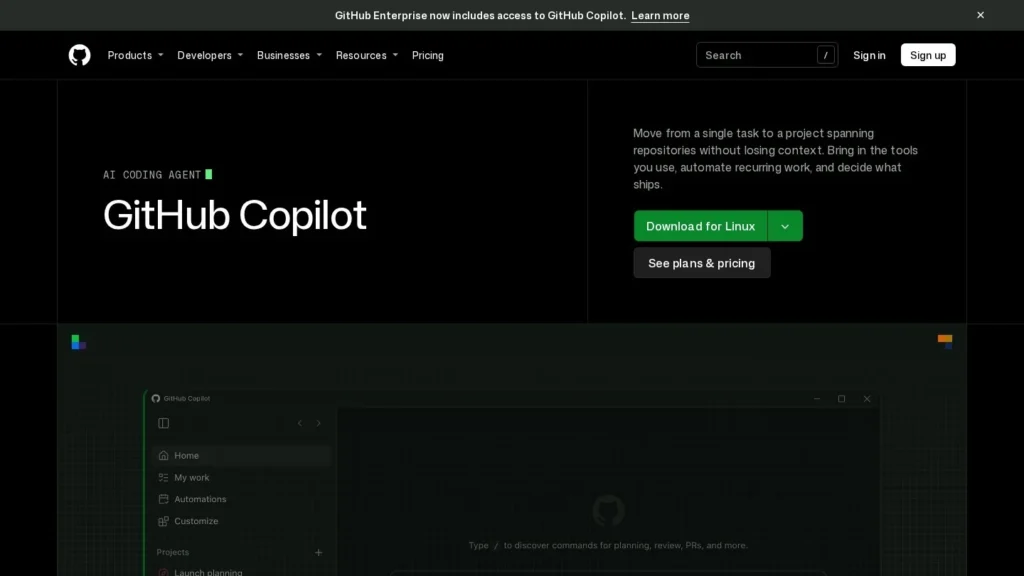
GitHub Copilot Cloud Agent website screenshot
GitHub Copilot Cloud Agent website

Quick Facts

DeveloperGitHub (Microsoft)
Websitegithub.com/features/copilot
Agent typeAutonomous background coding agent
Best forTeams already on GitHub that want to hand off well-defined issues, small fixes and research tasks to an agent working in the background.
Not ideal forTeams not hosting code on GitHub, or work on complex, poorly tested codebases where agent pull requests often fail.
Pricing modelCopilot subscription with included GitHub AI Credits; extra usage billed by tokens
Starting price$10 per month (Copilot Pro)
Pricing detailsPro $10 a month, Pro+ $39, Business $19 per user, Enterprise $39 per user. Since June 1, 2026, each plan includes AI Credits equal to its price (1 credit = $0.01), consumed by tokens at each model's API rate. Admins can allow extra usage or cap spend. Code review also uses GitHub Actions minutes.
Free planNo
ChannelsGitHub issues and pull requests, Visual Studio, VS Code
What it does on its ownWorks asynchronously from assignment to pull request in its own environment; humans review and merge.
IntegrationsGitHub Issues, GitHub Actions, Visual Studio, VS Code, MCP servers
PlatformsWeb, IDE
Agent launched2025
Details last verified29 October 2026
CategoriesCoding & Software Development, Enterprise, IT & DevOps
User ratingNo reviews yet

Assign a GitHub issue to Copilot and its cloud agent works on it in the background, in an environment powered by GitHub Actions, then comes back with a pull request. Individual developers can get it on Copilot Pro for $10 a month.

GitHub launched the feature as Copilot coding agent and renamed it Copilot cloud agent in April 2026, when it gained the ability to work without opening a pull request at all.

How It Works

A developer assigns an issue to Copilot or starts a task on a branch. The agent reads the repository, plans the change, writes and tests code in its own environment and opens a pull request for people to review. Since April 2026 it can also do branch-only work, write implementation plans and research a codebase without producing a pull request.

MCP servers are configured for the agent automatically, so it can reach outside tools. Sessions can be launched from Visual Studio as well as GitHub itself. Custom Actions images made start-up more than 20% faster, and administrators can see agent usage in the Copilot metrics API. It handles one task per session: issue in, change out.

Pricing

The agent is included in paid Copilot plans: Pro at $10 a month, Pro+ at $39, Business at $19 per user and Enterprise at $39 per user. From June 1, 2026, Copilot moved from premium requests to GitHub AI Credits worth one cent each. Every plan includes credits equal to its price, and agent sessions consume them based on input, output and cached tokens at each model’s published API rate. Business customers pool their included usage and can set budgets by enterprise, cost center or user. Code completions remain unmetered.

What to Watch Out For

Long agent sessions burn tokens, so costs scale with how much work you hand off. Reviews say the agent does best on well-tested codebases with low to medium complexity tasks and can fail on harder ones. GitHub also paused new Pro and Pro+ sign-ups and tightened limits in April 2026, according to one review, so check current availability and limits before planning around it.

Recent News

GitHub renamed the coding agent to Copilot cloud agent in April 2026 and sped up its start-up. On April 27, 2026, it said Copilot would move to usage-based billing from June 1.

Features

  • Assign an issue and receive a pull request
  • Runs in an environment powered by GitHub Actions
  • Branch-only work, implementation plans and code research without a pull request
  • Custom Actions images for faster start-up
  • Sessions launched from Visual Studio
  • MCP auto-configured for the agent
  • Usage metrics for admins

Pros and Cons

Pros

  • Works where the code, issues and reviews already live
  • Low entry price for individuals
  • Admins get budgets, caps and usage metrics
  • Runs in the background while developers do other work

Cons

  • Token-based AI Credits make monthly cost harder to predict
  • Works best on well-tested code and modest tasks
  • Output still needs human review before merging
  • Plan limits and sign-ups changed abruptly in 2026
Write a Review