
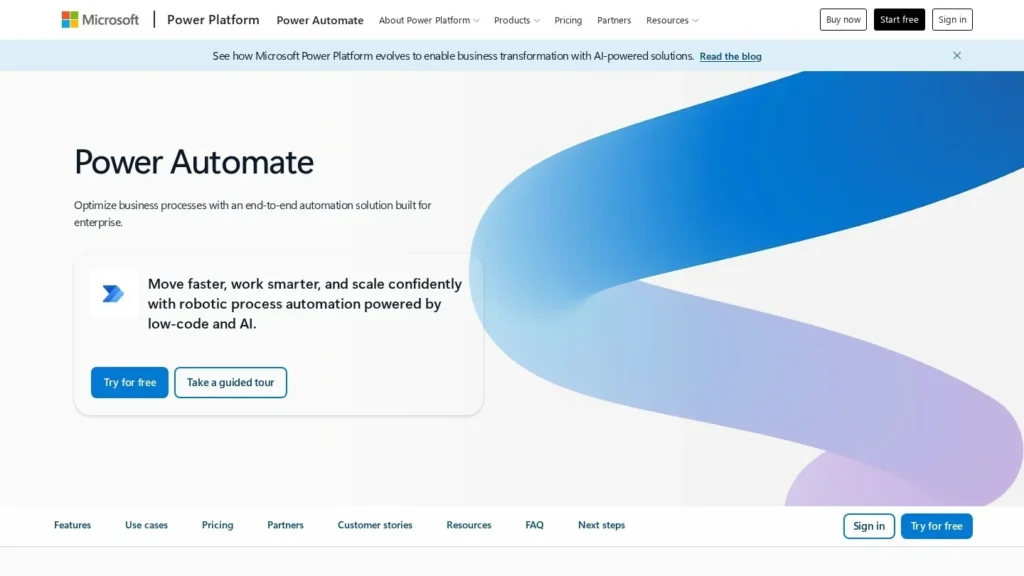
Power Automate Runs RPA Bots Inside Microsoft 365
Microsoft Power Automate links apps with cloud flows and runs desktop flows for RPA. Desktop flows click and type in Windows apps that lack an API. An attended flow runs while a person works. An unattended bot runs on its own. Agents come through Microsoft Copilot Studio, which is sold beside it.
Our score for Power Automate is 8.0 out of 10.
Power Automate Prices Paid Yearly
- Premium: $15 per user a month.
- Process: $150 per bot a month.
- Hosted Process: $215 per bot a month.
- Process Mining add-on: $5,000 per tenant a month.
- Free trial: 30 days.
Attended and Unattended Desktop Flows
Premium covers cloud flows and attended desktop flows. A worker starts the bot, and it fills forms or moves data while they watch. Process covers unattended bots that run on a schedule on your own machine. Hosted Process does the same on a virtual machine that Microsoft runs for you.
One unattended bot runs one desktop flow at a time on each machine. So jobs that must run in parallel need more bots.
Process Mining Before You Automate
Premium includes process and task mining with 50 MB of storage per user. Mining shows how a task really flows, so you pick the right steps for a bot. The add-on raises storage to 100 GB for $5,000 per tenant a month.
Agents From Copilot Studio
Microsoft Copilot Studio builds autonomous agents that can call Power Automate flows. It is bought with Copilot Credit commit units, which save up to 20% when prepaid. An Azure subscription is needed. Pay-as-you-go use covers you if prepaid credits run out.
Power Automate Plans
| Plan | Price, paid yearly | What it runs |
|---|---|---|
| Premium | $15 per user a month | Cloud flows, attended RPA, process mining, premium connectors |
| Process | $150 per bot a month | Cloud flows and unattended RPA on your machine |
| Hosted Process | $215 per bot a month | Unattended RPA on a Microsoft-hosted machine |
| Process Mining add-on | $5,000 per tenant a month | 100 GB of mining storage |
Who Power Automate Fits
Firms already on Microsoft 365 get the most from it. Flows reach Dataverse, standard, premium and custom connectors. IT teams can govern it with managed environments.
Room for Power Automate to Grow
Agent features live in a second product with its own credit model, so total cost takes some math. Per-flow and pay-as-you-go rates for Power Automate would help small teams plan.
Why Power Automate Scores 8.0
Pricing value and integrations lead, with $15 attended RPA and Microsoft connectors. Autonomy is lower, since agent work runs through Copilot Studio.
Power Automate Questions From Admins
What Is the Difference Between Attended and Unattended RPA?
Attended bots run while a person works at the PC. Unattended bots run alone on a schedule.
Do I Need My Own Machine for Unattended Bots?
On Process, yes. Hosted Process uses a machine that Microsoft runs.
Is There a Free Trial?
Yes. A 30-day trial covers cloud flows with standard connectors.



User Reviews
Nobody has rated it here yet. Be the first AI Agents Choice user to rate Microsoft Power Automate.