


A new hire’s laptop request lands in the IT queue at 9:02 in the morning. By 9:04 an agent has checked the role, picked the standard laptop and filled in the order. Then the order waits for a manager to approve the spend. Nobody on the IT team touched it.
That is how AI agents automate enterprise workflows. An event in a system of record wakes the agent up. The agent acts under its own identity with narrow permissions. Risky steps pause for a person, and every action lands in an audit log. The model is only one piece. Most of the work is access and control.
We traced that path through the admin docs of Microsoft, ServiceNow, Workday, Salesforce and UiPath. The same building blocks showed up in all five, even though each vendor names them differently.
Follow One Request Through the Agent Loop
Every enterprise agent run follows roughly the same six steps. The laptop request shows each one.
- An event fires. A new row appears in the request table. That row is the trigger.
- The agent wakes up with a payload. It gets the record details and its standing instructions.
- It gathers context. It reads the new hire’s role from the HR system and the laptop catalog from IT.
- It acts through approved tools. It fills in a purchase order using an action someone built and tested.
- A person signs off. The spend goes to the manager before anything is ordered.
- It writes back and logs. The ticket gets updated, and the run is stored for audit.
Steps 1, 5 and 6 belong to the company. So most of the design effort goes there. Our AI agent architecture guide covers what happens inside the agent between those steps.
Triggers That Wake an Agent
A trigger decides when an agent works and how often you pay for it. So trigger design is the first thing to get right.
Record Changes in ServiceNow
In ServiceNow, you attach a trigger to a table and set at least one condition. You also write an objective for the agent and pick a run-as identity. ServiceNow warns that a condition matching many records calls the agent once for each of them. Scheduled triggers work in batches, and each run handles ten records by default. Admins can change that number with a system property.

Events and Schedules in Copilot Studio
Microsoft Copilot Studio offers event triggers for autonomous agents. Examples include a new SharePoint item, a new OneDrive file, a finished Planner task and a changed Dataverse row. There is also a recurrence trigger that fires on a timer. Each payload is processed like a message from a user, so it uses Copilot Credits. For example, a trigger set to every 10 minutes sends a payload every 10 minutes.
Microsoft also flags a limit worth planning for. Agents struggle when they chain many actions in a row, so the docs advise fewer than 15. Admins can block event triggers in an environment with data policies.

The lesson from both platforms is the same. Narrow the condition first, then widen it once the agent behaves. A loose trigger on a busy table can burn a month of budget in a day.
Systems of Record Keep the Final Say
An agent should never become a second database. The truth stays in ServiceNow, Workday, SAP or Salesforce. The agent reads from those systems, proposes a change and writes it back through the system’s own rules. As a result, the usual validation and permissions still apply to every change the agent makes.
Workday took this idea one step further with its Agent System of Record. It works as a registry for AI agents, kept next to HR and finance data. Each agent moves through a lifecycle of register, configure, activate, deactivate and archive. Every agent also gets its own system user and inherits the company’s security groups and permissions. You can see agents built for these platforms on our Workday Marketplace agents and ServiceNow Store AI agents pages.

Give Every Agent Its Own Identity
Shared service accounts are the fastest way to lose track of what an agent did. So give each agent a named identity with its own permissions.
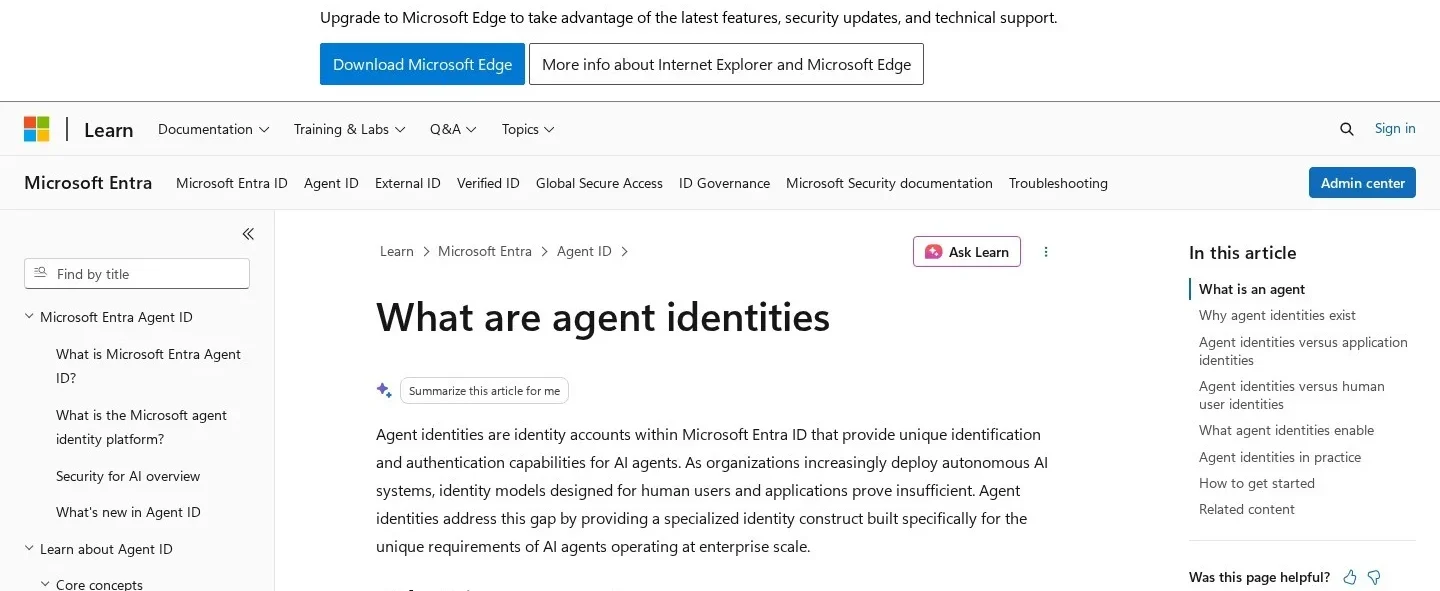
Microsoft Entra Agent ID was built for this. It adds agent identities to Entra ID that sit apart from human accounts and app service principals. Microsoft points out that agents can live for minutes, or be created thousands of times a day. So these identities are built for scale and short lives. An agent can act on its own rights, or on rights a user delegates to it. When an older app needs a user account, an agent user account can be paired one to one with the agent identity. Agents can also be retired without leaving orphaned credentials behind.
Other platforms handle this in their own way. In ServiceNow, the run-as identity’s roles and data rules apply to the agent. That means a badly chosen identity gives the agent too much reach. Copilot Studio event triggers can only use the maker’s credentials. Microsoft warns that users of such an agent might reach data through the author’s access.
We would set four rules on day one.
- One identity per agent. Never reuse a person’s account or a shared admin login.
- Least privilege. Grant read access widely and write access only to the tables the agent must change.
- A named owner. Someone in the business answers for each agent and its permissions.
- A retirement date. Review every agent identity each quarter and remove the ones nobody uses.
Running many copies of one agent? Then read how to manage multiple AI agent instances for naming and separation.
Read also: Strawberry AI Alternatives for Teams That Automate Web Work
Put Approvals Where Money or Data Moves
Not every step needs a person. However, any step that spends money, changes access or deletes data should wait for one. Most platforms now build approvals into the flow itself.
Copilot Studio agent flows include human-in-the-loop actions, such as approval requests or asking a person for missing details. UiPath Maestro adds human steps inside long processes that mix agents and robots. UiPath also routes sign-offs and exception cases to people through Action Center.
We sort agent actions into three tiers when we plan approvals.
| Action type | Example | Approval rule |
|---|---|---|
| Read only | Look up a policy or an order status | No approval needed |
| Reversible write | Update a ticket field or draft an email | Spot-check a sample each week |
| Money, access or deletes | Issue a refund or grant admin rights | A person approves every time |
Pause and resume patterns get a full treatment in human-in-the-loop orchestration. The input and output checks that sit around those gates are in AI agent guardrails.
Audit Logs Your Security Team Will Ask For
Security teams want to know what the agent saw, what it touched and who it acted for. Good platforms log that automatically.
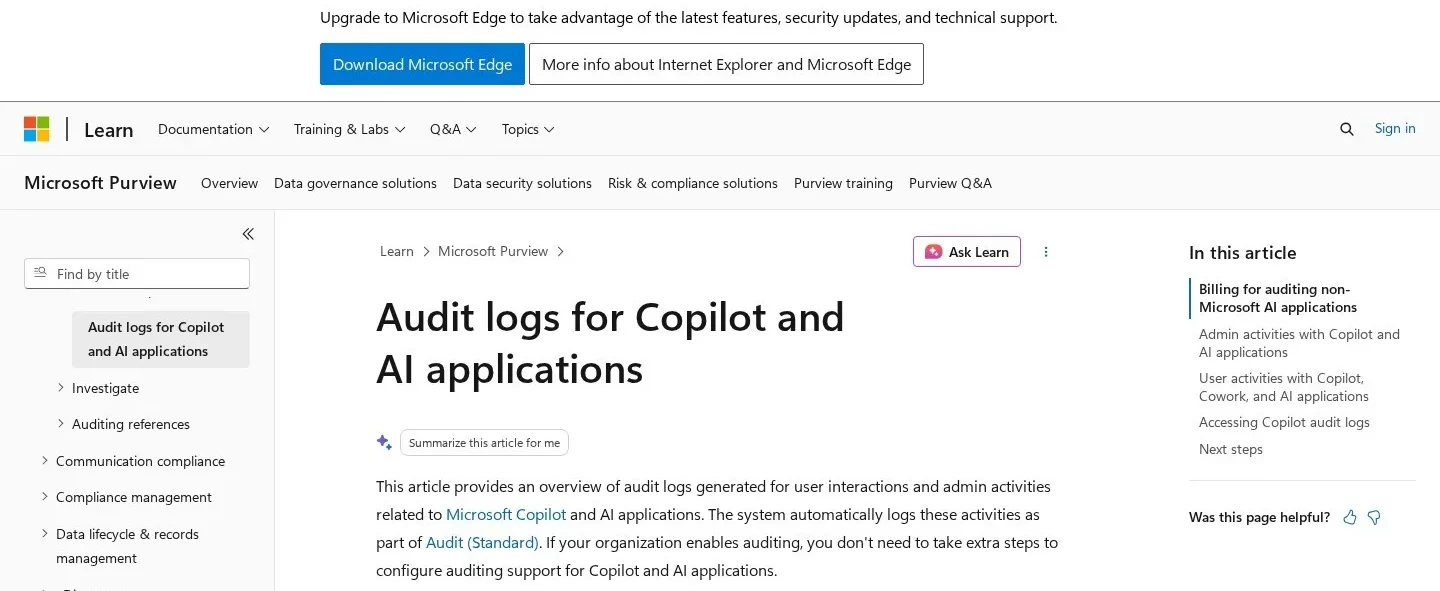
Microsoft Purview is one worked example. When someone uses Copilot or a Copilot Studio agent, Purview writes an audit record on its own. The record shows the user, the time and the resources the agent read, created or changed. It also carries sensitivity labels and flags for detected jailbreaks and cross-prompt injection attacks. Copilot Studio agents carry an agent ID, a name and a version number. Copilot Studio agents fall under Audit Standard, so no extra fee applies. Non-Microsoft AI apps use pay-as-you-go billing, and those logs are kept for 180 days.
Other vendors keep similar trails. UiPath Maestro keeps a record of every process instance. Workday says its agent registry records everything agents do. Whichever platform you choose, check one thing before launch. Can you trace a single changed record back to the agent, its version and the person who approved it?
Test Changes Before They Reach Production
Agents change more often than old automations. A new prompt, model or tool can shift behavior overnight. So treat each change like a software release.
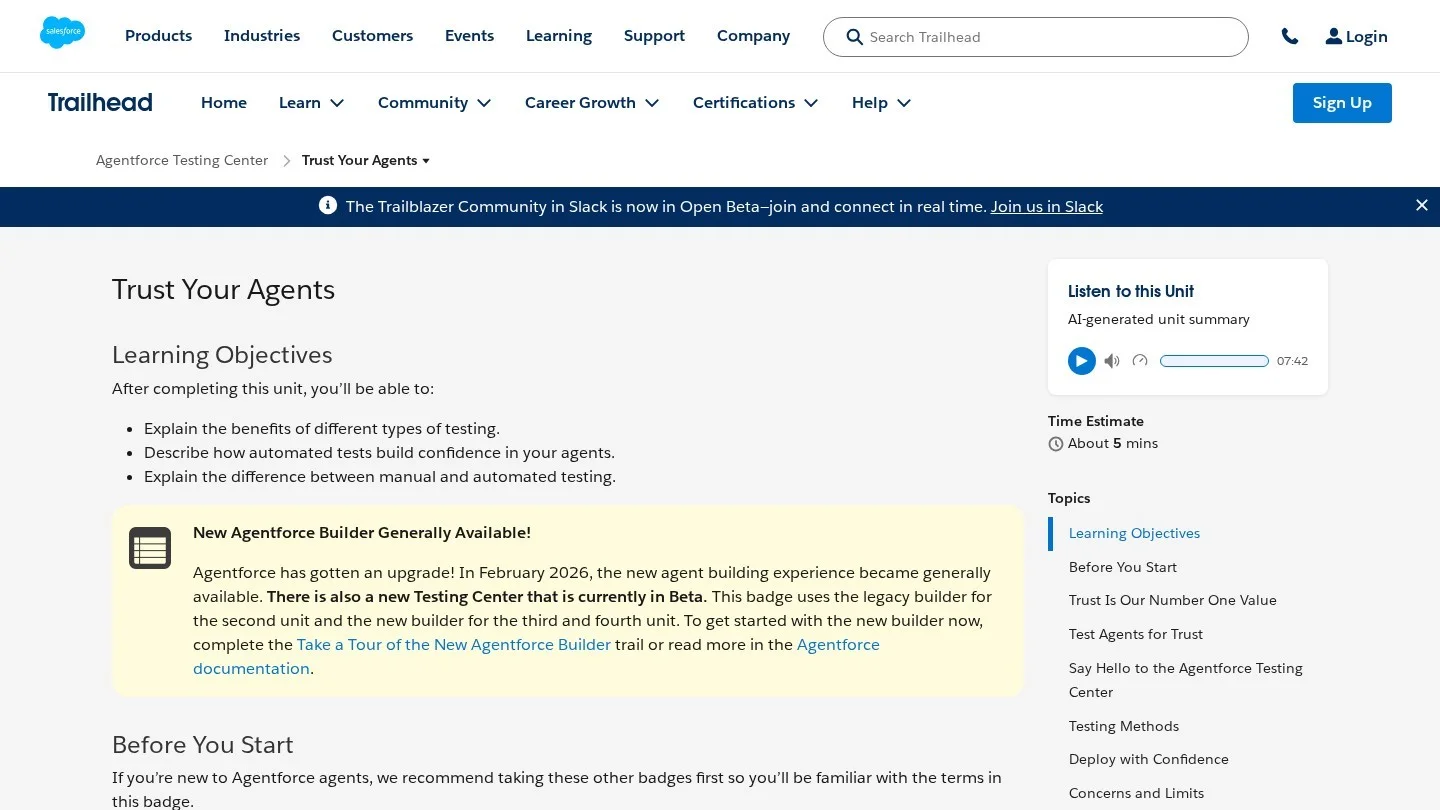
Salesforce gives a useful model with the Agentforce Testing Center. Tests run in sandboxes that are kept apart from production data. You pair sample requests with expected results to build a batch of tests. The tool can also use AI to generate hundreds of test conversations. Each test can hold up to 1,000 test cases. Salesforce marks the Testing Center as Beta. After testing, teams move the agent to production with Change Sets, DevOps Center or the Salesforce CLI.
ServiceNow gives simpler advice that works anywhere. Test the agent by hand against one matching record before you switch on the trigger. Microsoft adds that a published agent reacts on its own each time its trigger fires. To automate these checks, read our walkthrough of a CI/CD pipeline for AI agents. Before launch day, our AI agent deployment checklist covers the final checks.
Grow the Agent’s Authority in Five Stages
One large launch tends to stall in a big company, because trust takes time to build. We use five stages, and each one has a test to pass before moving on.
| Stage | What the agent does | Move on when |
|---|---|---|
| Shadow | Runs on live events but changes nothing | Its proposals match what staff did in most sampled cases |
| Draft | Prepares the change for a person to submit | Reviewers stop rewriting most drafts |
| Act with approval | Makes changes after a person approves | Rejections fall to a level the owner accepts |
| Act alone on low risk | Handles reversible tasks without a gate | Weekly samples show no new error types |
| Expand | Takes on a new process or business unit | The first process stays stable for a full quarter |
Each stage also needs a way back. Keep the old process ready so you can switch the agent off in minutes if results slip.
Change Management for the People Around the Agent
The agent is new, but the people around it have done this work for years. Their trust decides if the rollout sticks.
Tell staff early what the agent will handle and what stays with them. Then train reviewers on what to look for, because approving 200 drafts a day leads to rubber-stamping. Give everyone a one-click way to flag a bad result. Next, update the written procedures so the agent’s steps appear in them. Finally, report results back to the team every month. People accept an agent faster when they can see its error rate.
If you need numbers to make the case to leadership, our enterprise AI agent adoption statistics show where large companies stand.
Common Concerns From IT and Operations Leaders
Do AI Agents Need Their Own User Accounts?
Yes, in most cases. A separate identity lets you limit permissions and trace actions back to one agent. Microsoft Entra Agent ID and the Workday agent system user both work this way.
Which Workflows Should We Automate First?
Pick a high-volume process with messy inputs and a natural approval point. We score common finance, HR and support processes in AI agents for business process automation.
How Do We Stop an Agent from Running Too Often?
Narrow the trigger condition and avoid short recurring timers. Also watch credit use in the first weeks. In ServiceNow you can cap how many records a scheduled run handles.
Should We Replace Our RPA Bots with Agents?
Usually not. Most teams keep stable bots and add agents for the exceptions. We compare both in AI agents vs robotic process automation.
Related AI Agents




Read also: AI Agent Security Risks in Enterprise Applications
Explore Agent Categories
Related Articles
 GuidesStrawberry AI Alternatives for Teams That Automate Web Work
 GuidesWebhooks vs Polling for AI Agent Workflows
 GuidesAI Agent Security Risks in Enterprise Applications
 GuidesWonderful AI Alternatives for Enterprise Customer Service Agents
 GuidesAI Agent State Machines: Managing Complex Workflows
 GuidesAI Agents for Enterprise Knowledge Management
