
An assistant with Ask, Plan and Agent modes plus asset generators, built into the Unity editor.

Not publishedIn-engine AI assistant and asset generators
7.0/10 our score

Be the first to rate Unity AI

Visit website
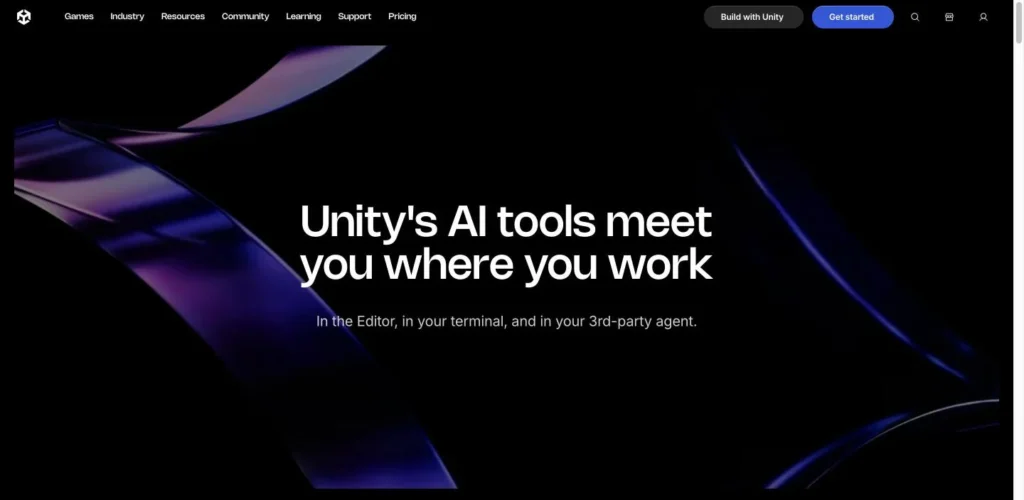
Unity AI website screenshot

Unity AI Review

DeveloperUnity Technologies
Websiteunity.com/products/ai
Agent typeIn-engine AI assistant and asset generators
Best forUnity developers who want help with code, scenes and assets without leaving the editor.
Fit noteTeams that build in Unreal, Godot or Roblox may find a tool for their own engine a better match.
Pricing modelUnity AI subscription with monthly Unity Credits
Starting priceNot published
Pricing detailsEach Unity AI subscription includes a monthly allocation of Unity Credits. Credits reset each billing cycle and do not roll over, and extra credits can be bought. An assistant message uses about 4 to 1,500+ credits. Sound effects use about 26 credits, music 6 to 13, and text to animation 49 to 122. Failed or filtered jobs are not charged.
Free planNot published
Free trialNot published
ChannelsUnity editor
What it does on its ownIn Agent mode, the assistant plans and makes changes in your project. Ask mode answers questions and Plan mode drafts steps. Generators make assets on request.
IntegrationsUnity editor; Unity Dashboard
PlatformsUnity editor on desktop
Details last verified23 November 2026
CategoriesCoding & Software Development, Game Development
7.0/10

Unity AI Score

Our editorial score across six weighted criteria, based on Unity AI’s published documentation, pricing and public user ratings. How we score

  • Autonomy7.5

    Agent mode plans and edits the project.

  • Ease of Setup8.0

    Built into the editor.

  • Pricing Value6.0

    Credit allocations and prices are not published.

  • Integrations7.0

    Deep in Unity, but Unity only.

  • Trust and Security6.5

    Security terms are not shown with the AI credits.

Unity AI Works Inside the Unity Editor

Unity AI is the set of AI tools built into the Unity game engine. It has an assistant with Ask, Plan and Agent modes. Also, it can make art, 3D models, sound and motion for your game. So a developer can get help without leaving the editor.

Our score for Unity AI is 7.0 out of 10.

Unity AI Credit Facts

  • Credits: a set amount each month with each Unity AI plan.
  • Rollover: none; unused credits are lost at reset.
  • Assistant message: about 4 to 1,500+ credits.
  • Sound effect: about 26 credits.
  • Failed or filtered jobs: not charged.

The Unity AI Assistant and Agent Mode

Ask mode answers questions about Unity and your project. Plan mode drafts the steps first. Then Agent mode carries out the work in your project. You can pick the Unity Default, Lite or Ultra model, and bigger models use more credits.

Unity AI Generators and What They Cost

GeneratorApproximate credits
Sound effectAbout 26
Music6 to 13
SpeechAbout 29 per 1,000 characters
Text to animation49 to 122
SkyboxAbout 12
Five-second videoAbout 95 to 480

In addition, images can use models such as FLUX.2, Seedream and GPT Image. Textures come as PBR maps or hand-painted styles. Finally, the 3D tools turn text or a picture into a model. They can also rig it, fix its mesh and paint it again.

How Unity Credits Work

Unity reserves the most a job could cost before it starts. After that, it charges only the real cost. When credits hit zero, AI features pause until the next cycle or a top-up. However, unused credits do not roll over.

Who Unity AI Serves

Teams who already build in Unity gain the most, because nothing new has to be installed. For example, a solo developer can ask why a script fails and then let Agent mode fix it. Teams on Roblox may prefer Roblox Assistant.

Where Unity AI Could Improve

Unity could post how many credits each plan gets. Also, fixed credit prices would make budgets easier. A short note on how project data is handled would help studios.

Why Unity AI Scores 7.0

Autonomy and setup score well, since Agent mode runs inside the editor. Pricing value scores lower, because credit amounts per plan are not public.

Unity AI Questions From Developers

Is the Unity AI Assistant Free?

No. Each assistant message uses Unity Credits, from about 4 to more than 1,500.

What Happens When Unity Credits Run Out?

AI features pause until the next billing cycle or until you buy more credits.

Guides Related to Unity AI

Features

  • Assistant with Ask, Plan and Agent modes | Unity Default, Lite and Ultra models | Image generation and background removal | PBR and hand-painted textures | Text and image to 3D model, rigging and retopology | Sound effects, music and speech | Text to animation and video to animation | Skyboxes and video clips

Strengths and Areas to Improve

Strengths

  • Works inside the Unity editor | Agent mode can act on the project | Covers images, 3D, audio and animation | Failed jobs are not charged

Areas to Improve

  • Credit amounts per plan are not published | Unused credits do not roll over | Credit costs can change | Unity only

User Reviews

Nobody has rated it here yet. Be the first AI Agents Choice user to rate Unity AI.

Write a Review