

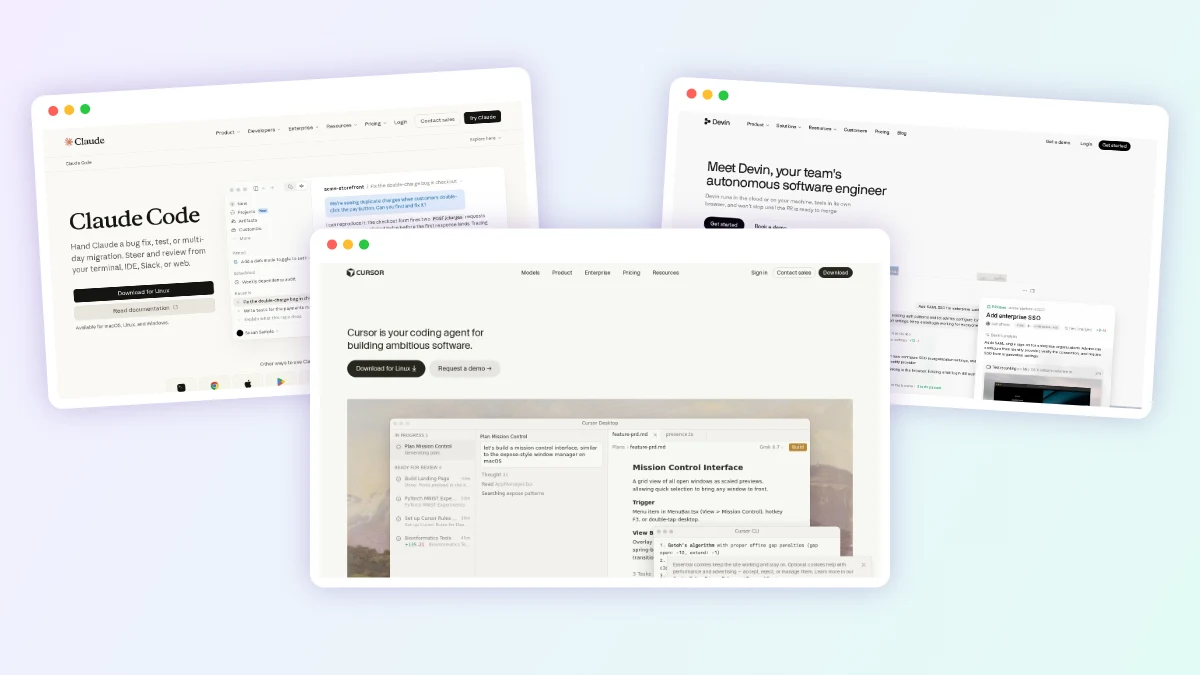
Coding assistants used to wait for you to accept one suggestion at a time. In October 2026 the leading tools take a whole ticket, plan the change, run the tests and hand back a pull request. GitHub’s version of that workflow starts at $10 a month.
Claude Code and OpenAI Codex lead for hands-on developers, and Cursor remains the most complete AI-first editor. GitHub teams get the easiest start with the Copilot cloud agent, Devin suits companies handing off tickets in bulk, and Cline and OpenHands are the strongest open-source picks. Google Antigravity has the best free tier, Kiro adds structure through specs, and Lovable serves people who do not code.
TL;DR: Claude Code is our top pick for developers who want the most capable agent in the terminal and IDE, and Codex is the natural choice if you already pay for ChatGPT. GitHub Copilot cloud agent is the lowest-friction, low-cost way for a GitHub team to turn issues into pull requests, at $10 a month for individuals. Cline and OpenHands are free, open-source options where you pay only for the model you plug in. Lovable is the pick for founders who want a working app without writing code.
Copilot at $10, Claude Code at $20 and Cursor’s October Price Change
- GitHub Copilot Pro, at $10 a month, includes the Copilot cloud agent that turns issues into pull requests; the free Copilot tier does not.
- Claude Code has no free tier; it starts with the $20 Claude Pro plan.
- Cursor, now owned by SpaceX, moved new customers to $8 to $200 plans on October 12, 2026, with Claude and GPT models only from the $30 tier.
- Windsurf became Devin Desktop on June 2, 2026, and Gemini CLI gave way to Antigravity CLI for unpaid users on June 18, 2026.
- Cline, OpenHands and the Codex CLI are open source, so your main cost is model usage.
- Most vendors now bill agent work by credits or tokens, so heavy users should budget for overage.
Quick Comparison of the Top Agentic Coding Tools
Prices below come from each vendor’s published pricing page at the time of writing (October 2026). Starting price is the cheapest paid plan with the agent features we describe.
| Tool | Best For | Type | Free Plan | Starting Paid Price |
|---|---|---|---|---|
| Claude Code | Developers who want the strongest all-round agent | CLI, IDE, desktop, web | No | $20/month (Claude Pro) |
| OpenAI Codex | ChatGPT subscribers | CLI, IDE, desktop app, cloud | Yes, limited | $8/month (Go), $20 (Plus) |
| Cursor | An AI-first editor with cloud agents | IDE, cloud agent | Yes, limited | $8/month (Plus), $30 for cloud agents |
| GitHub Copilot cloud agent | Teams already on GitHub | Cloud agent, IDE, CLI | Yes, but no cloud agent | $10/month (Pro) |
| Devin | Handing off tickets in bulk | Cloud agent, desktop IDE, CLI | Yes, light quota | $20/month (Pro) |
| Google Antigravity | A generous free tier and Gemini users | Desktop app, CLI, IDE extensions | Yes | $19.99/month (Google AI Pro) |
| Kiro | Spec-driven, structured projects | IDE, CLI, web | Yes, 50 credits | $20/month (Pro) |
| Cline | Open source with your own model keys | IDE extension, CLI, desktop | Yes (pay for models) | $9.99/month (ClinePass, optional) |
| OpenHands | Self-hosted, model-agnostic teams | Self-hosted platform, CLI, SDK | Yes (pay for models) | $500/month (Teams, up to 10 users) |
| Lovable | Non-developers building web apps | Browser app builder | Yes, 5 credits a day | $25/month (Pro) |
The 10 Best Agentic AI Coding Tools, Ranked by Use Case
We did not test these tools hands-on; every claim below is based on the vendor’s published pricing and docs. For a wider directory, see our AI agents for coding category.
1. Claude Code: Best Overall for Hands-On Developers
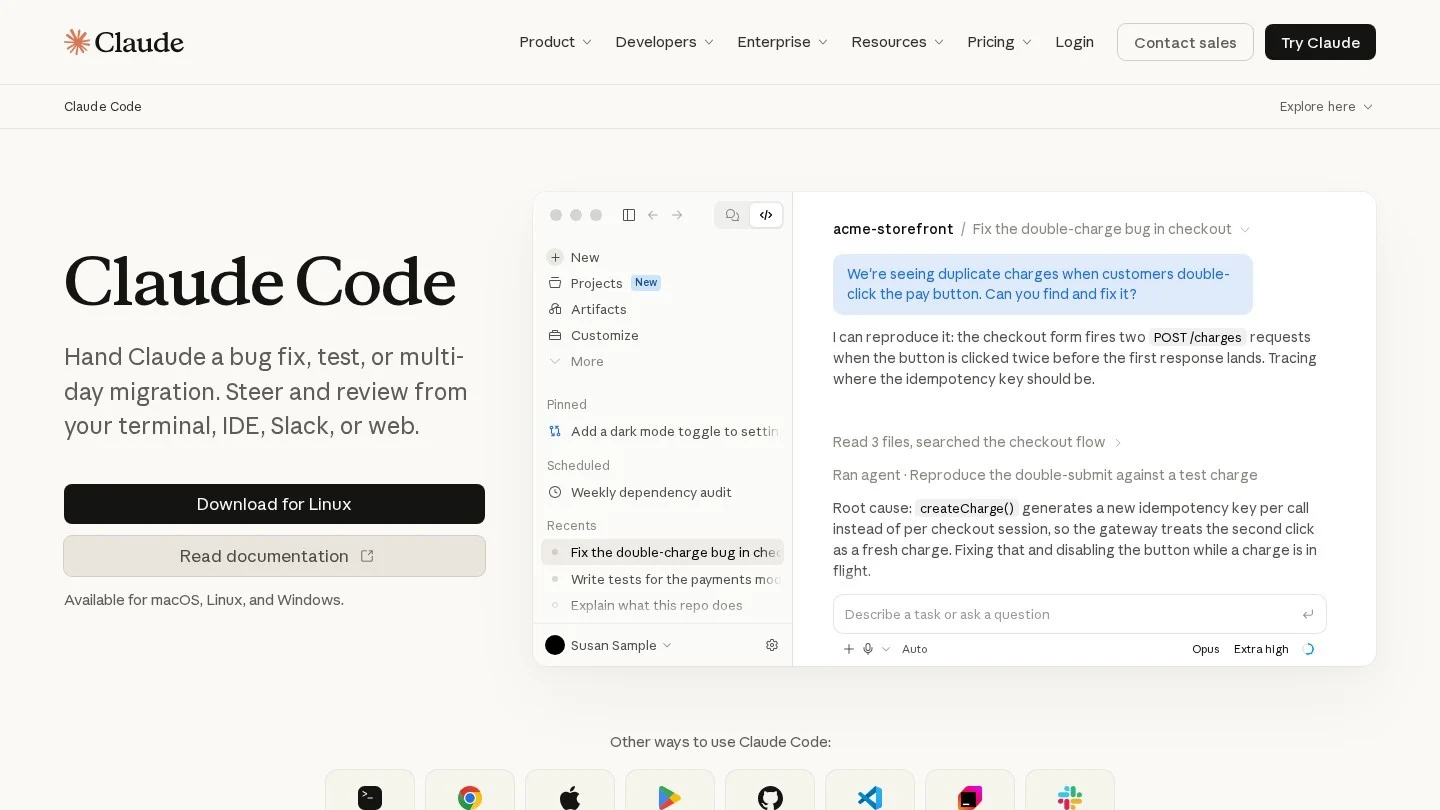
Claude Code is Anthropic’s agentic coding tool. It reads your repository, edits files across the codebase, runs commands and tests, and works with git to create branches, commits and pull requests. The same engine runs in the terminal, VS Code, JetBrains IDEs, a desktop app, the browser and the Claude mobile apps.
The agentic depth sets it apart. A lead agent can spawn subagents that work on parts of a task in parallel, background agents let you watch several sessions from one screen, and cloud scheduled tasks keep running when your laptop is off, triggered by a schedule or GitHub events. Teams can also mention Claude in Slack with a bug report and get a pull request back.
By default it asks permission before changing files or running commands, and teams can set standards in a CLAUDE.md file, package workflows as skills and connect outside tools through MCP.
Pricing: No free tier for Claude Code. Claude Pro costs $20 a month, or $17 a month billed annually ($200 up front). Max starts at $100 a month for higher limits. Team Standard seats cost $25 per seat monthly or $20 annually, and Premium seats $125 or $100. Developers can also pay per token through the Anthropic Console.
Pros
- Runs in the terminal, IDEs, desktop, browser, mobile and Slack from one engine
- Subagents, background agents and cloud scheduled tasks for long-running work
- Asks before editing files or running commands unless you change the defaults
Cons
- No free plan, so you pay at least $20 a month to try it
- Works only with Anthropic’s Claude models
- Subscription usage limits can push heavy users to the $100-plus Max plans
Best for: Professional developers who want the most capable general-purpose coding agent and are comfortable reviewing its work in git.
2. OpenAI Codex: Best for ChatGPT Subscribers
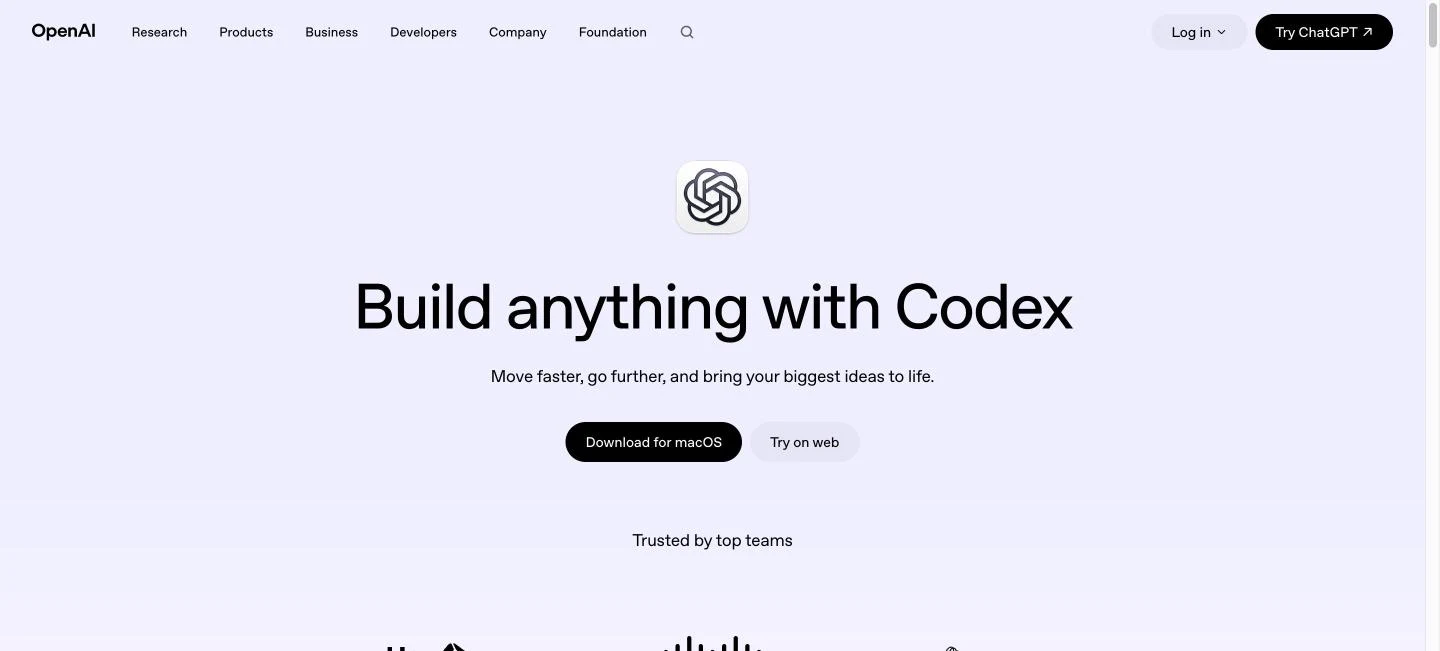
Codex is OpenAI’s coding agent for end-to-end tasks, from new features to migrations. It comes in four forms that share your ChatGPT sign-in: a Codex app inside ChatGPT (with dedicated apps for macOS and Windows on Plus and above), an IDE extension, a command-line tool and cloud environments that run several agent tasks in parallel using built-in worktrees.
The biggest draw is value for people who already pay for ChatGPT. Codex is bundled into every ChatGPT plan, including a limited trial on the free tier, and the CLI is open source under the Apache 2.0 license with roughly 128,000 GitHub stars. Usage is metered in five-hour windows, with estimated ranges rather than fixed limits.
Pricing: Free: limited trial access. Go: $8 a month. Plus: $20 a month with expanded Codex usage. Pro: from $100 a month, with $100, $200 and $500 tiers. Business: $20 per user per month billed annually or $25 billed monthly, plus a Codex-only pay-as-you-go option. Enterprise: custom. You can also run the CLI with an API key at standard API rates.
Pros
- Included with ChatGPT plans many people already pay for
- Open-source CLI under Apache 2.0
- Cloud environments run parallel tasks with built-in worktrees
- Pay-as-you-go Business option with no seat fee
Cons
- Five-hour usage windows are published as estimates, which makes heavy use hard to plan
- Locked to OpenAI models
- Plan names and model lineups change often
Best for: Developers and teams already on ChatGPT who want a capable agent across the terminal, IDE and cloud without another subscription.
3. Cursor: Best AI-First Code Editor
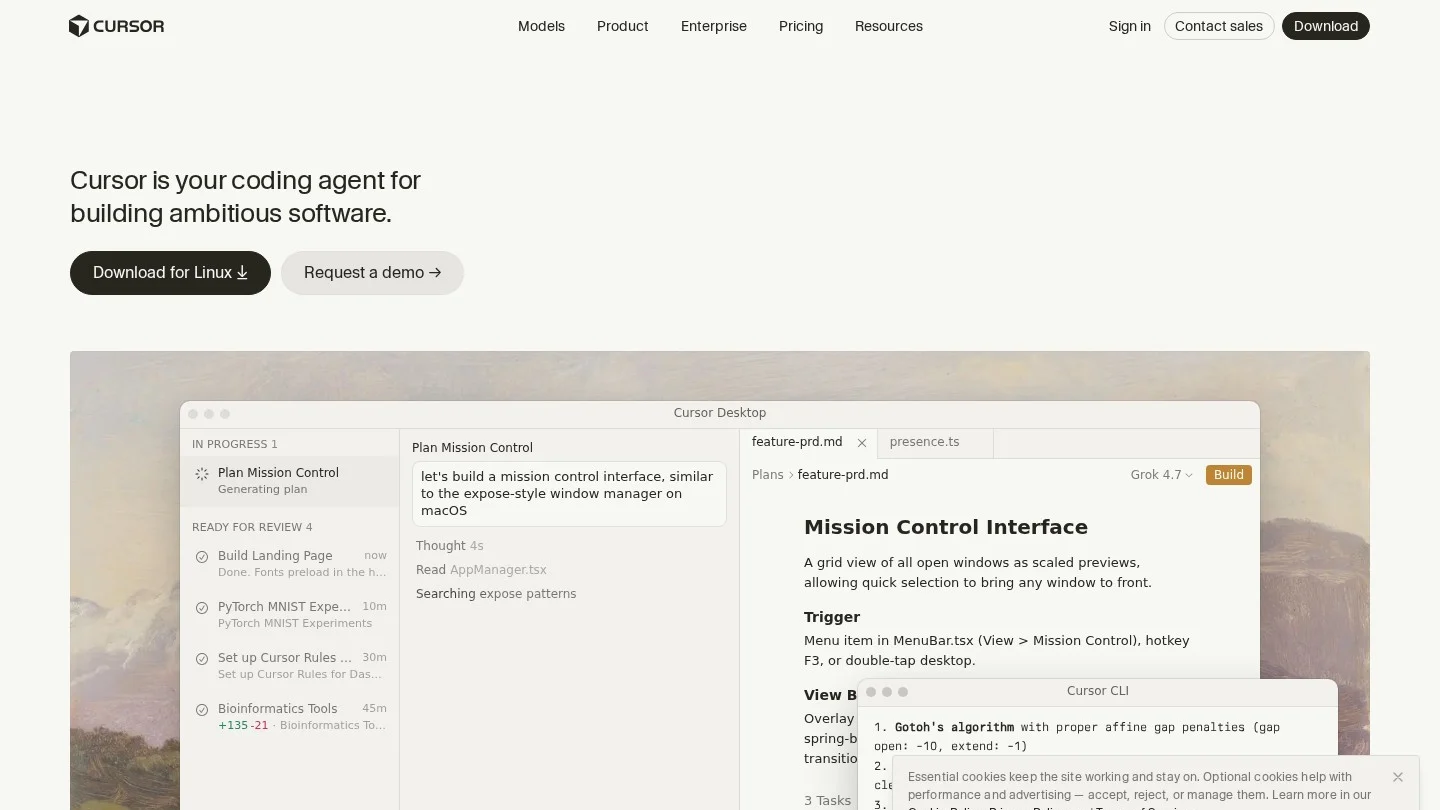
Cursor is the AI-native code editor many developers already know, and it now pairs the desktop editor with Cloud Agents. These agents run in their own sandboxed computers, test their changes and iterate until the output checks out, then attach screen recordings, screenshots and logs so you can review the result without reading only the diff. Agents can be started from Slack, Microsoft Teams, Linear or Jira, and Automations run them on schedules or events.
SpaceX completed its acquisition of Cursor in August 2026, in a deal reported at $60 billion in stock, and on October 12, 2026 Cursor moved new customers to plans bundled with Grok and X Premium. The old $20 Pro plan is now legacy.
Pricing: Free: limited agent and chat requests. Plus: $8 a month, Grok models only. Premium: $30 a month, adding cloud agents, automations, Bugbot and third-party models such as Claude and GPT at API list price. Super: $100 a month. Ultra: $200 a month. Teams: from $30 per user per month. Enterprise: custom. Usage pools refresh weekly.
Pros
- Cloud agents test their own work and return recordings and screenshots
- Triggers from Slack, Teams, Linear, Jira, GitHub and webhooks
- Familiar VS Code-style editor for local work
Cons
- Claude and GPT models need the $30 Premium tier and are billed at API list price with no included allowance
- Plans now bundle X and Grok features many developers do not need
- Recent ownership and pricing changes add uncertainty for long-term buyers
Best for: Developers who want an editor and cloud agents in one product and are comfortable with Grok as the default model.
4. GitHub Copilot Cloud Agent: Best for Teams Already on GitHub
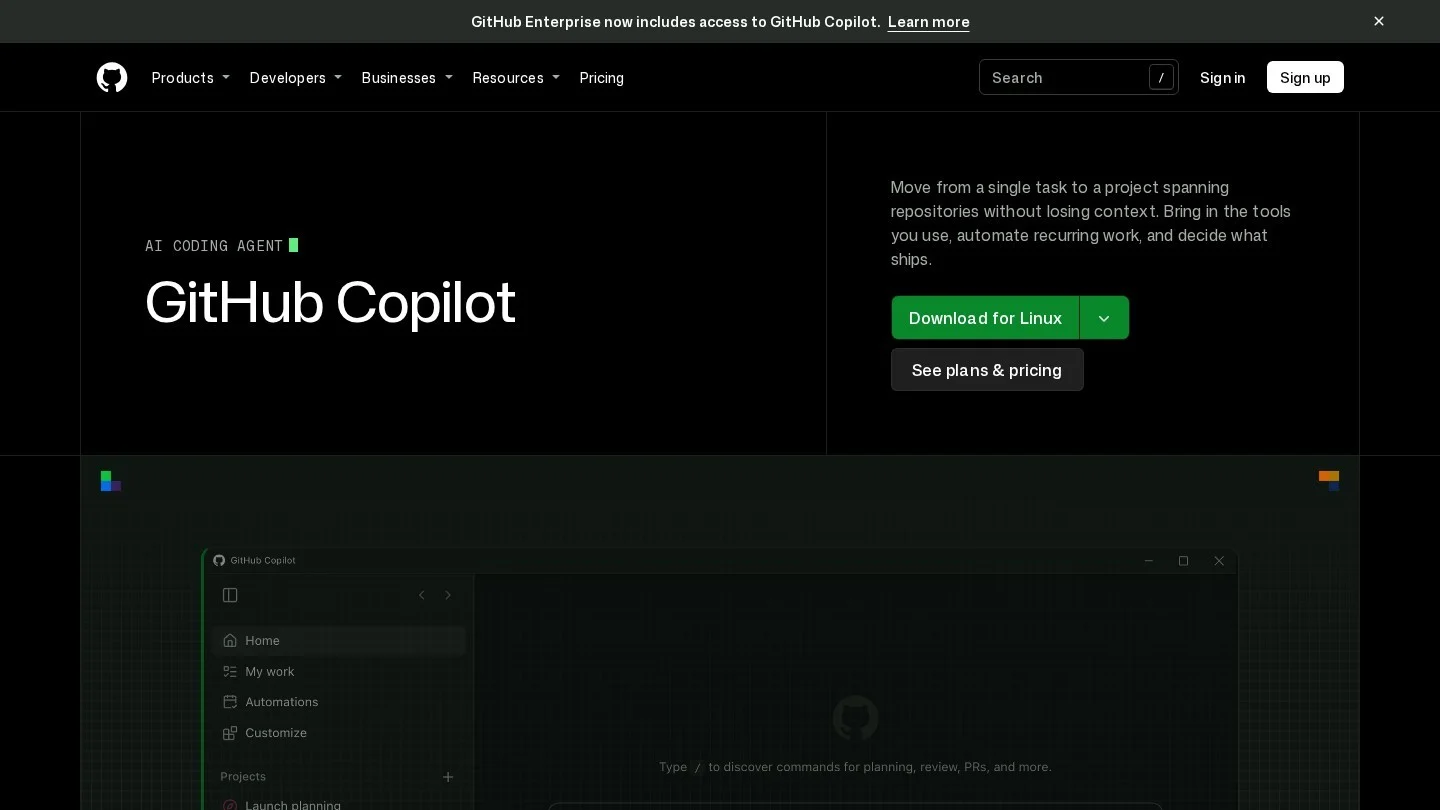
The GitHub Copilot cloud agent, formerly called the coding agent, works where your issues and pull requests already live. You assign an issue to Copilot, it works in the background in an environment powered by GitHub Actions, and it returns a pull request for review. It can also write an implementation plan or do code research without opening a pull request.
Billing changed on June 1, 2026. Every plan now includes AI Credits equal to its price (1 credit equals $0.01), and the agent consumes them at each model’s API rate. Admins can allow extra usage or cap spend.
Pricing: Free: $0 with limited chat and agent usage, but no cloud agent or code review. Pro: $10 a month ($15 of AI Credits including a flex allotment). Pro+: $39 a month. Max: $100 a month. Business: $19 per user per month. Enterprise: $39 per user per month. Code review also uses GitHub Actions minutes.
Pros
- Background cloud agent from a $10 a month plan
- Issues, branches, pull requests and reviews all stay inside GitHub
- Budgets, caps and usage metrics for admins
Cons
- Token-based AI Credits make monthly spend harder to predict
- Works best on well-tested code and modest, clearly scoped tasks
- Of little use if your code is not hosted on GitHub
Best for: Engineering teams on GitHub that want to hand small, well-defined issues to an agent with minimal setup.
5. Devin: Best for Delegating Tickets at Scale
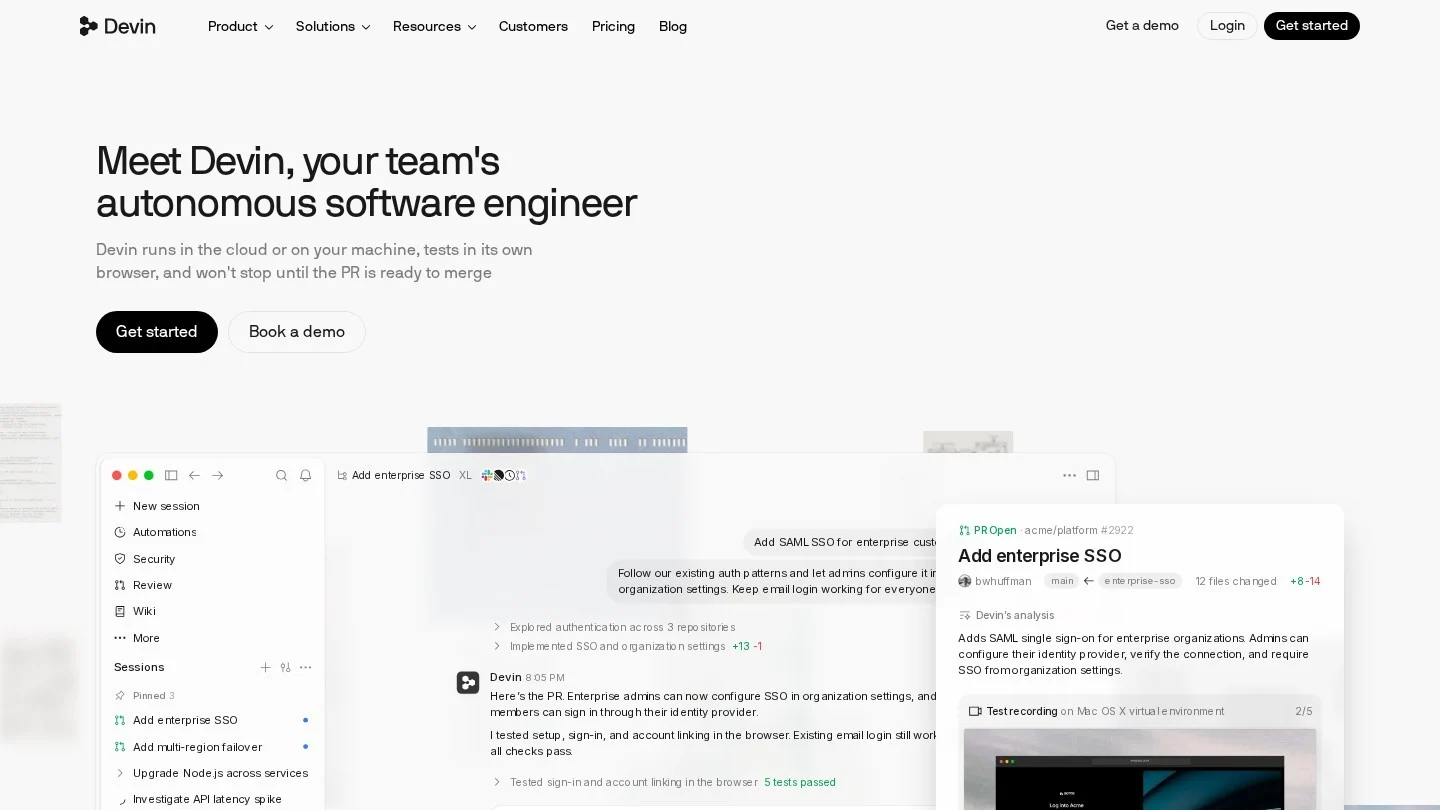
Devin, from Cognition, is built for handing off work rather than pairing on it. Each session runs in its own cloud machine, plans the change, writes and tests code and opens a pull request for a human to review. Automations can start tasks from Slack, GitHub or Linear events, so a team can run many tickets in parallel.
Devin has grown into a suite, with Devin Review for pull requests, Auto-Triage for incidents and Security Swarm for vulnerabilities. On June 2, 2026, the Windsurf editor was renamed Devin Desktop, with an Agent Command Center as its main view.
If you are weighing it against a self-hosted option, our Devin vs OpenHands comparison covers setup, control and cost.
Pricing: Free: $0 with a light agent quota and unlimited Tab completions. Pro: $20 a month with access to Devin Cloud and frontier models. Max: $200 a month for much higher quotas. Teams: $80 a month for the team plus $40 per full developer seat, up to 200 users, with Devin Desktop on full seats. Enterprise: custom, billed in Agent Compute Units. Extra usage is billed at API pricing.
Pros
- Runs many tasks in parallel in isolated cloud machines
- Covers coding, review, security and incident triage in one product
- Includes the former Windsurf editor as Devin Desktop
Cons
- Quotas and credits make costs harder to forecast
- Enterprise compute prices are not published
- Fast-moving product lineup, including the Windsurf rename
Best for: Engineering organizations that want to delegate well-scoped tickets, migrations and bug fixes to an agent working in the cloud.
6. Google Antigravity: Best Free Tier and Best for Gemini Users
Antigravity is Google’s unified platform for building software with agents. It includes a standalone desktop app (Antigravity 2.0), a CLI for running and monitoring the same agents from a terminal, IDE extensions and an SDK in preview. Features include dynamic subagents, worktree support and scheduled tasks. The free Individual plan is the easiest way on this list to try a modern agent at no cost.
Google’s own plans page says Gemini CLI was replaced by Antigravity CLI on June 18, 2026, for unpaid-tier and Google One users. Jules, Google’s asynchronous GitHub agent, is still documented, with 15 daily tasks on its free tier.
Pricing: Individual: $0 with basic weekly rate limits. Google AI Pro: $19.99 a month, with higher limits and expanded access to Google’s latest Gemini model. Google AI Ultra: from $99.99 a month at 5 times Pro’s limits, with a top tier at 20 times. Business through Google Cloud: from $30 per seat per month for eligible Gemini Enterprise customers, or pay-as-you-go with no seat fee.
Pros
- Free Individual plan with access to a range of agent models
- Desktop app, CLI and IDE extensions share the same agents
- Scheduled tasks and subagents built in
Cons
- Google does not publish exact rate-limit numbers on the pricing page
- Frequent product shifts, including the retirement of Gemini CLI for free users
- Best experience is tied to Gemini models
Best for: Developers who want a capable agent for free, and teams already paying for Google AI or Google Cloud.
7. Kiro: Best for Spec-Driven, Structured Projects
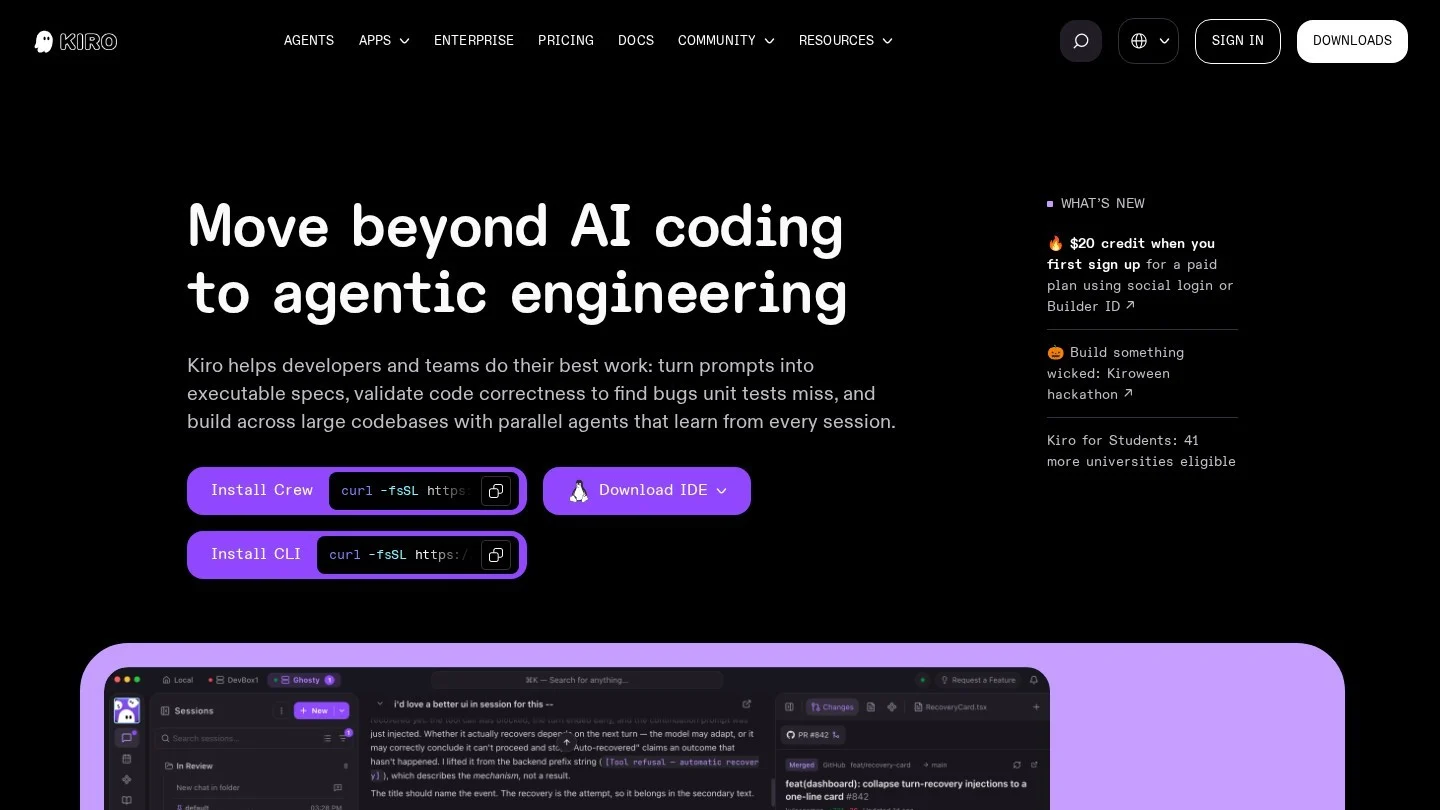
Kiro is an agentic development tool built and operated by AWS, though you do not need an AWS account to use it. Its signature is spec-driven development: before writing code, it turns a prompt into requirements, an architecture design and a sequence of tasks, then hands those tasks to agents that work in parallel. It also checks requirements for contradictions and uses property-based tests.
It runs as a desktop IDE based on Code OSS, a CLI for terminal and CI/CD use, and a web app whose sessions keep running in cloud sandboxes after you close your laptop. You can pick Claude, GPT or open-weight models, or let Auto route by task.
Pro’s 1,000 credits for $20 work out to 2 cents each, while add-on credits cost 4 cents, so pick a tier that covers your normal month.
Pricing: Free: $0 with 50 credits a month. Pro: $20 a month for 1,000 credits. Pro+: $40 for 2,000. Pro Max: $100 for 5,000. Power: $200 for 10,000. Add-on credits cost $0.04 each. Enterprise is billed through AWS.
Pros
- Specs, design docs and task lists before any code is written
- Choice of Claude, GPT and open-weight models
- No daily or weekly rate limits, according to Kiro
Cons
- Spec workflow adds overhead for quick fixes
- Add-on credits cost twice the effective rate of a Pro plan credit
Best for: Teams building larger features that benefit from written requirements and design before code, especially AWS shops.
8. Cline: Best Open-Source Agent With Your Own Model Keys
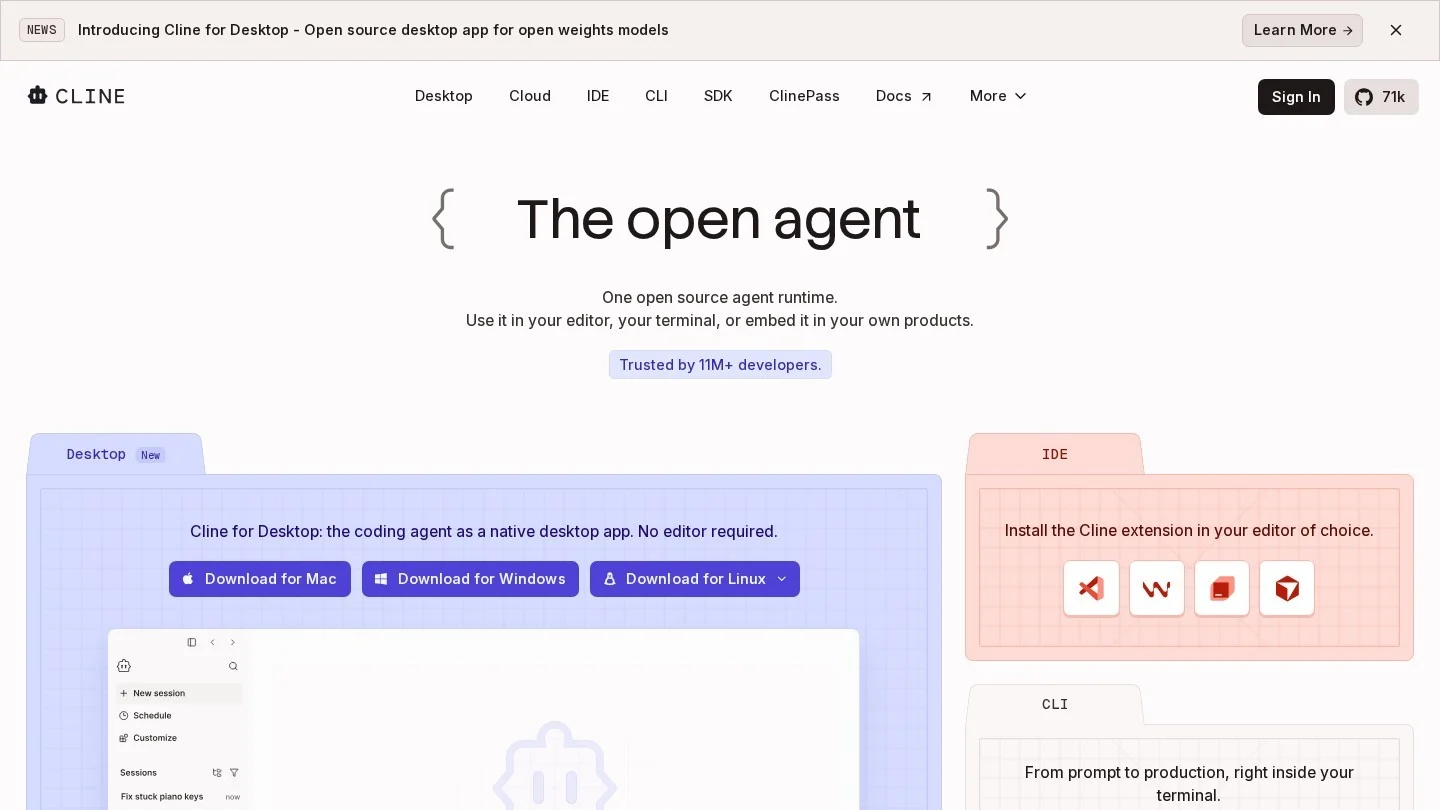
Cline is an open-source coding agent under the Apache 2.0 license, with about 67,700 GitHub stars. It runs as a VS Code extension, a JetBrains plugin, a CLI, a desktop app and an SDK. With no seat fee, cost tracks your model usage directly.
Its workflow is deliberately transparent. Plan mode explores the codebase and proposes a strategy, and Act mode carries it out, with every file edit and terminal command requiring your approval unless you turn on auto-approve. It can use the browser and MCP servers, and it works with Anthropic, OpenAI, Google, OpenRouter, AWS Bedrock, Vertex and local models through Ollama or LM Studio.
Pricing: The extension and CLI are free; you pay only for model usage, through your own API keys or Cline’s provider. ClinePass is an optional $9.99 a month subscription that gives 2 to 5 times standard API usage on a curated set of open coding models. Enterprise pricing is custom and adds SSO, an SLA and centralized billing.
Pros
- Apache 2.0 open source with no seat fees
- Approval on every edit and command by default
- Works with almost any model provider, including local models
Cons
- Model bills can climb quickly on long tasks with frontier models
- No managed cloud agent that works while your machine is off
- You must choose and configure model providers yourself
Best for: Developers who want full control over models and costs. See more options in our open-source AI agents category.
9. OpenHands: Best Self-Hosted Platform for Engineering Teams
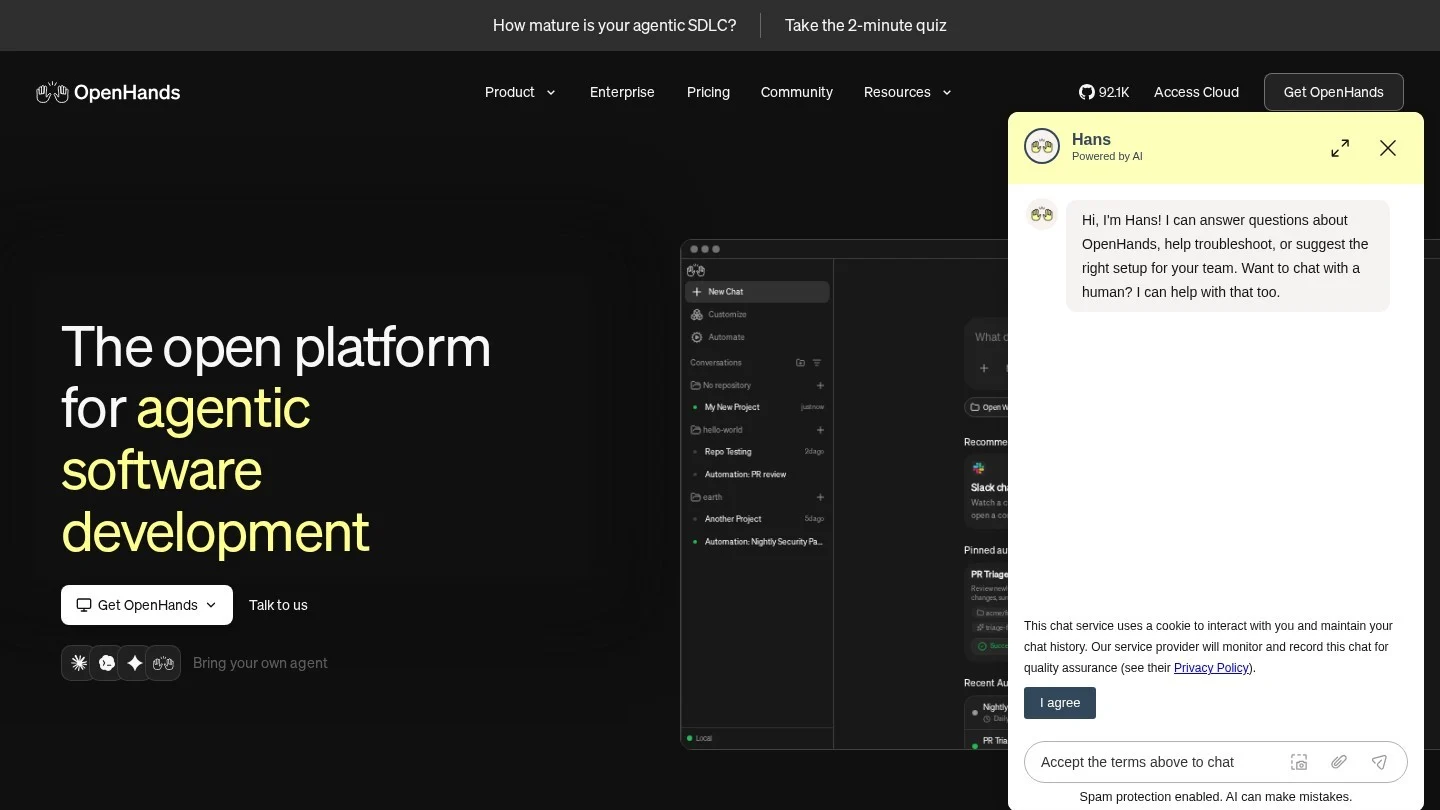
OpenHands, formerly All Hands AI, is an open-source, MIT-licensed platform for running autonomous coding agents on your laptop, your own servers or OpenHands Cloud. Its Agent Canvas workspace brings conversations, files, terminals and automations together, and several agents can run in parallel, each in its own git worktree.
Its standout feature is neutrality. You can bring any LLM through your own key or run local models, and you can even run Claude Code, Codex or Gemini CLI inside the same workspace. Automations run on schedules or in response to Slack and GitHub events, which suits platform and DevOps teams.
The catch is setup effort, and model costs sit on top of any plan fee. Our IT and DevOps agents category lists managed alternatives.
Pricing: Agent Canvas is free to self-host with your own LLM key. Teams costs $500 a month for up to 10 users, plus $50 per extra seat, capped at 5,000 sessions a month, with a 30-day trial. Enterprise is custom with unlimited seats and SLA support. LLM usage is paid separately.
Pros
- MIT-licensed core you can run entirely on your own hardware
- No lock-in to one model or one agent vendor
- Parallel agents in separate git worktrees
Cons
- Requires real setup and maintenance effort
- Teams plan at $500 a month is steep for very small teams
- Model costs are separate and can add up
Best for: Engineering teams that need a self-hosted, model-agnostic agent platform for privacy or compliance reasons.
10. Lovable: Best for Non-Developers Building Web Apps
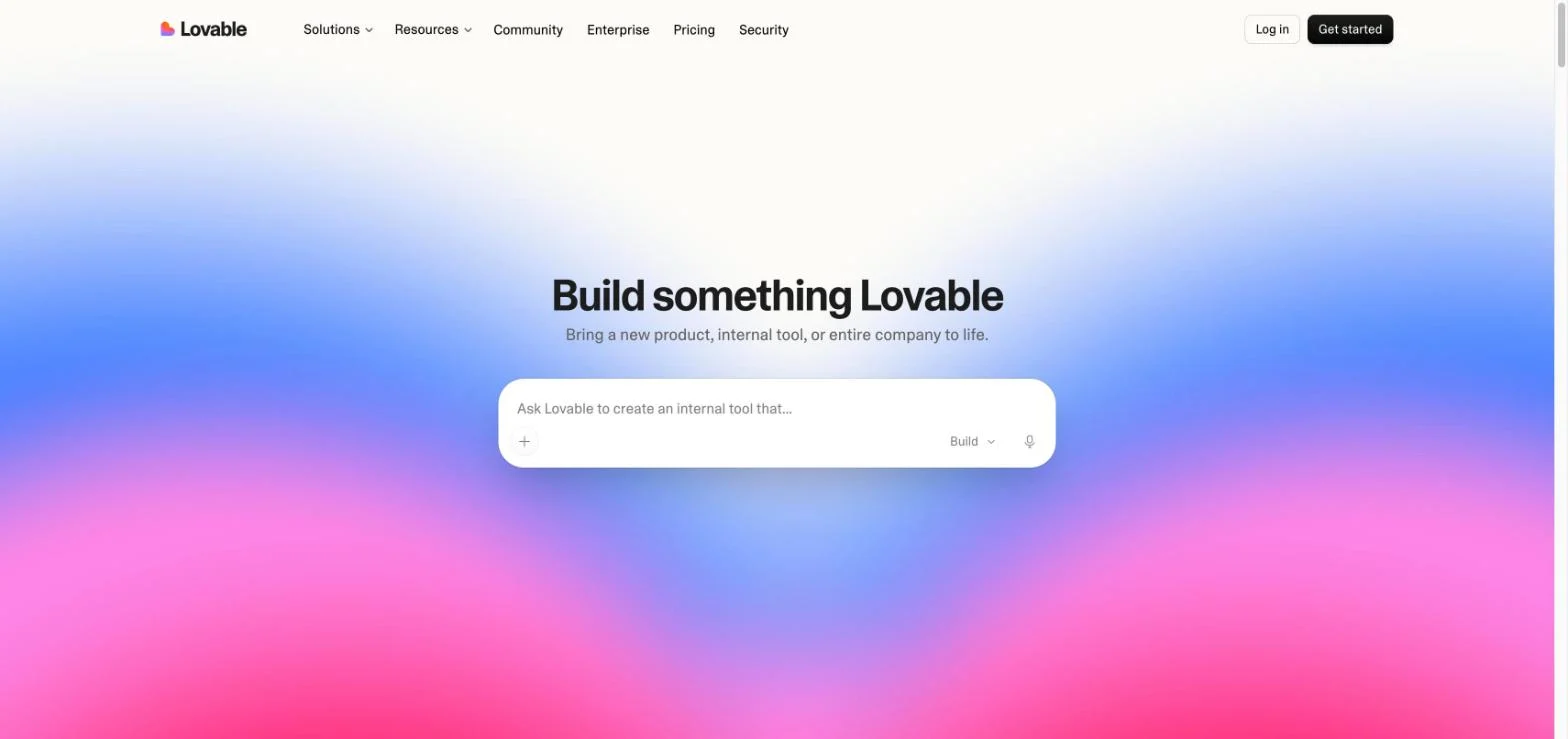
Lovable is the odd one out on this list, and deliberately so. Instead of working inside an existing codebase, it builds full-stack web apps and sites from plain-English prompts, sets up a Supabase backend with a database and user login, and publishes to a lovable.app subdomain or your own domain on paid plans. You iterate by chat and review the result in the browser.
Lovable says more than 60 million projects have been built on it, and it raised a reported $400 million Series C in August 2026.
If you prefer a multi-agent builder with payments built in, Atoms is a close alternative, with paid plans from $20 a month. Both suit early-stage teams; our AI agents for startups page lists more.
Pricing: Free: 5 credits a day, up to 30 a month, with public projects and Lovable branding. Pro: $25 a month. Business: $50 a month. Enterprise: custom. Annual billing lowers the monthly rate, and paid plans can buy extra credits.
Pros
- No coding needed to get a working full-stack app
- Handles database, login and hosting setup
- Free plan to test the builder before paying
Cons
- Credit use varies by request, so monthly cost is hard to predict
- Not built for large existing codebases
- Generated apps still need review before handling real users or payments
Best for: Founders, product managers and small teams who want a working prototype or internal tool without hiring developers first.
Also worth a look: Factory’s Droids start at $20 a month; Augment Code’s $20 Standard plan bills models at list price plus a 40% fee; and goose is a free, Apache 2.0 agent if you bring your own model.
Which Tool Is Cheapest for a Team?
Seat prices set the floor. For five developers on monthly billing, published entry costs are:
- GitHub Copilot Business: $95 a month (5 x $19)
- Kiro Pro: $100 a month (5 x $20)
- Claude Code on Team Standard: $125 a month (5 x $25), or $100 on annual billing.
- Cursor Teams: from $150 a month (5 x $30).
- Devin Teams: $280 a month ($80 plus 5 x $40).
- OpenHands Teams: $500 a month for up to 10 users, plus model costs.
Copilot is the cheapest managed agent for most GitHub teams, while a light solo user may spend less with Cline and a pay-per-token model, or nothing on Antigravity’s free tier. Our free AI agents page tracks tools with no-cost tiers.
How to Choose an Agentic Coding Tool
Decide Where the Agent Should Work
Terminal agents such as Claude Code suit developers who live in the shell. Editor agents (Cursor, Kiro, Devin Desktop) keep each change in view. Cloud agents (Copilot, Devin, Cursor Cloud Agents) run in the background and return a pull request.
Check How Billing Scales
Flat seats are giving way to credits, tokens and five-hour or weekly windows. Read the overage terms: Kiro’s add-on credits cost double its plan rate, and Cursor bills third-party models at API list price.
Weigh Model Lock-In
Claude Code, Codex and Antigravity are tied to their maker’s models. Cline, OpenHands, goose and Kiro let you switch models, which protects you when a rival releases a better one or prices change.
Match Hosting to Your Privacy Needs
If code cannot leave your network, look at self-hosted OpenHands or Cline paired with a local model through Ollama or LM Studio. Google’s own plans page notes that free-tier AI Studio data may be used to improve its products.
Look at Review and Approval Controls
Any agent can write code that compiles and still breaks things. Prefer tools that ask before running commands and return pull requests rather than pushing to main.
Free Tiers, API Keys and Claude Code Against Cursor
What Is an Agentic AI Coding Tool?
It is a coding assistant that can take a goal, plan the steps, edit multiple files, run commands and tests, and iterate until the task is done, often ending with a pull request.
Which Agentic Coding Tool Is Free?
Google Antigravity, Cursor, Codex, Devin, Kiro and Lovable all have limited free tiers. Cline, OpenHands and goose are free open-source software, but you pay for the model unless you run one locally. Claude Code has no free tier, and the GitHub Copilot free plan excludes the cloud agent.
Is Claude Code Better Than Cursor?
Claude Code is an agent first, strongest in the terminal and on long multi-step tasks, and it also runs inside Cursor as an extension. Cursor is an editor first with cloud agents added, and after its October 2026 plan change it defaults to Grok models, with Claude available only from the $30 Premium tier.
Do I Need My Own API Key?
Not for most tools. Claude Code, Codex, Copilot, Cursor, Devin, Kiro and Antigravity include model usage in their subscriptions. Cline, OpenHands and goose expect your own key or a local model, although Cline also sells access through its own provider and ClinePass.
Can Agentic Coding Tools Replace Developers?
Not on the vendors’ own terms. GitHub, Cognition and others position their agents as producing pull requests for human review, which shifts developer time toward planning, review and testing.
