

Building an AI agent from scratch takes less code than most teams expect: a model, a short list of tools, and a loop of about 30 lines that keeps calling the model until it stops asking for tools. The hard part is everything around that loop, from picking a job narrow enough to measure, to approval steps, evaluations, tracing and a spending cap. This guide walks through each step in order, with a working Python example built on the official Anthropic SDK and a cost model run against published API prices.
If you would rather not write code at all, skip to the no-code section near the end. Everything here comes from vendor documentation and published pricing; we did not test these tools hands-on.
One Job, One Metric and a Loop With Human Checks
- Start with one job and one number that proves it works, such as share of tickets resolved without a human edit.
- An agent is a loop: call the model, run any tools it requests, send results back, repeat until it answers or hits a step limit.
- Tool descriptions do most of the steering. Anthropic’s docs ask for at least three to four sentences per tool.
- Put risky actions such as refunds, emails and deletions behind code checks and a human approval step.
- In our worked example, a four-step task costs about $0.0019 to $0.076 at published Claude prices, depending on the model; step count drives the bill.
Step 1: Define the Job and the Success Metric
Most failed agent projects start with a goal like “automate support.” That is a department, not a job. Pick one task that a person does many times a week, that has a clear finish line, and where a wrong answer can be caught before it causes harm. Good first jobs look like “answer order status questions and issue refunds under $50,” “qualify inbound leads against five criteria” or “pull invoice fields into the accounting system.” Our roundup of AI agent examples shows how narrowly the agents in production today are scoped.
Then write down three things before any code:
- The success metric: one number you can count, such as resolution rate without human edits, fields extracted correctly, or minutes saved per task.
- The failure budget: what error rate is acceptable, and which errors are never acceptable (a refund to the wrong customer, an email sent to the wrong list).
- The test set: 30 to 100 real past cases with the correct outcome written next to each. You will reuse this in Step 7.
If the task needs no decisions, only fixed steps, you probably need a workflow rather than an agent. Our guide to AI agents vs AI chatbots covers where that line falls.
Step 2: Choose the Model and the Framework
The model decides how well the agent reasons and picks tools; the framework decides how much plumbing you write yourself. For the model, start with a strong mid-tier model, get the agent working, then test whether a smaller, cheaper model passes the same test set. Price gaps between tiers are large: on Anthropic’s published price list, Claude Haiku 5.5 costs $0.10 per million input tokens for requests up to 100,000 tokens, against $2 for Sonnet 5.5 and $4 for Opus 5.5.
For the framework, you have three broad paths. Our full comparison of the best AI agent frameworks goes deeper, and the agent frameworks category lists every framework in our directory.
| Path | Good fit | What you get | What you give up |
|---|---|---|---|
| Raw model SDK (Anthropic, OpenAI and others) | One agent, a handful of tools, a team that wants to see every request | Full control, fewest dependencies | You build memory, retries, tracing and approvals yourself |
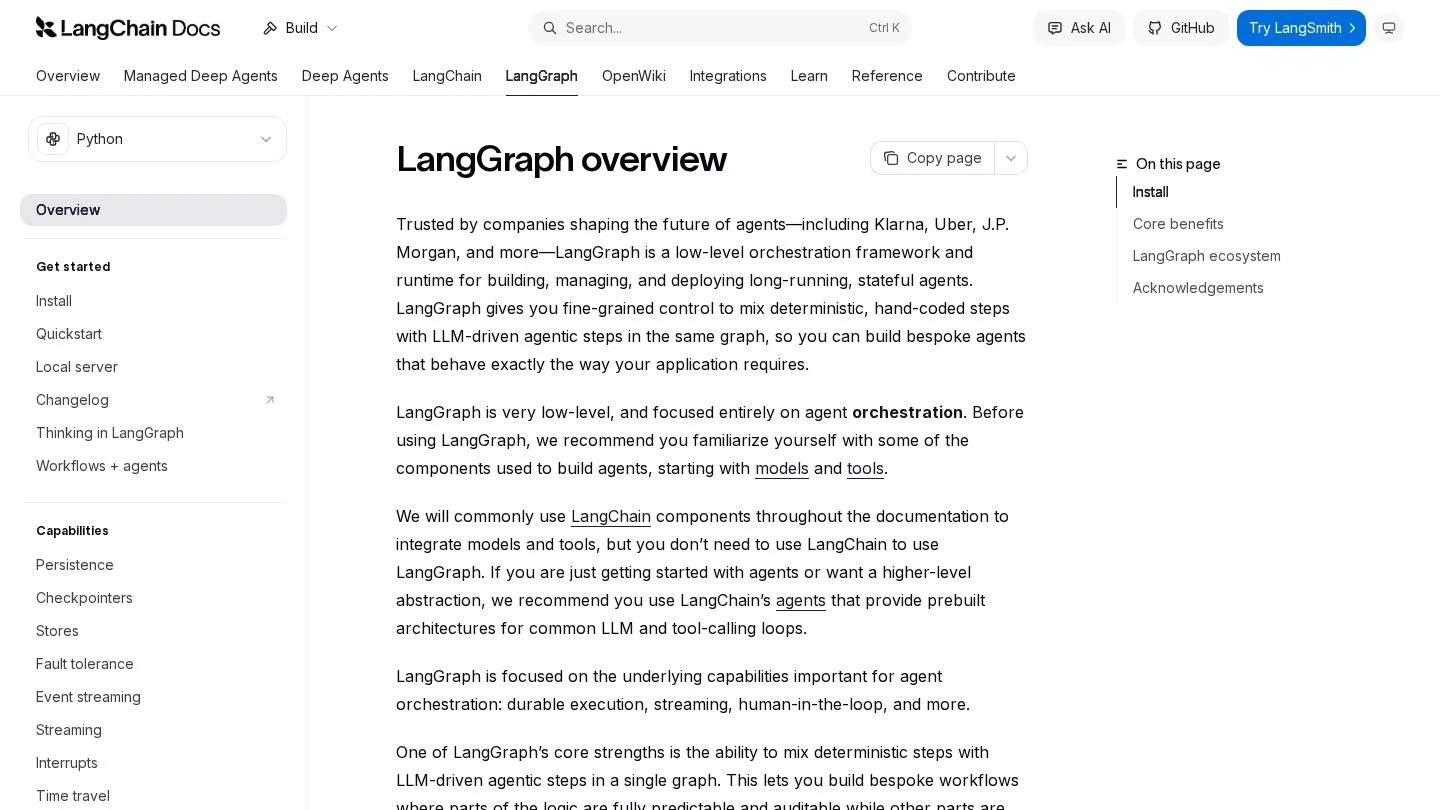
| LangGraph | Long-running, stateful agents that must pause and resume | Free Python and JavaScript library; checkpoints in memory, SQLite or PostgreSQL; human-in-the-loop pauses | More code than higher-level frameworks; managed tracing and deployment through LangSmith cost extra |
| CrewAI | Several role-based agents splitting one job | MIT-licensed Python framework; crews plus event-driven Flows; guardrails and tracing | Python only; multi-agent runs multiply model costs |
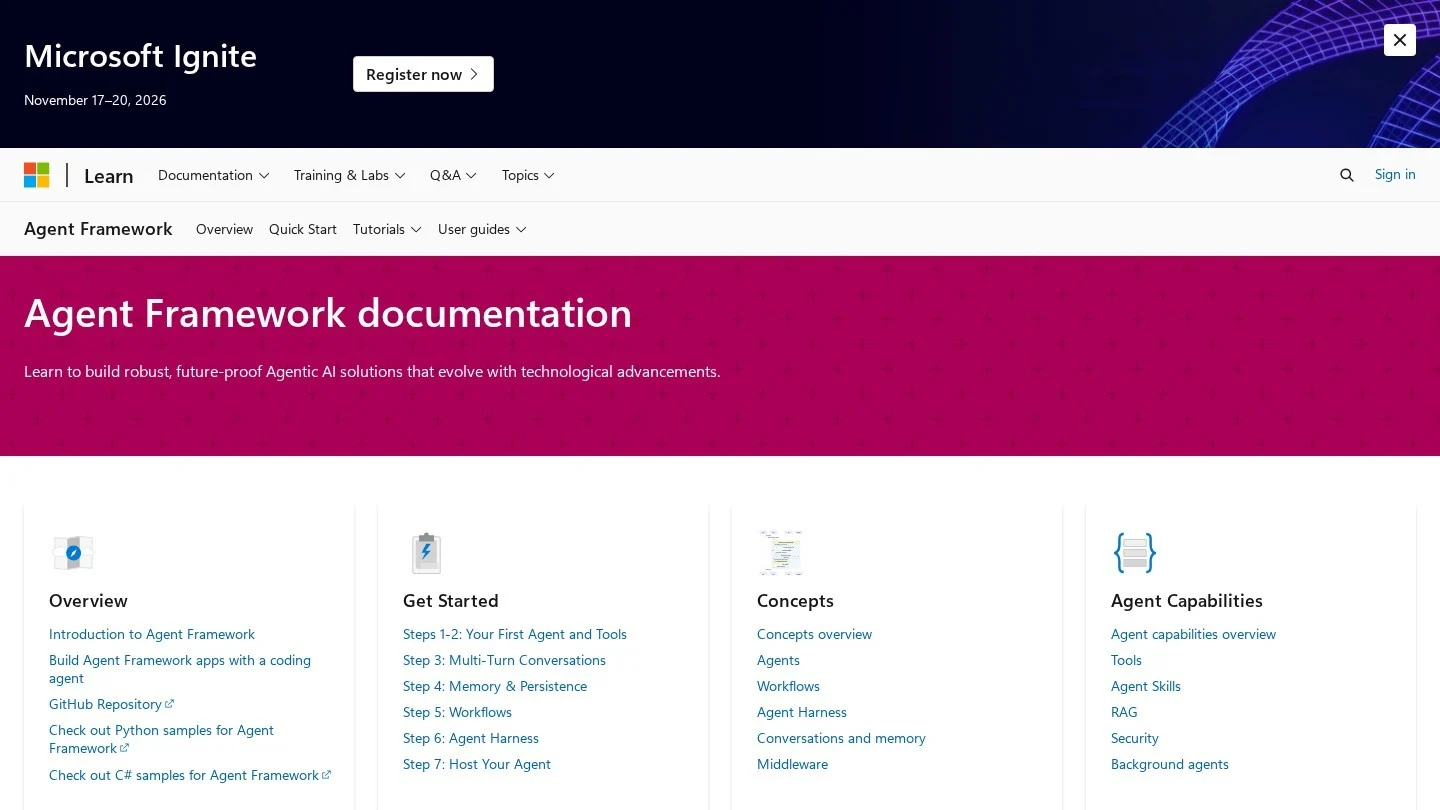
| Microsoft Agent Framework | .NET or Python shops, Azure users | MIT license; merges AutoGen and Semantic Kernel; stable 1.0 APIs since April 2026; connectors for seven model providers | Younger API surface, with stable 1.0 releases only since April 2026 |
| Browser agents such as Browser Use | Jobs on websites with no API | Open-source library that clicks, types and extracts data on real sites | Usually slower than calling an API directly |
A sensible default: start on the raw SDK, then move to a framework when you need durable state, multi-agent handoffs or built-in tracing.
Step 3: Design the Tools
Tools are the functions the model may ask you to run. Each one has a name, a description and a JSON schema for its inputs. The model never runs anything itself; it returns a request, your code runs the function, and you send back the result. That split is where your control lives.
Anthropic’s tool documentation calls a detailed description “by far the most important factor in tool performance” and suggests at least three to four sentences per tool. In practice that means:
- Say when to use it and when not to. “Call this only after get_order confirms the order is delivered” prevents a whole class of mistakes.
- Keep the set small. The docs suggest folding related operations into one tool with an action parameter rather than shipping one tool per action.
- Namespace names by service, such as crm_find_contact or slack_send_message, once you have more than a few tools.
- Return only what the model needs, with stable IDs, not a full raw API response.
- Write errors the model can act on. “Rate limit exceeded, retry after 60 seconds” works far better than “failed.”
Anthropic also offers strict tool use (strict: true on a tool definition), which makes the model’s inputs match your schema exactly, so you stop seeing missing or mistyped parameters.
Step 4: Write the Agent Loop
The loop is the agent. Call the model with the conversation and the tool list. If the response’s stop_reason is tool_use, run each requested tool, append the model’s turn and a user turn holding one tool_result block per tool call, and call the model again. Stop when the model answers in plain text or when you hit a step limit.
The example below is a small support agent with two tools. It uses the official anthropic Python package (pip install anthropic, Python 3.10 or later), which reads your key from the ANTHROPIC_API_KEY environment variable. The refund tool checks the amount in code and asks a person to approve before it acts.
import anthropic

client = anthropic.Anthropic()  # reads ANTHROPIC_API_KEY from the environment

ORDERS = {"A100": {"status": "delivered", "total": 42.00}}

def get_order(order_id):
    order = ORDERS.get(order_id)
    if order is None:
        raise ValueError(f"No order {order_id}. Ask the customer to check the ID.")
    return str(order)

def refund_order(order_id, amount):
    order = ORDERS.get(order_id)
    if order is None or amount > order["total"]:
        raise ValueError("Refund must match a real order and not exceed its total.")
    answer = input(f"Approve refund of {amount} on {order_id}? [y/N] ")
    if answer.strip().lower() != "y":
        return "Refund declined by a human reviewer. Tell the customer it needs manual review."
    return f"Refund of {amount} issued on {order_id}."

TOOLS = [
    {
        "name": "get_order",
        "description": "Look up one order by its ID. Use it before answering any "
                       "question about an order. Returns status and total in USD.",
        "input_schema": {
            "type": "object",
            "properties": {"order_id": {"type": "string", "description": "Order ID, e.g. A100"}},
            "required": ["order_id"],
        },
    },
    {
        "name": "refund_order",
        "description": "Refund an order. Only call it after get_order confirms the order "
                       "is delivered. A human must approve every refund.",
        "input_schema": {
            "type": "object",
            "properties": {
                "order_id": {"type": "string"},
                "amount": {"type": "number", "description": "Refund amount in USD"},
            },
            "required": ["order_id", "amount"],
        },
    },
]
HANDLERS = {"get_order": get_order, "refund_order": refund_order}

def run_agent(user_message, max_steps=8):
    messages = [{"role": "user", "content": user_message}]
    for _ in range(max_steps):
        response = client.messages.create(
            model="claude-opus-5-5",
            max_tokens=1024,
            system="You are a support agent for an online store. Never promise "
                   "a refund that the refund_order tool has not confirmed.",
            tools=TOOLS,
            messages=messages,
        )
        if response.stop_reason != "tool_use":
            return "".join(b.text for b in response.content if b.type == "text")
        messages.append({"role": "assistant", "content": response.content})
        results = []
        for block in response.content:
            if block.type != "tool_use":
                continue
            try:
                output = HANDLERS[block.name](**block.input)
                results.append({"type": "tool_result", "tool_use_id": block.id,
                                "content": output})
            except Exception as exc:
                results.append({"type": "tool_result", "tool_use_id": block.id,
                                "content": str(exc), "is_error": True})
        messages.append({"role": "user", "content": results})
    return "Stopped at the step limit. Hand this conversation to a person."

if __name__ == "__main__":
    print(run_agent("Where is order A100? It arrived broken, please refund it."))
A few details in this code matter more than they look:
- Tool results go back in a user message. The Claude API has no separate tool role. Each tool_result carries the tool_use_id of the request it answers, and tool results must come first in that message’s content.
- Errors return to the model, not the user. Setting is_error to true tells the model the call failed, and it can retry with corrected input or explain the problem.
- Several tool calls can arrive in one turn. The inner loop answers all of them in a single message.
- max_steps is your first cost control. Without it, a confused agent can loop until you notice the bill.
- Other stop reasons exist. Production code should also handle max_tokens (output cut off) and refusal, which the docs list alongside end_turn and tool_use.
If you want less boilerplate, the same SDK ships a beta tool runner (client.beta.messages.tool_runner with the @beta_tool decorator) that builds schemas from Python function signatures and runs the loop for you.
Step 5: Add Memory and State
The messages list in the example is short-term memory: everything the agent has seen in this task. It grows with every step, and you pay for all of it on every call. Three layers cover most needs:
- Working memory: the message history for the current task. Trim or summarize old tool results once a task runs long.
- Task state: structured facts your code tracks outside the prompt, such as order ID, approval status and step count. Store these in your database, not in the model’s text, so a crash or retry can resume cleanly. LangGraph’s checkpoints exist for exactly this.
- Long-term memory: facts reused across tasks, such as customer preferences or past resolutions, usually fetched through a search tool rather than pasted into every prompt.
Keep instructions and tool definitions identical across calls. That stable prefix is what prompt caching discounts, which matters in Step 9.
Step 6: Add Guardrails and Human Approval
Treat the model as a capable but untrusted junior employee. Every rule that must never break belongs in code, not only in the prompt.
- Validate inputs in the tool. The refund function above rejects amounts larger than the order total no matter what the model asks for.
- Gate irreversible actions. Sending email, moving money, deleting records and posting publicly should wait for a person until the agent has a track record. Many platforms build this in: AI by Zapier offers per-tool approval, and LangGraph can pause a run for a person to inspect or edit its state.
- Limit permissions. Give each tool a scoped API key with read-only access where possible.
- Treat tool output as untrusted. Anthropic’s docs warn that web pages, inbound email and uploads can carry hidden instructions (indirect prompt injection) and advise keeping that content inside tool_result blocks, never in the system prompt.
- Plan the handoff. When the agent hits its step limit or an error it cannot fix, it should pass the case to a person with the context attached.
Step 7: Evaluate Before You Ship
Run the test set from Step 1 through the agent and score each case. Start simple: did it reach the right outcome, did it call the right tools, did it do anything it should not have. Rerun it on every prompt, tool or model change, because a fix for one case often breaks another.
- Outcome checks: compare final answers or database changes against the expected result. Exact checks beat model-graded ones where possible.
- Trajectory checks: confirm the agent looked up the order before refunding, and never called a gated tool without approval.
- Cost and step counts: log tokens and steps per case. A prompt change that raises accuracy two points but doubles steps may not be worth it.
- Model swaps: rerun the full set before moving to a cheaper or newer model.
Only move to live traffic once the agent meets your success metric and stays inside the failure budget. Then start in shadow mode, where the agent drafts and a person sends.
Step 8: Add Observability
When an agent misbehaves in production, you need to see each model call, each tool call and its result, token counts and latency, tied to one task ID. Every API response includes a usage object with input_tokens and output_tokens; log it alongside the step number and tool names from day one.
Frameworks cover much of this. LangGraph traces through LangSmith, whose free Developer plan includes 5,000 base traces a month for one seat and whose Plus plan is $39 per seat per month. CrewAI includes tracing and OpenTelemetry export. If you stay on the raw SDK, sending structured logs to the monitoring stack you already run is enough to start.
Step 9: Deploy and Control Cost
Deploy the agent like any other backend service: behind a queue for slow jobs, with retries for rate-limit errors, secrets in a vault and a kill switch that sends every case to people. Then put numbers on the bill.
Agent costs grow faster than chat costs because each step resends the whole conversation. We ran the arithmetic in Python against Anthropic’s published prices (per million tokens: Opus 5.5 $4 input and $20 output, Sonnet 5.5 $2 and $10, Haiku 5.5 $0.10 and $0.50 for requests up to 100,000 tokens; cache reads $0.20, $0.10 and $0.01). The assumptions below are illustrative, not measurements:
- Static prefix: 2,000 tokens per call (system prompt, tool definitions and the 286-token tool-use overhead Anthropic lists for its 5.5 models).
- Request: 200 tokens of user text.
- History growth: 700 tokens added per completed step (tool call plus result).
- Output: 300 tokens per call.
- Volume: 1,000 tasks a day for 30 days.
- Caching case: the static prefix is written to cache on the first call of each task and read from cache on later calls.
| Model | 4-step task | 4 steps, monthly | 10-step task | 10 steps, monthly | 4 steps with caching, monthly |
|---|---|---|---|---|---|
| Claude Haiku 5.5 | $0.0019 | $57 | $0.0069 | $205.50 | $42.30 |
| Claude Sonnet 5.5 | $0.038 | $1,140 | $0.137 | $4,110 | $828 |
| Claude Opus 5.5 | $0.076 | $2,280 | $0.274 | $8,220 | $1,656 |
Two patterns stand out. Going from four steps to ten raises the cost per task about 3.6 times on every model, because input tokens grow from 13,000 to 53,500 per task. And caching the static prefix cut the four-step bill by roughly a quarter in this setup. The levers, in order of impact:
- Cap steps with max_steps and alert when tasks approach it.
- Route by difficulty: send routine cases to a small model and escalate hard ones.
- Cache the stable prefix and keep tool definitions unchanged between calls.
- Trim history by summarizing old tool results.
- Batch work that can wait. Anthropic advertises 50% savings on batch processing for jobs that do not need an instant answer.
- Watch paid server tools. Anthropic lists its web search tool at $10 per 1,000 searches, on top of tokens.
The No-Code Alternative
If the job is mostly connecting business apps, a visual builder can get you to a working agent in an afternoon, with approvals and logs included. Our guide to no-code AI agent builders compares the options, and the agent builders category lists them all. Based on published pricing:
- n8n AI Agent: agents inside visual workflows, free to self-host, with cloud plans from €20 a month billed annually. Each workflow run counts as one execution regardless of steps, and agents can carry monthly budget caps.
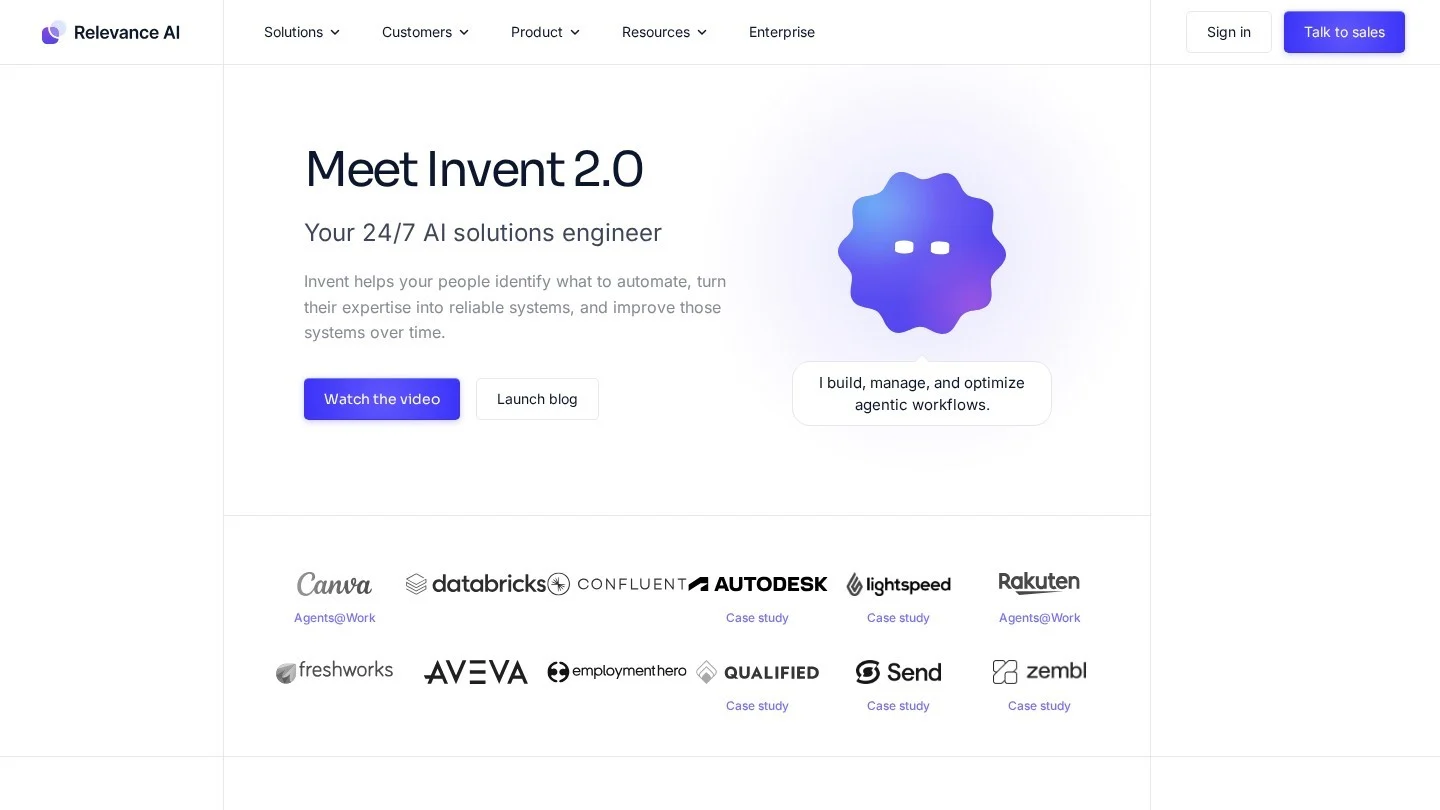
- Relevance AI: a no-code canvas for teams of agents, from $19 a month billed annually, with model costs passed through at cost or paid with your own API keys.
- AI by Zapier: AI steps inside Zaps with triggers and tools across 9,000+ apps; tool calls and premium models multiply task usage.
- Microsoft Copilot Studio: low-code agents across Microsoft 365, sold in capacity packs of 25,000 Copilot Credits for $200 a month.
The trade-off is control. Visual tools hide the loop, which is fine until you need custom evaluation, unusual state handling or per-call cost tuning. Many teams prototype in a builder and rewrite in code once the job is proven.
Build Time, Language Choice and Running Costs for a Custom Agent
How Long Does It Take to Build an AI Agent From Scratch?
A working prototype of a single-job agent with two or three tools can be written in a day, since the core loop is short. Evaluations, approvals, monitoring and integration with real systems usually take far longer than the loop itself.
Do I Need a Framework to Build an AI Agent?
No. A model SDK and a loop are enough for one agent with a few tools. Frameworks such as LangGraph or CrewAI earn their place when you need durable state, multi-agent handoffs or built-in tracing.
What Programming Language Is Best for AI Agents?
Python has the widest support across model SDKs and frameworks. LangGraph also supports JavaScript, and Microsoft Agent Framework supports .NET as well as Python.
How Much Does It Cost to Run an AI Agent?
It depends on the model, steps per task and volume. In our worked example of 30,000 four-step tasks a month, published Claude prices put the bill between about $42 and $2,280, before hosting and tool costs.
How Do I Stop an AI Agent From Taking Harmful Actions?
Enforce limits in tool code, require human approval for irreversible actions, give tools least-privilege credentials, cap the number of steps, and treat any content returned by tools as untrusted input.
