

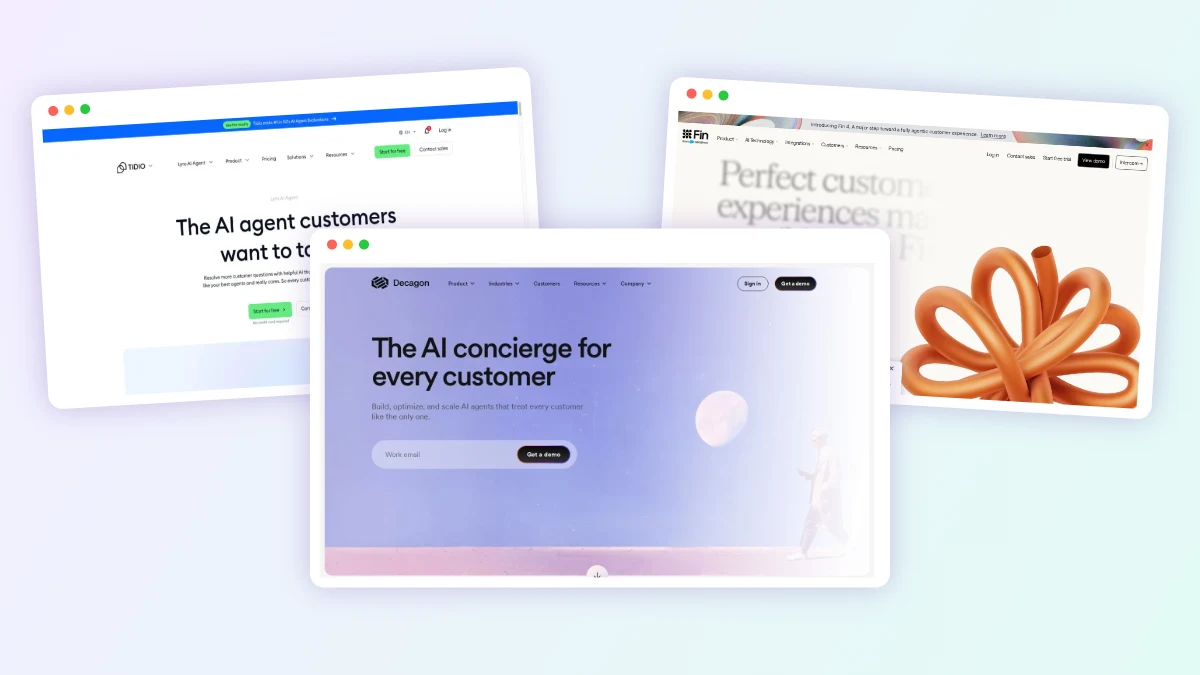
A customer writes in asking for a refund on a late order. An AI chatbot replies with the store’s refund policy and a link to the returns form. An AI agent checks the order, confirms it qualifies, issues the refund inside a dollar limit the business set, and closes the ticket. That difference, answering versus acting, is the whole AI agents vs AI chatbots question: a chatbot talks about the work, while an agent does some of it.
The choice matters because the two carry very different costs and risks. A chatbot that answers FAQs can cost about 20 cents a conversation, while agents that resolve tickets end to end are typically billed per outcome or per action, and they need approval rules, spending caps and testing before anyone lets them touch money or accounts. This guide uses the published pricing and documentation of agents listed on our site; we did not test these tools hands-on.
Chatbots Answer While Agents Act, and They Bill Differently
- A chatbot answers questions in a conversation; an agent decides its own steps and uses tools to complete a task, such as refunding an order or updating a CRM record.
- Chatbots are usually priced per conversation or per seat; agents are increasingly priced per resolution, per action or by credits, so a busy month costs more.
- Inside one product the gap is visible: Microsoft Copilot Studio charges 2 credits for a generative answer and 5 for an agent action.
- A chatbot is enough when most questions are answered by your own help pages and nothing needs changing in another system.
- Move to an agent in stages: read-only lookups first, then write actions with hard limits, human approvals and a small rollout.
What Is an AI Chatbot
An AI chatbot is software that holds a conversation and answers from a defined body of knowledge. Older chatbots followed scripted decision trees. Current ones use a large language model to read a company’s help center, product pages or uploaded documents and write a reply in natural language. The output is text. If the customer needs something changed, the chatbot either explains how to do it or passes the conversation to a person.
Chatbots are good at volume. They answer the same shipping, opening-hours and password-reset questions at any hour, in many languages, without adding staff. Their limits come from the same design: a chatbot only knows what it was given and only does what a reply can do.
What Is an AI Agent
Anthropic, in its widely cited engineering guide on building agents, draws the line this way: workflows are systems where language models and tools follow predefined code paths, while agents are systems where the model dynamically directs its own process and tool use. In practice, an AI agent receives a goal, plans steps, calls tools such as an order system, a calendar, a CRM or a browser, checks the result and carries on until the task is done or it hits a stopping point.
Three things separate an agent from a chatbot. It has tools with permission to change things in other systems. It decides the order of steps instead of following one script. And it can run a task that spans several turns, systems or even days. Salesforce, for example, describes long-horizon agents in Agentforce that work toward a goal over days or weeks and stop at approval checkpoints.
For a wider set of real deployments, see our roundup of AI agent examples.
Autonomy, Tools, Memory and Workflow Length Compared
| AI Chatbot | AI Agent | |
|---|---|---|
| Autonomy | Replies to each message; follows a script or answers from knowledge | Plans its own steps toward a goal and decides which tool to use next |
| Tools and actions | Mostly read-only: search help content, sometimes look up an order | Writes to other systems: refunds, cancellations, bookings, CRM updates, emails sent |
| Memory | Usually the current conversation only | Often keeps context across conversations or tasks, such as Fin Memory |
| Workflow length | One question, one answer, a few turns | Multi-step tasks that can span several systems, hours or days |
| Pricing models | Flat monthly plans, per seat or per conversation | Per resolution, per action, per task or credit pools that rise with usage |
| Risk | Wrong or outdated answers | Wrong answers plus wrong actions: money moved, records changed, messages sent |
| Governance needed | Accurate knowledge base, handoff rules | Action limits, human approvals, audit logs, testing, staged rollout and spend caps |
| Setup effort | Hours to days: connect content and publish | Weeks to months: write procedures, connect systems, tune and review |
| Typical use cases | FAQs, store hours, policy questions, lead capture | Order changes, refunds, account updates, scheduling, sales outreach, coding tasks |
The Same Refund Request, Handled Two Ways
Support is where the difference is easiest to see, because the same product category on our site holds both kinds of tool. Browse the full set in AI agents for customer support.
The FAQ Chatbot Approach
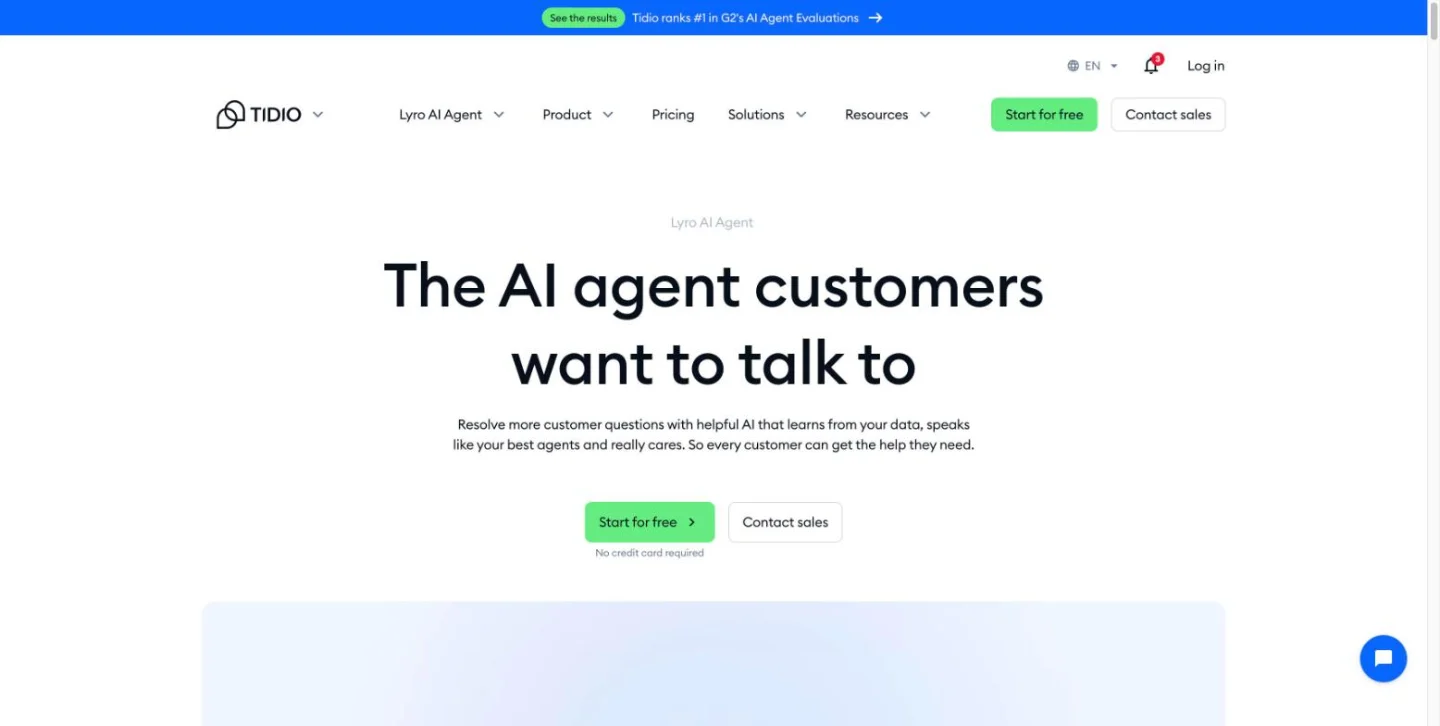
A chatbot answers from the store’s shipping, returns and FAQ pages. Lyro by Tidio shows the starting point: on its Shopify plan, a website scraper pulls in those pages, and the bot answers from what it reads, so the accuracy of the returns page sets the quality of the answer. For a refund request, a pure FAQ setup explains the policy and hands the customer to a person or a form. The customer still waits for someone to do the work.
The Agent Approach
Yuma AI sits on top of helpdesks such as Gorgias, Zendesk and Kustomer and closes tickets itself: it refunds, cancels and edits orders, starts returns and changes subscriptions. The merchant sets Hard Limits on refund amounts, coupon values and loyalty points, and tickets outside those limits, or with low confidence or an upset customer, go to a person with the full conversation. Decagon works the same way at enterprise scale: support teams write Agent Operating Procedures in plain language, and the agent processes refunds, cancels subscriptions and replaces cards through the company’s backend systems.

Fin sits between the two. It answers questions from the help center like a chatbot, and administrators write step-by-step Procedures for tasks such as checking eligibility. Since mid-2026 those Procedures can pause for a human approval or wait for a signal from another system. If you are weighing Fin against a Shopify-native option, our Fin vs Gorgias AI Agent comparison covers the trade-offs.

Why the Line Is Blurring
Many products now span both categories. Lyro is sold as an AI chatbot, but its $39 Shopify plan adds native Shopify actions, Lyro Actions and MCP connections to outside tools, and it can recommend products and add them to the cart. Gorgias AI Agent answers questions but also runs actions in Shopify and connected apps such as Loop Subscriptions. The same vendor can sell you a chatbot today and an agent next quarter.
The label is also used loosely. In June 2025 Gartner warned of “agent washing,” vendors rebranding chatbots, assistants and robotic process automation as agentic AI, and estimated that only about 130 of the thousands of vendors claiming agentic products offer genuine agentic features. A useful test when reading a product page: ask which systems it can write to, who sets its limits and how a wrong action gets reversed. If the answer to the first question is none, it is a chatbot, whatever the name.
When a Chatbot Is Enough
Anthropic’s guide recommends the simplest solution that works and adding complexity only when needed, noting that agentic systems often trade higher cost and latency for better task performance. A chatbot is the right tool when:
- Most questions have one written answer. Shipping times, opening hours, pricing tiers and policy questions do not need tools.
- Nothing has to change in another system. If the follow-up is always a person approving something, an agent saves little.
- Volume is low. Agents carry setup work and minimums; a small store answering a few hundred questions a month rarely recovers that cost.
- Your backend has no usable API or clean data. An agent is only as reliable as the systems it acts on.
- The cost of a wrong action is high. In regulated or high-value decisions, a chatbot that gathers details and hands off to a person keeps humans in the decision.
An agent starts to pay off when a large share of tickets or tasks are repetitive actions with clear rules, such as order status, cancellations, address changes and refunds under a threshold, and when the systems behind them can be reached by API.
Cost Trade-Offs
Chatbot pricing is usually flat or per conversation. Agent pricing tends to follow work done, which makes it fairer when volume is low and harder to forecast when volume is high. Based on published pricing for tools on our site:
- Lyro by Tidio: $39 a month on Shopify for up to 200 Lyro conversations, about 20 cents a conversation.
- Fin: $0.99 per resolution or completed Procedure handoff, with a 50-outcome monthly minimum on outside helpdesks (about $49). A customer who goes quiet for 24 hours counts as a billable resolution.
- HubSpot Breeze Customer Agent: 50 HubSpot Credits, or $0.50, per resolved conversation, and it requires a Professional or Enterprise Service Hub plan.
- Gorgias AI Agent: an AI-resolved ticket uses a helpdesk ticket plus an automated interaction, reported at $1.50 each beyond the plan’s bundle since July 2026.
- Agentforce: Flex Credits at about $0.10 per standard action, or $2 per customer-facing conversation; the two models cannot be combined in one org.
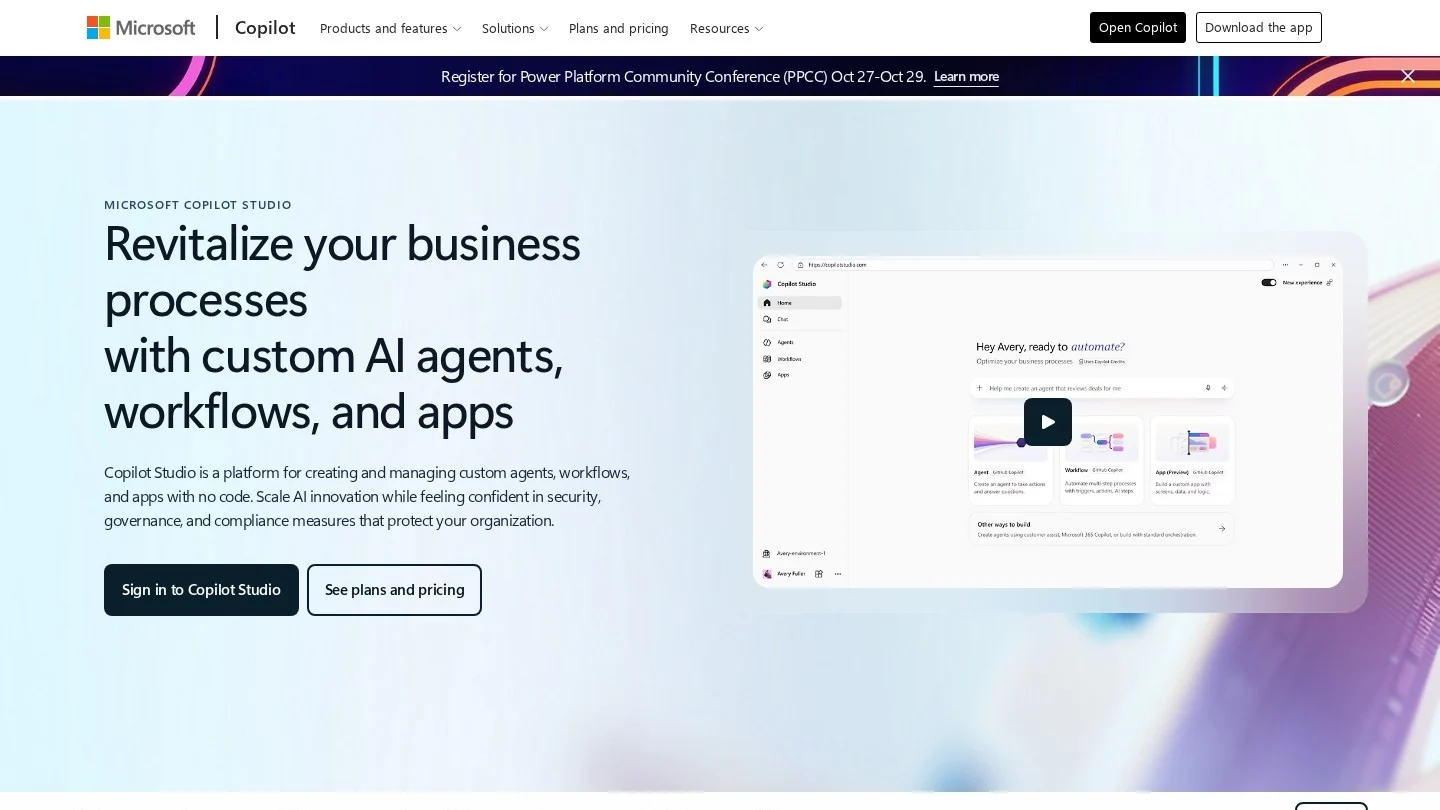
Microsoft Copilot Studio puts the chatbot-to-agent gap on a single price list. Capacity packs cost $200 a month for 25,000 Copilot Credits, or $0.008 a credit. A classic scripted answer uses 1 credit, a generative answer 2 and an agent action 5. So a scripted reply costs under a cent, while a reply that also takes three actions uses 17 credits, about 14 cents.
Tool calls multiply costs in workflow tools too. In AI by Zapier, a Premium AI step bills 5 tasks and each tool call costs the same again, so a Premium step with two tool calls uses 15 tasks. The upside is that per-outcome pricing ties spending to results: Fin does not bill when a conversation ends with a person, and Decagon offers a per-resolution option with no charge for escalations. Read each vendor’s definition of a resolution before signing, because that definition sets the bill.
Risk Trade-Offs
A chatbot’s main risk is a wrong answer, and that risk is real. In February 2024, British Columbia’s Civil Resolution Tribunal ruled in Moffatt v. Air Canada that the airline was responsible for what its website chatbot told a customer about bereavement fares. Air Canada argued it could not be held liable for the chatbot’s information; the tribunal rejected that and ordered the airline to pay $812.02 in damages, interest and fees. The lesson carries over to agents: the business owns what its AI says and does.
Agents add a second category of risk, wrong actions. Anthropic’s guide notes that agent autonomy brings higher costs and the potential for compounding errors, and recommends extensive testing in sandboxed environments with appropriate guardrails. Agents that browse the web or read inbound email can also be targeted by prompt injection, where hidden instructions try to redirect the agent. Security researchers at Zenity Labs showed a zero-click email prompt injection that leaked knowledge files and Salesforce records from a replica customer service agent built in Copilot Studio; Microsoft fixed it in April 2025. The safeguards that vendors on our site ship reflect these risks:
- Action limits: Yuma’s Hard Limits cap refunds and coupons; Decagon buyers set refund thresholds in their procedures.
- Human approvals: AI by Zapier lets you mark tools that need a person’s approval before they run; Lindy routes outbound actions, such as emails to customers, to a named approver in Slack.
- Run limits: an AI by Zapier run pauses at 75 tasks by default until someone approves it.
- Testing and staged rollout: Fin offers Simulations and Evals before launch; Yuma replays playbooks as simulated conversations and starts new ones on 10% of matching conversations.
- Promotion gates: Copilot Studio supports Dev-Test-Prod promotion with approval gates and audit logs.
Governance failures are also a budget risk. Gartner predicted in June 2025 that more than 40% of agentic AI projects will be canceled by the end of 2027, citing rising costs, unclear business value and inadequate risk controls.
How to Move From a Chatbot to an Agent
Most teams do not jump straight to a fully autonomous agent. The safer path adds capability one layer at a time, and each step pays for itself before the next one starts.
- Fix the knowledge base first. Agents and chatbots both answer from your content. A support agent such as Fin escalates more and resolves less when it has few usable articles and documents to draw on.
- Find the repeat actions. Pull a month of tickets or requests and tag the ones that end in the same system change: order status, address edits, cancellations, refunds, bookings.
- Add read-only tools. Let the bot look up orders, tracking or account status. This removes many handoffs with almost no action risk.
- Write procedures for one action. Describe the steps in plain language, as Decagon’s AOPs and Fin’s Procedures do, including when to escalate.
- Set limits and approvals. Cap refund amounts, require approval for anything customer-facing or irreversible, and set a spend cap on credits.
- Test, then roll out small. Run simulations, then send a small share of live traffic to the agent and review every action it takes.
- Expand by evidence. Add the next action only when resolution rates and error reviews hold up, and recheck the billing definition as volume grows.
If you plan to build rather than buy, our guides to no-code AI agent builders and to building an AI agent from scratch cover the tooling for each step.
Should an Agent Issue Refunds? Questions Support Teams Raise
Is ChatGPT a Chatbot or an AI Agent?
Both, depending on the mode. A plain chat that answers questions works as a chatbot. When the same product plans a task, browses, runs code or takes actions in connected apps, it is acting as an agent. The test is whether it uses tools to change things, not the brand name.
Are AI Agents More Expensive Than Chatbots?
Per interaction, usually yes. Based on published pricing, an FAQ chatbot such as Lyro works out to about 20 cents a conversation, while resolution-priced agents such as Fin charge $0.99 per resolution. An agent can still cost less overall if each resolution replaces a ticket a person would otherwise handle.
Can a Chatbot Be Upgraded Into an Agent?
Often. Many platforms, including Lyro, Fin and Copilot Studio, let you add actions, procedures and approvals to a bot you already run. Start with read-only lookups, then add write actions with limits.
What Is the Difference Between an AI Agent and an AI Workflow?
A workflow follows a fixed path set in advance, even if a language model handles some steps. An agent decides its own steps and which tools to use. Workflows are more predictable; agents handle open-ended tasks where the number of steps is not known up front.
Are AI Agents Safe to Let Issue Refunds?
They can be, with controls. Vendors such as Yuma and Decagon let businesses cap refund amounts, route exceptions to people and review every action. Start with low limits, a small share of traffic and an audit of each refund the agent issues.
