
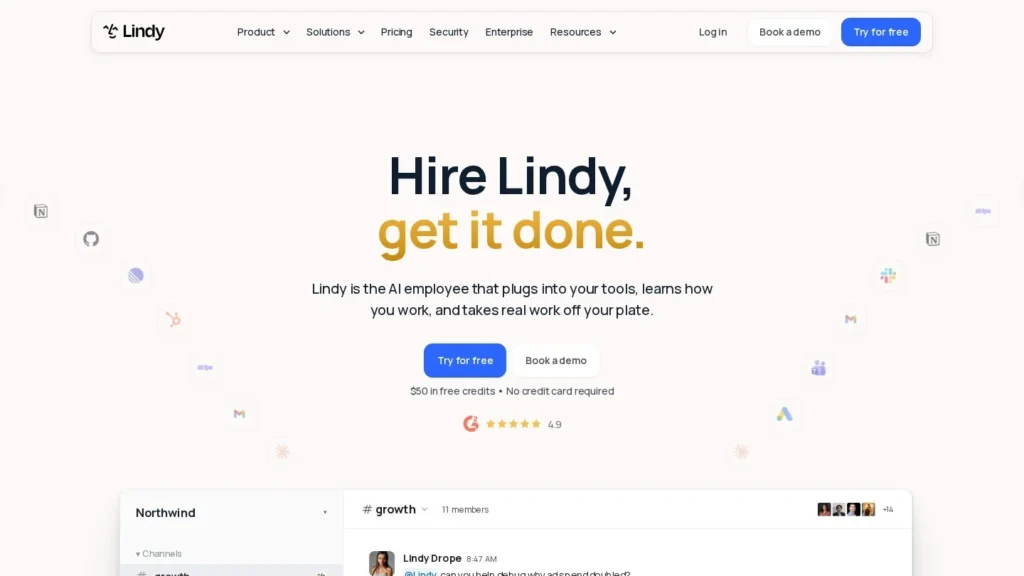
Every active user on Lindy’s Team plan costs $49.99 a month and brings 5,000 credits into a shared pool, which the assistant spends as it reads email, books meetings, searches the web and works through connected apps. It works from Slack, email and text messages rather than a separate dashboard.
It suits small teams that want one assistant for inbox, calendar and meeting busywork, with a person approving anything that leaves the building.
How It Works
After connecting a Google or Microsoft account, a calendar and a phone number, users message Lindy directly. In Slack, a direct message gets a private assistant with access to that person’s email, calendar, texts and meeting notes, while an @mention in a channel calls up a shared assistant that replies in the thread and summarizes rather than posting private data. Email, iMessage and SMS also work. Microsoft Teams support is listed as coming soon, and new Slack installs require a paid Slack plan.
Admins decide which actions run on their own and which wait for approval in a Slack thread. The pricing page lists more than 1,500 integrations plus MCP support, scheduled routines, meeting recording and inbox management. A newer Watch and Learn feature lets someone record their screen for up to an hour, after which Lindy repeats the task on demand or on a schedule.
Pricing
A free account comes with $50 in credits that last seven days, and no credit card is needed. The Team plan is billed per active user at $49.99 a month for 5,000 credits each, with top-ups at $10 per 1,000 credits. Enterprise pricing is custom and adds SSO, SCIM, audit logs, dedicated onboarding and HIPAA coverage under a signed BAA. People who join a workspace through Slack get a one-time seven-day trial before their seat is billed; direct signups pay immediately.
What to Watch Out For
Pricing has shifted recently. A third-party snapshot from September 2026 listed Plus, Pro and Max tiers from $29.99, and the current pricing page still references computer use on Pro and Max without saying what those plans cost. Credit use varies widely by task, so heavy research or long builds can drain a pool quickly, and Lindy pauses credit-using actions when the pool runs dry until the next cycle unless you buy more. Anyone who touches Lindy, including a colleague who only @mentions it in Slack, takes a billed seat.
Recent News
Lindy has shipped quickly through the fall. It added its own US and Canadian phone numbers on October 14, 2026, so the assistant can place calls and act as a receptionist, two days after launching Watch and Learn. Booking links meant to replace Calendly followed on October 16. The Slack assistant itself arrived in August 2026, about a year after Lindy 3.0 introduced an agent builder and computer-using Autopilot in July 2025.
User Reviews
No reviews yet. Be the first to rate Lindy.