

Building an AI agent no longer starts with a Python file. In October 2026 you can describe a job in plain English and get a working agent back, wire a model into a visual workflow, or switch on a prebuilt agent inside the CRM you already pay for. The hard part is now choosing, because each tool bills differently: per run, credit, action, minute or seat.
For most business teams, Relevance AI is the most complete no-code agent builder, and n8n is the strongest low-code option for technical teams, with a free self-hosted edition. AI by Zapier fits companies that already automate with Zapier, while Microsoft Copilot Studio, Gemini Enterprise and Agentforce are the natural picks inside Microsoft 365, Google Workspace and Salesforce. Lindy, Airtop, Retell AI and Vendasta each lead a narrower job: a Slack assistant, browser agents, phone agents and white-label AI employees for agencies.
TL;DR: Pick Relevance AI if non-engineers need to build multi-agent teams for sales or operations, starting at $19 a month on annual billing. Pick n8n if you have someone technical and want free self-hosting or cheap per-run cloud pricing. Inside a big suite, Copilot Studio, Gemini Enterprise and Agentforce win on data access and governance. For one job done well, Airtop builds browser agents, Retell AI builds phone agents and Vendasta lets agencies resell AI employees under their own brand.
Which Builders Still Run Free and Which Changed Pricing in 2026
- n8n’s self-hosted Community Edition and Airtop’s free tier (1,000 credits a month) let anyone run agents at no cost; Agentforce’s free Foundations tier needs Salesforce Enterprise Edition.
- Relevance AI retired its free plan for new signups on September 11, 2026; Pro now starts at $19 a month billed annually or $29 monthly.
- Zapier replaced Zapier Agents with AI steps inside Zaps on October 6, 2026, and a Premium AI step that makes two tool calls now uses 15 tasks per run.
- Lindy raised its Team plan from $29.99 to $49.99 per active user a month in October 2026, a 67% increase.
- Microsoft Copilot Studio capacity packs cost $200 a month for 25,000 Copilot Credits, and employee agents are zero-rated for Microsoft 365 Copilot license holders within fair use.
- Usage meters dominate: Agentforce charges about $0.10 per standard action, Retell AI starts at $0.07 a minute and n8n counts one execution per full workflow run.
Quick Comparison of No-Code AI Agent Builders
Prices come from each vendor’s published pricing at the time of writing (October 2026). Starting price is the cheapest paid entry point that includes the agent features we describe. We have not tested these tools hands-on.
| Tool | Best For | Type | Free Plan | Starting Paid Price |
|---|---|---|---|---|
| Relevance AI | Multi-agent teams for sales and ops | No-code agent canvas | No | $19/month billed annually (Pro) |
| n8n AI Agent | Technical teams, self-hosting | Low-code workflow builder | Yes, self-hosted | €20/month billed annually (Starter) |
| AI by Zapier | Teams already on Zapier | AI step inside workflows | Yes, AI steps preview only | $19.99/month billed annually (Professional) |
| Microsoft Copilot Studio | Microsoft 365 organizations | Low-code enterprise builder | Trial via sales | $200/month for 25,000 credits |
| Gemini Enterprise | Google Workspace organizations | Agent platform with no-code designer | Pay-as-you-go option | $21/user/month (Business) |
| Agentforce | Salesforce CRM users | CRM agent builder | Foundations for Enterprise Edition | About $0.10 per action (Flex Credits) |
| Lindy | A Slack and email assistant | Conversational assistant builder | 7-day trial, $50 credits | $49.99/user/month (Team) |
| Airtop | Repetitive web and browser tasks | Browser agent builder | Yes, 1,000 credits/month | $29/month (Starter) |
| Retell AI | Phone and voice agents | Voice agent builder plus API | $10 free credit | From $0.07/minute |
| Vendasta AI Employees | Agencies reselling AI to local businesses | White-label AI employees | 14-day trial | $99/month minimum (Starter) |
The 10 No-Code AI Agent Builders, Picked by Use Case
General-purpose builders come first, suite-bound platforms next and specialists last.
1. Relevance AI: Best for No-Code Multi-Agent Teams
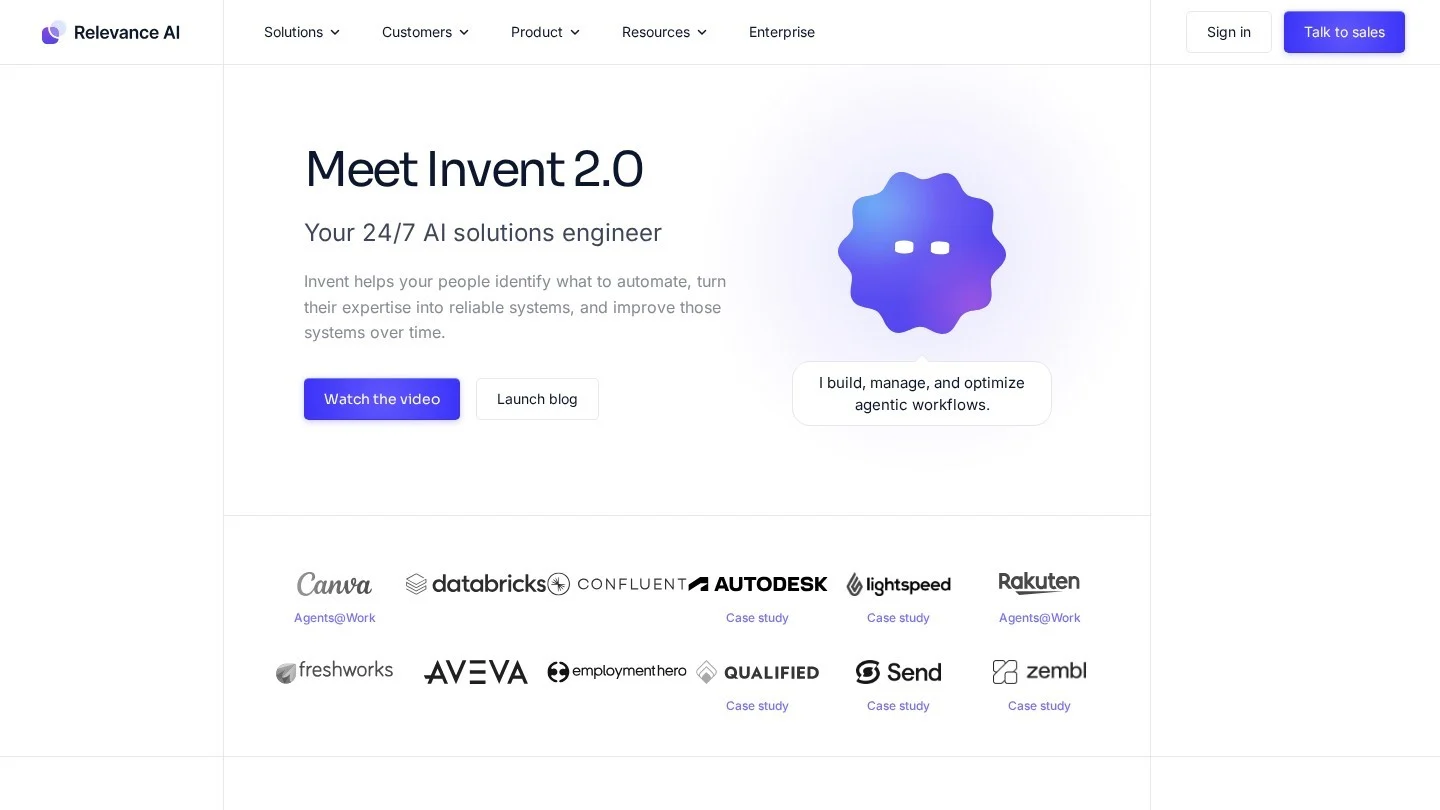
Relevance AI is the closest thing on this list to a general no-code agent factory. You build an “AI workforce” of specialist agents that research accounts, qualify leads, triage tickets and run back-office routines inside Salesforce, HubSpot, Gmail and Slack. Its Invent builder drafts an agent or a whole team from a plain description, which you refine on a canvas.
Agents run on schedules, events or chat, and escalate to people by email or Slack. The Activity Center shows each run’s cost, which matters because Relevance AI bills on two meters: Actions for every tool run and Vendor Credits for model usage, passed through with no markup. It lists more than 2,000 tool integrations plus MCP.
Pricing: No free plan for new signups since September 11, 2026. Pro is $19 a month billed annually or $29 monthly, with 2,500 Actions, $20 of Vendor Credits and 2 build users. Team is $234 a month billed annually or $349 monthly, with 7,000 Actions, 5 build users and calling and meeting agents. Extra Actions cost $80 per 1,000.
Pros
- Non-engineers can build and chain multi-step agents
- Low $19 entry price with published tiers
- Model-agnostic, with no markup on model costs
- SOC 2 and GDPR compliance on paid plans
Cons
- Two usage meters make monthly costs harder to forecast
- Failed tool runs still count as Actions
- SSO, RBAC and audit logs only on Enterprise
Best for: Sales, revenue operations and operations teams that want custom agent teams without hiring engineers.
2. n8n AI Agent: Best Low-Code Builder for Technical Teams
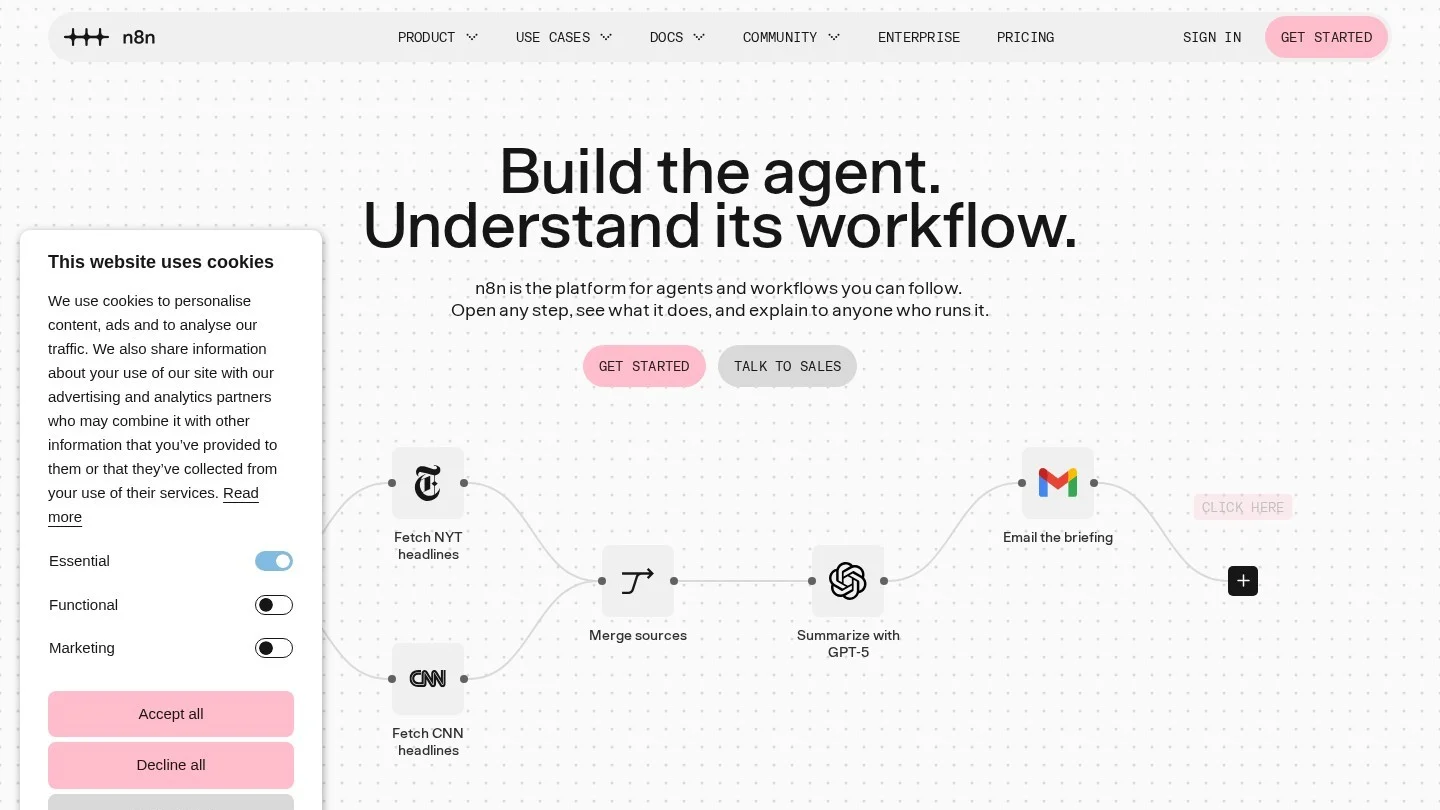
The n8n AI Agent puts a tool-using model inside a visual workflow. Everything around the agent can stay deterministic: fixed steps, approvals and error handling, with the model deciding only which tools to call. Tools can be any HTTP API, workflow, database or MCP server.
n8n 3.0, released on October 27, 2026, added a dedicated agent builder with a Test agent button, monthly budget and session spend caps, and per-capability toggles. The pricing model is the standout: one execution is one full workflow run no matter how many steps or tool calls it contains, so tool-heavy agents stay cheap.
The trade-off is skill. n8n gives you a canvas and nodes, not a finished assistant, and reviewers flag a steep learning curve for people without API knowledge.
Pricing: Community Edition is free and self-hosted, with no vendor execution cap. Cloud Starter is €20 a month billed annually for 2,500 executions; Pro is €50 a month billed annually for 10,000; Business is €667 a month billed annually for 40,000 executions with SSO and Git version control, at half price for companies under 20 employees. Model usage is billed separately.
Pros
- Free self-hosted edition with no execution cap
- Per-run pricing keeps multi-step agents cheap
- Mixes agent reasoning with fixed, auditable steps
- Works with OpenAI, Anthropic, Gemini and other providers
Cons
- Steep learning curve without API knowledge
- Big price jump from Pro to Business
- Self-hosting means owning patches and upgrades
Best for: Operations engineers, automation agencies and developers who want agents inside real processes, on their own servers if needed.
3. AI by Zapier: Best for the Widest App Catalog
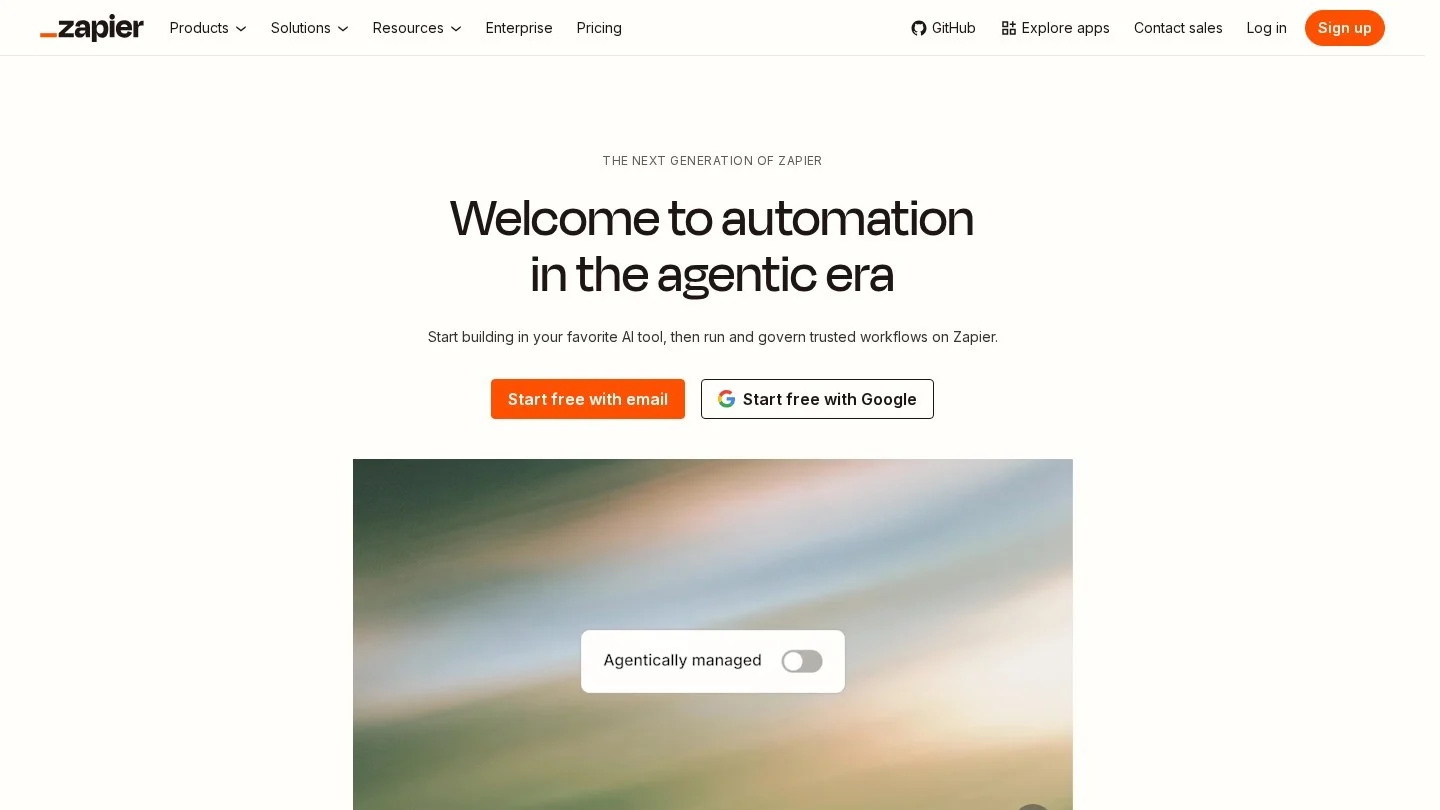
AI by Zapier turns an agent into one step of an ordinary Zap. The step reads a prompt, picks from the tools you allow and acts in any of more than 9,000 connected apps,. It replaced the standalone Zapier Agents product on October 6, 2026 (see our breakdown of the switch).
Control is good. You can require approval per tool before an action runs, choose Standard, Advanced or Premium model tiers or a named model, and cap each run at 75 tasks by default (up to 500). Zap History shows the tasks each tool call used.
Cost is the catch. AI steps bill as tasks at 1x, 3x or 5x depending on the model tier, and each tool call is charged at the same rate again. A Premium step with two tool calls uses 15 tasks, so the 750 tasks on Professional cover 50 such runs a month.
Pricing: Free plan with 100 tasks a month, but AI steps can only be previewed, not published. Professional starts at $19.99 a month billed annually ($29.99 monthly) for 750 tasks. Team starts at $69 a month billed annually ($103.50 monthly).
Pros
- Largest catalog of triggers and actions on this list
- Per-tool approvals before actions run
- No separate agent subscription
- No training on workflow data on any plan
Cons
- Tool calls and premium models multiply task costs
- Free plan cannot publish AI steps
- Tests consume tasks like live runs
Best for: Teams already automating with Zapier that want AI judgment mixed with predictable, rule-based steps.
4. Microsoft Copilot Studio: Best for Microsoft 365 Organizations
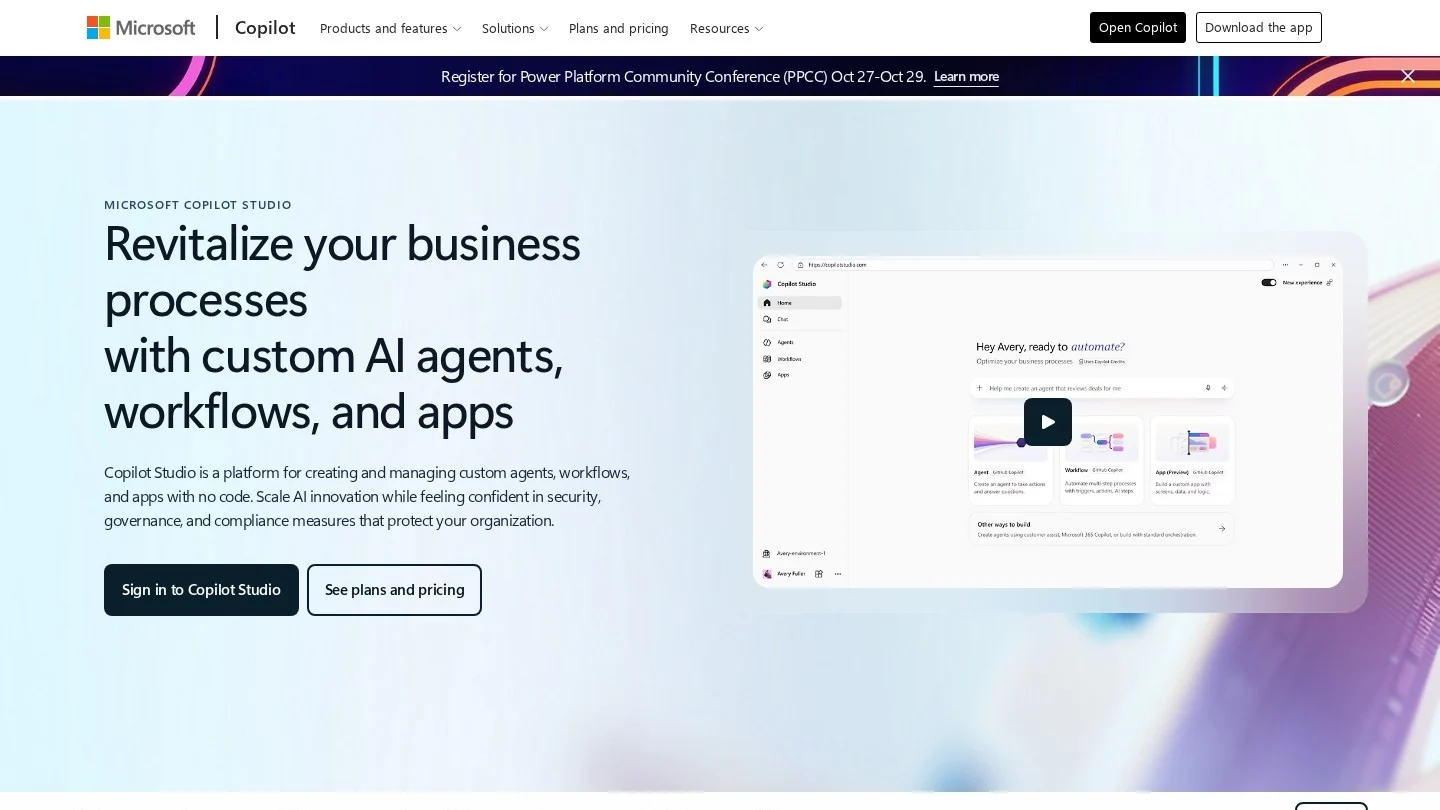
Microsoft Copilot Studio is Microsoft’s low-code builder for agents that answer staff and customers, run processes and operate apps. You design agents in natural language or on a graphical canvas and connect them to more than 1,500 prebuilt connectors or MCP servers. Computer-using agents that operate websites and desktop apps became generally available in May 2026.
Governance is where it pulls ahead of smaller builders: Purview audit logs, Entra ID identity, environment controls, credit budgets and Dev-Test-Prod promotion with approval gates.
Billing runs on Copilot Credits with many rates. A generative answer costs 2 credits, an agent action 5 and tenant graph grounding 10. At pack prices an action costs about $0.04.
Pricing: Capacity packs cost $200 a month for 25,000 Copilot Credits; pay-as-you-go is billed monthly through Azure, and prepaid commit units save up to 20%. Employee-facing agents are zero-rated for users with Microsoft 365 Copilot ($30 per user a month, paid yearly) within fair use, except computer-using agents. An Azure subscription is required.
Pros
- Deep reach into Microsoft 365, Teams and SharePoint data
- 1,500+ connectors plus MCP support
- Employee agents free for Microsoft 365 Copilot licensees
- Strong governance through Purview and Entra ID
Cons
- Many credit rates make bills hard to forecast
- Requires an Azure subscription
- Best value only inside the Microsoft ecosystem
Best for: IT and business teams in Microsoft-centric companies that want governed agents for staff or customers.
5. Gemini Enterprise: Best for Google Workspace Teams
Gemini Enterprise is Google Cloud’s workplace agent platform. Employees get one chat app with prebuilt agents such as Deep Research, and Agent Designer lets anyone build no-code agents that run on schedules or triggers. An Inbox collects agent work and approvals for review.
It connects to Microsoft 365 and SharePoint as well as Google Workspace, plus Salesforce, SAP, ServiceNow and MCP servers. The Agent Gallery adds more than 70 partner agents.
Adoption is real: Alphabet reported more than 8 million paid seats across more than 2,800 companies. The edition you pick matters, though. Business includes Agent Designer and Deep Research but leaves out Data Insights, the Agent Marketplace, full connectors and enterprise-grade compliance.
Pricing: Business is $21 per user a month for 1 to 500 users. Standard and Plus are $30 per user a month at launch pricing, adding full connectors, Data Insights, full-code agents and the marketplace. A metered pay-as-you-go option is also offered.
Pros
- Published per-seat prices from $21
- No-code Agent Designer and Deep Research in every edition
- Connects to Microsoft 365 as well as Google Workspace
- Central governance for large agent fleets on Standard and Plus
Cons
- Business edition leaves out several core features
- Partner models and pay-as-you-go are billed on top
- Features change quickly
Best for: Mid-size and large organizations, especially Google Workspace shops, that want a governed home for agents at a per-seat price.
6. Agentforce: Best for Salesforce CRM Data
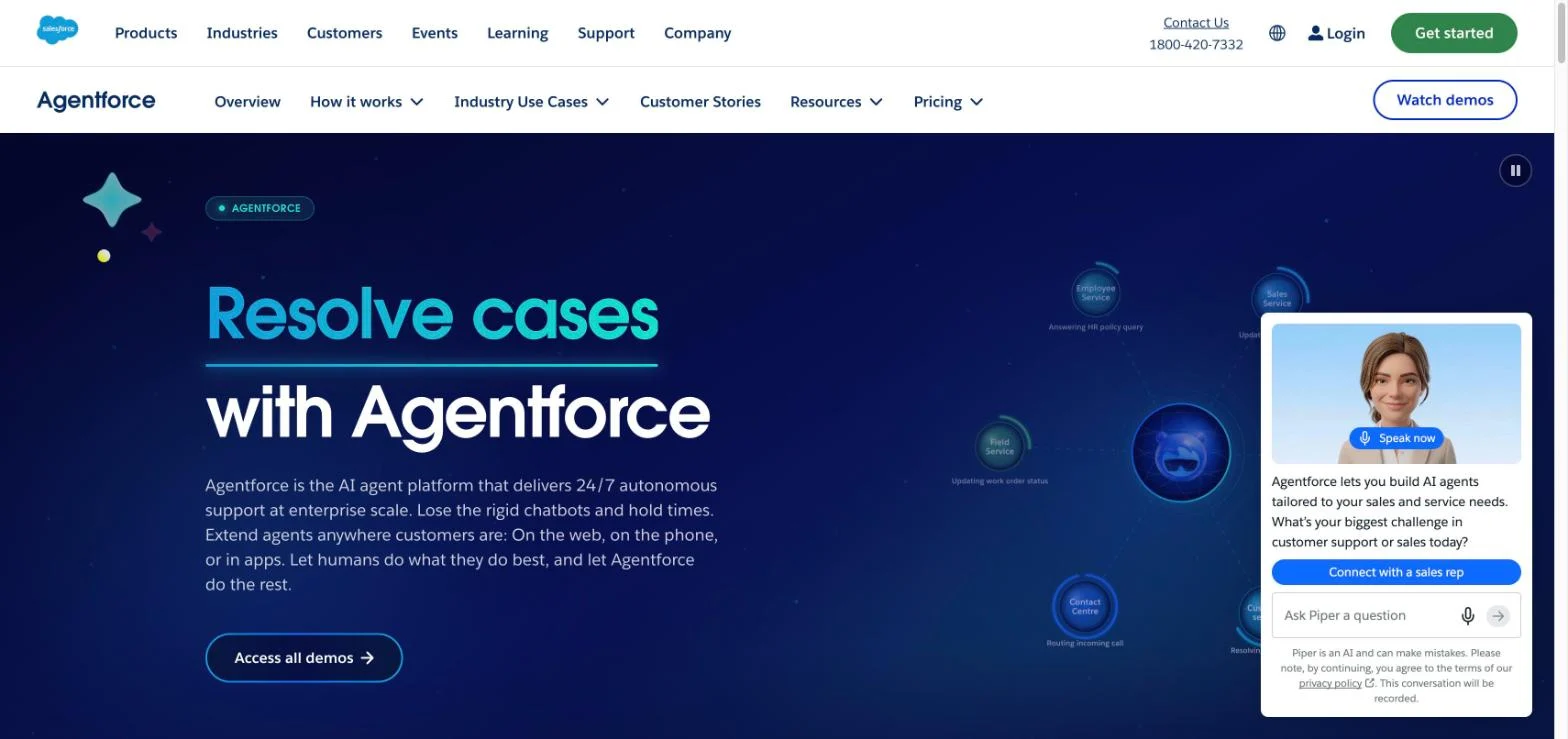
Agentforce is Salesforce’s platform for agents that read and change CRM records under the permissions your users already have. Admins build custom agents in Agentforce Builder by defining topics and attaching actions such as Flows or Prompt Builder templates, and Agent Script adds deterministic steps where a process must run the same way every time. You can also start from job-ready agents such as Piper for sales development and Fin for service.
Conversation testing and health monitoring are built in. Agents deploy to Salesforce apps, Slack, web and messaging, and the phone through Agentforce Voice.
Buying is the hard part. Salesforce sells actions, conversations and per-user licenses, and an org cannot combine Conversations with Flex Credits.
Pricing: Flex Credits cost $500 per 100,000; a standard action uses 20 credits (about $0.10) and a voice action 30 (about $0.15). Customer-facing Conversations are $2 each. Per-user add-ons are $125 a month ($150 for Industries). Salesforce Foundations is $0 for Enterprise Edition and above. Unused Flex Credits do not roll over.
Pros
- Acts directly on CRM records under existing permissions
- Published list prices for actions, conversations and users
- Free Foundations tier for Enterprise Edition customers
- Einstein Trust Layer with zero data retention
Cons
- Several pricing models that cannot be freely combined
- Complex setup, per reviewers
- Most value assumes your data already lives in Salesforce
Best for: Mid-size and large companies that run sales or service on Salesforce and want agents acting on their own CRM data.
7. Lindy: Best for a Slack and Email Assistant
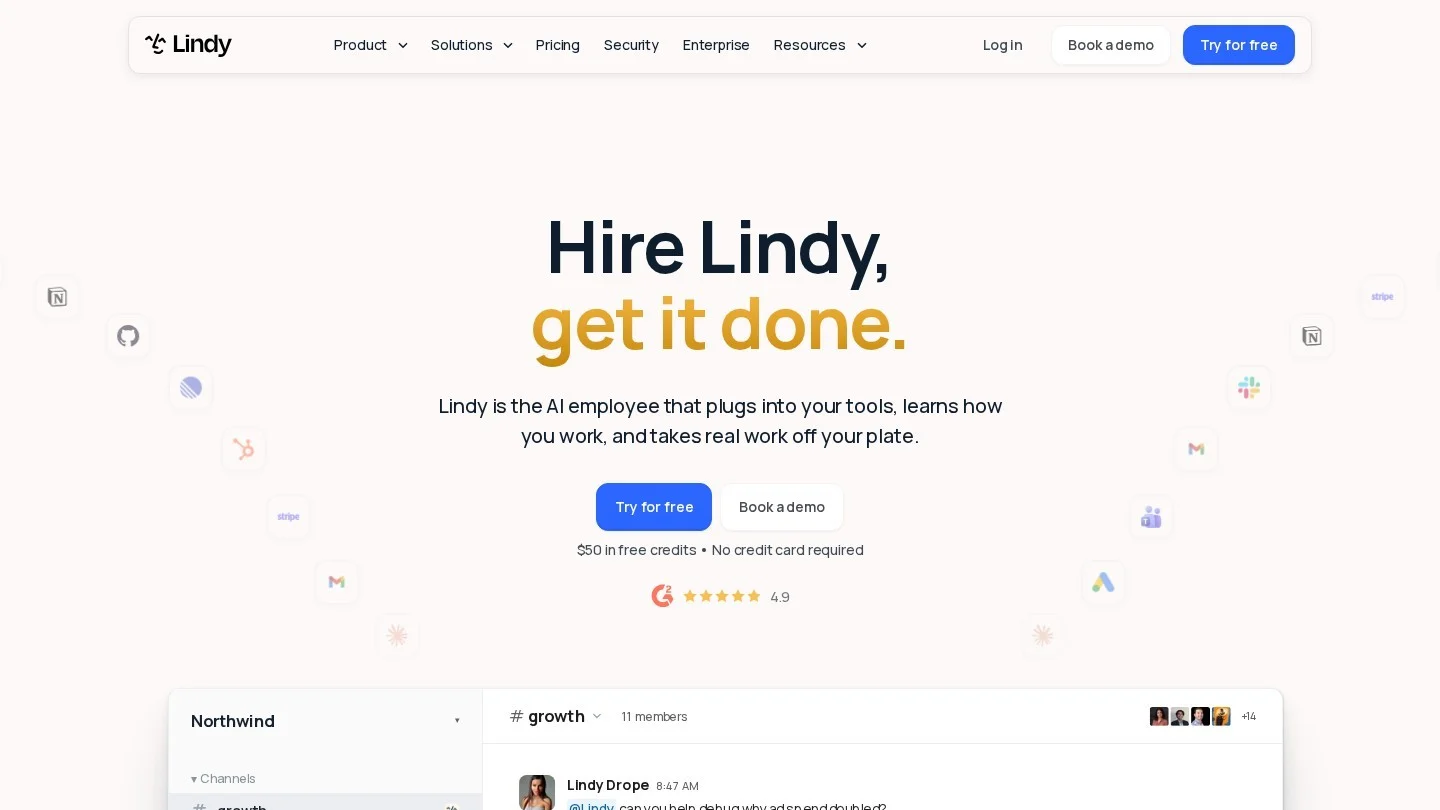
Lindy has moved from a canvas-style agent builder toward an assistant you set up by talking to it. A direct message in Slack gives a private assistant with access to your email, calendar, texts and meeting notes; an @mention in a channel calls a shared one. It also works by email, text and phone.
You teach it processes as Skills, and Watch and Learn, added on October 12, 2026, lets you record your screen or write the steps so Lindy repeats the task on demand or on a schedule. Admins decide which actions run alone and which wait for a named approver in Slack, and every action is logged with the time and reason.
Cost is the weak spot. The Team plan rose 67% in October 2026, anyone who uses Lindy, even through an @mention, takes a paid seat, and public reviews complain that credits drain quickly.
Pricing: Free trial with $50 in credits for seven days, no card needed. Team is $49.99 per active user a month with 5,000 pooled credits per user; top-ups cost $10 per 1,000 credits. Pro is $99.99 and Max $199.99 a month. Enterprise is custom.
Pros
- No workflow design; you set it up in conversation
- Approval rules and logged actions
- SOC 2 Type II, and no training on customer data
- Phone, text and email channels in one assistant
Cons
- Entry price rose to $49.99 per user in October 2026
- Every active user is a paid seat
- No Microsoft Teams support
Best for: Small and midsize teams that live in Slack and want one assistant for inbox, calendar and follow-up work.
8. Airtop: Best for Browser Agents
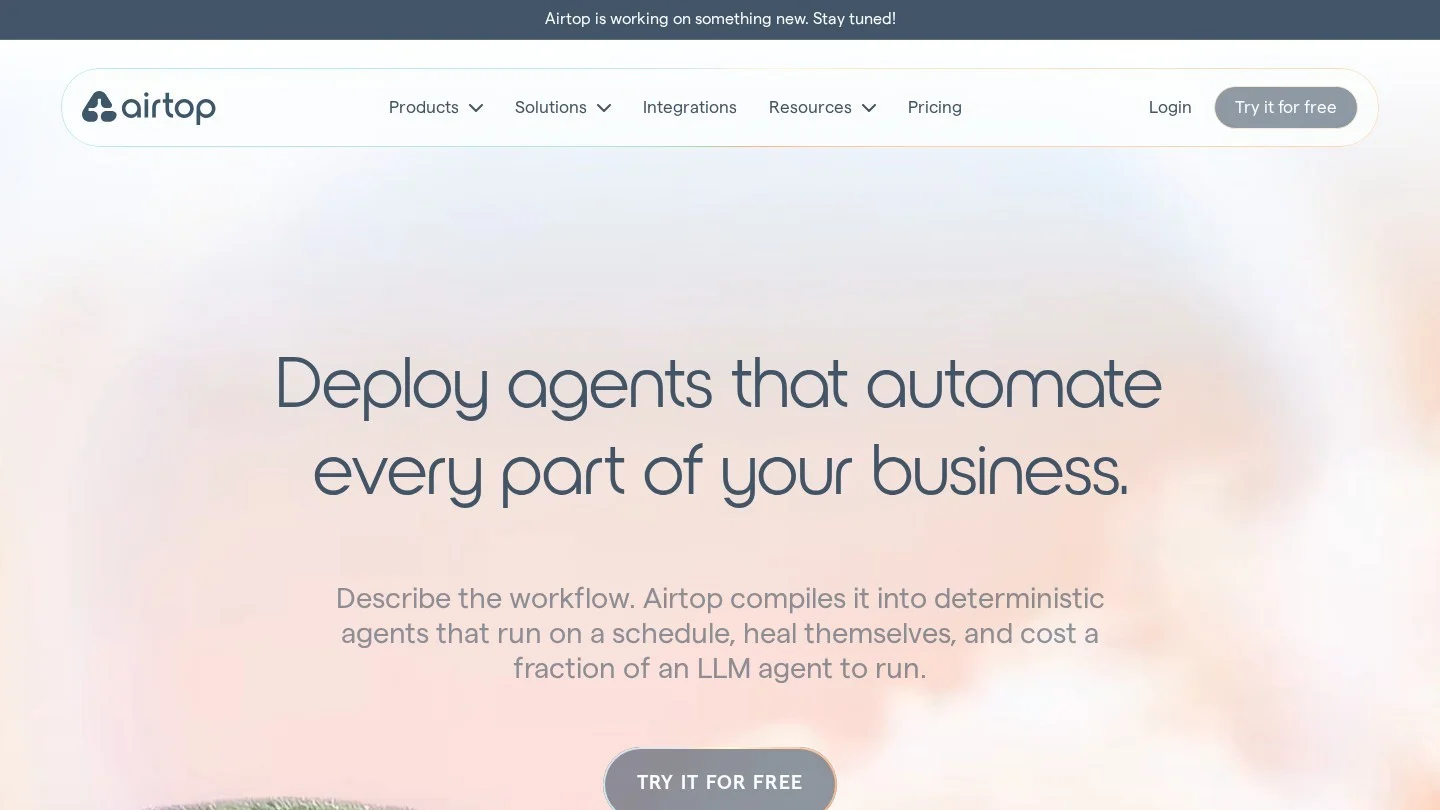
Airtop builds agents for web chores: signing in to portals, filling forms, downloading files and extracting data. You describe the task in plain English or start from one of more than 85 templates, and Airtop compiles it into an agent backed by reusable code rather than a prompt a model re-reads on every run. Logins sit in a vault; agents run on a schedule, by webhook or on demand.
The repair loop is the most useful design choice. When a site changes and a run fails, Airtop diagnoses the failure and drafts a fix, which only goes live after a person deploys it. Airtop agents also plug into n8n, Zapier and Make, so a browser agent can become one step in a bigger automation.
Pricing: Free plan with 1,000 credits a month and 1 deployed agent. Starter from $29 a month with 10 deployed agents. Professional from $189 a month with 30 agents. Enterprise from $558 a month with unlimited agents, 100 sessions and a SOC 2 Type 2 report. Annual billing saves 10%.
Pros
- Real free plan plus published prices from $29
- Compiled agents avoid a model call at every step
- Repairs need human approval before going live
- SOC 2 Type 2 and HIPAA
Cons
- Credit use per run is not spelled out on the pricing page
- SOC 2 report listed only on Enterprise
- Speed and cost comparisons come from Airtop’s own tests
Best for: Operations, sales and marketing teams that repeat the same web tasks every week.
9. Retell AI: Best for Phone Agents
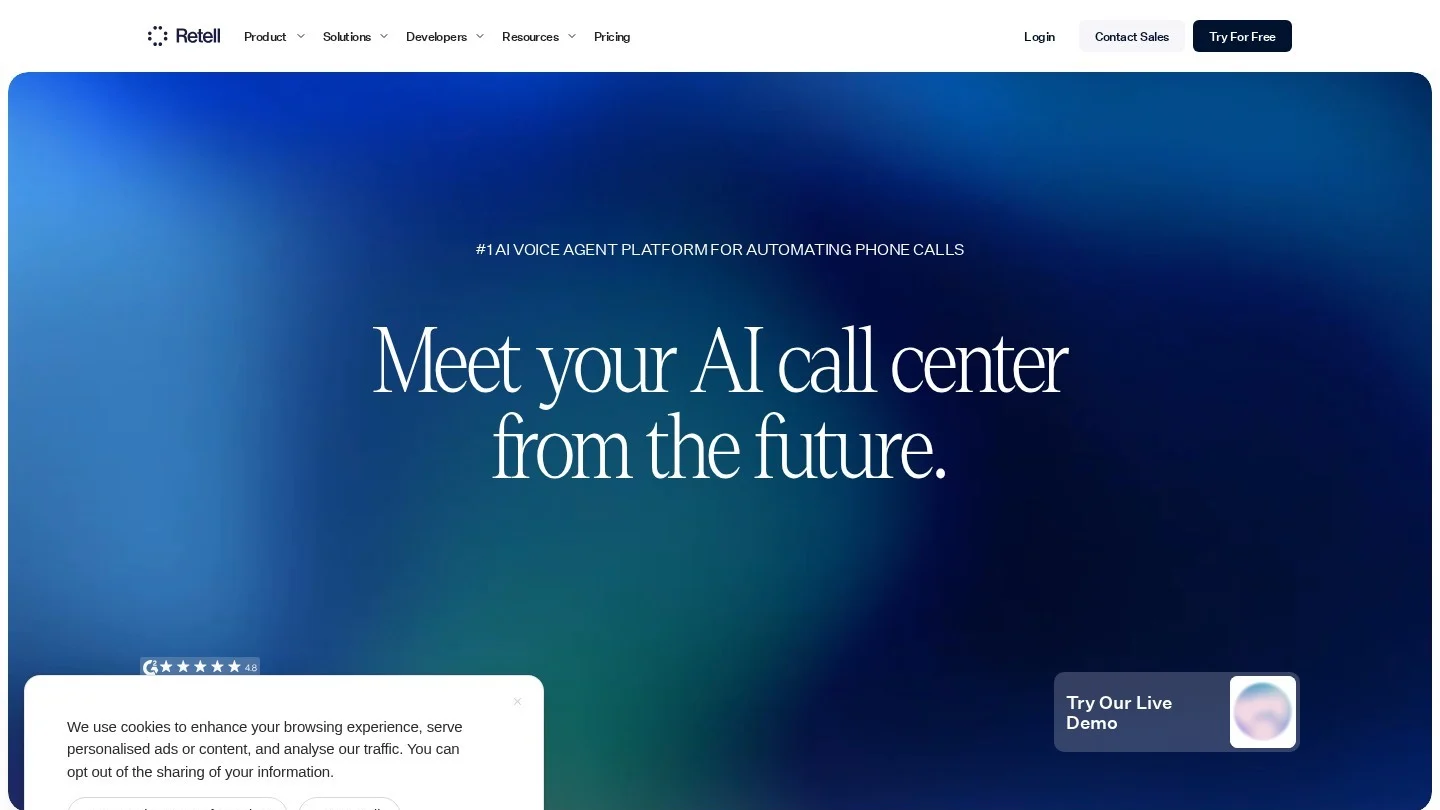
Retell AI builds AI phone agents that answer and place calls, book appointments, send texts and transfer callers to staff. The no-code editor covers the prompt or call flow, knowledge base and guardrails, and a developer API sits alongside it. You choose the language model from OpenAI, Anthropic and Google tiers or a speech-to-speech engine, then pick a voice and connect a number, Twilio, Telnyx or your own SIP trunk.
Agents also run batch outbound campaigns with branded caller ID and work over chat, SMS and email.
Retell publishes every cost component, which makes budgeting easier than with most voice platforms. The $0.07 starting rate is a floor: a typical setup with GPT 5.1, a standard voice and Retell’s Twilio route works out to about $0.125 a minute, and premium models, voices and QA can push it past $0.30.
Pricing: Pay-as-you-go, billed per second with no platform fee: voice infrastructure $0.055 a minute, plus the model (from under $0.01 to $0.384 a minute), voice ($0.015 a minute, ElevenLabs $0.04 to $0.10) and telephony ($0.015 a minute, or free over SIP). Twenty concurrent calls are free, then $8 per extra line a month. New accounts get $10 in free credit.
Pros
- Every cost component is published
- Per-second billing with no platform fee
- 20 concurrent calls included
- SOC 2 Type 2 and a free self-signed HIPAA BAA
Cons
- Per-minute cost climbs fast with premium options
- Needs build and call-testing time
- No EU-hosted processing
Best for: Contact centers, agencies and developers building phone agents for scheduling, support or lead qualification.
10. Vendasta AI Employees: Best for Agencies Reselling AI
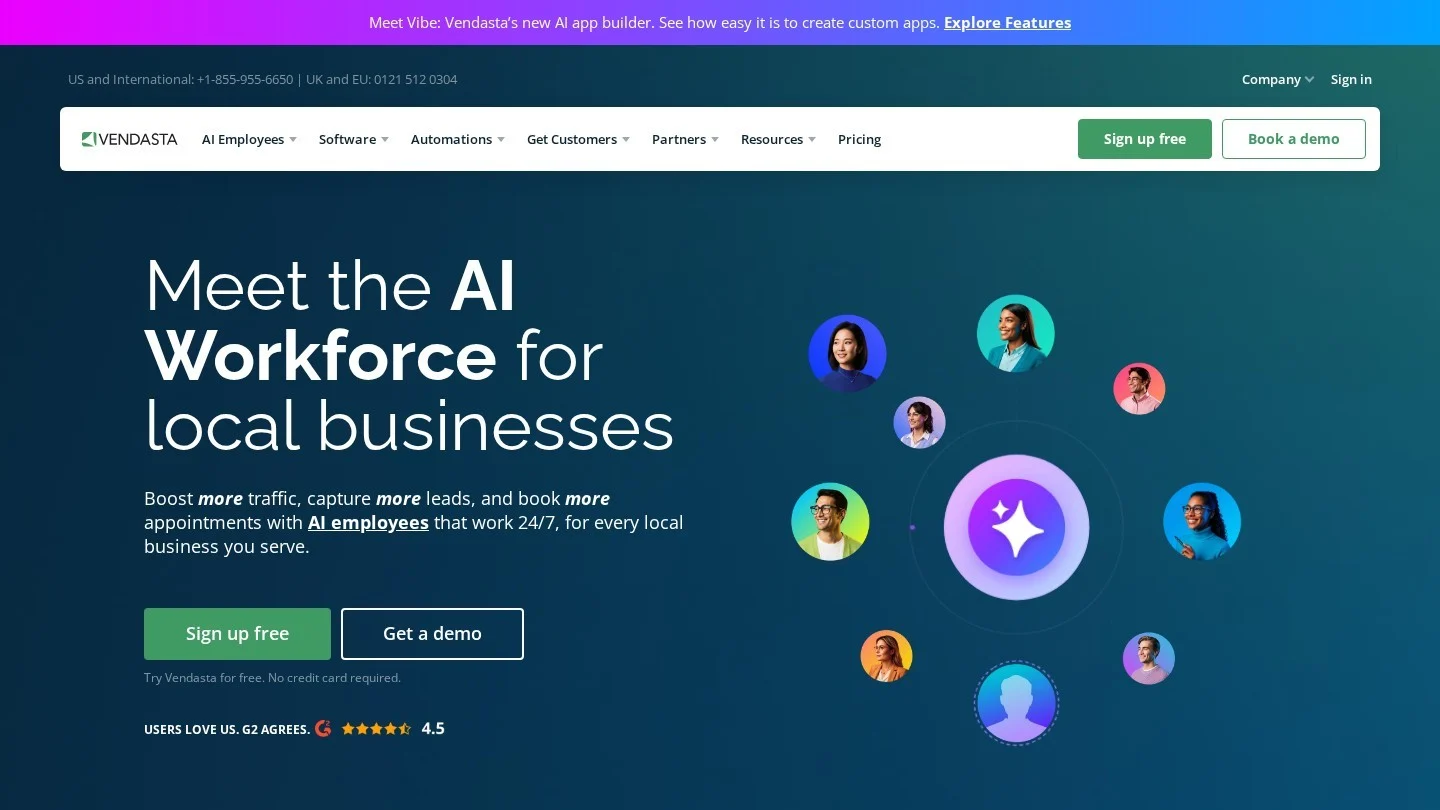
Vendasta AI Employees is built for the businesses that sell to local businesses. About 60,000 agencies, media companies and telcos use Vendasta to switch on AI employees for each client location: an AI Receptionist for chat and, on higher plans, voice calls; an AI Sales Assistant; an AI Reputation Specialist; and an AI Social Media Manager.
The agents share the client’s CRM, unified inbox and workflow automations, so a call answered by the AI Receptionist is summarized, logged and can trigger follow-up. From the Professional plan, everything can run under the agency’s own brand with a white-label portal and custom domain.
Pricing: Plans are monthly minimum spends with a 14-day free trial and no card. Starter is $99 a month with no contract, but chat only. Professional is $499 a month on a one-year contract and adds the AI Voice Receptionist and white-label. Premium is $999 a month on a one-year contract.
Pros
- Built for resale with wholesale pricing
- CRM, inbox, billing and automations around the agents
- White-label portal from Professional
- Published plan minimums and a no-card trial
Cons
- Voice receptionist needs the $499 plan
- Professional and Premium need one-year contracts
- Many products make for a steep learning curve
Best for: Marketing agencies, media companies and telcos that want to sell AI receptionists and assistants to local businesses under their own brand.
How To Choose a No-Code AI Agent Builder
Browse more options on our agent builders category page.
Start Where Your Data Lives
An agent is only as useful as the records it can reach. If your customers sit in Salesforce, Agentforce acts on them under existing permissions. If your documents and chats live in Microsoft 365 or Google Workspace, Copilot Studio or Gemini Enterprise reach that data with the least setup. Independent builders suit work that spans many vendors’ tools.
Decide How Much Building You Want To Do
The tools here sit on a spectrum. Lindy and Gemini’s Agent Designer let you describe a task in conversation. Relevance AI and Airtop draft the agent from a plain description, then let you edit it. n8n and Copilot Studio give you a canvas with real control but expect someone comfortable with APIs and logic. If you outgrow all of them, our guides to AI agent frameworks and building an agent from scratch cover the code route.
Model the Bill Before the Pilot
Every builder on this list meters usage, and the meters differ: n8n counts whole workflow runs, Zapier multiplies tasks by model tier and tool calls, Relevance AI charges Actions and Vendor Credits, Copilot Studio uses a credit rate card, and Retell bills by the second. Price one real task, with its steps and tool calls, at a month of volume on each shortlisted tool.
Check Approvals and Logs
Agents that send email or update records need a human checkpoint at first. Zapier offers per-tool approvals, Lindy routes outbound actions to a named approver, Airtop holds repairs until a person deploys them, and Gemini Enterprise has an Inbox for agent approvals.
Match Security to Your Data
Look for SOC 2, a no-training commitment and, for health data, a signed BAA. Lindy offers HIPAA with a BAA on Enterprise, Retell AI offers a self-signed BAA on every account and Airtop lists HIPAA. n8n Cloud hosts data in Frankfurt; Zapier stores data in the US only.
Pick a Specialist for Narrow Jobs
A general builder can make a phone agent or a browser agent, but specialists usually do those jobs with less setup. Retell AI is purpose-built for voice, Airtop for web tasks and Vendasta for agencies. See our browser automation agents and workflow automation agents pages for more.
n8n or Zapier, Phone Agents and Monthly Running Costs
What Is a No-Code AI Agent Builder?
It is a platform that lets you create an AI agent, meaning a model that can plan steps, call tools and take actions in other apps, without writing code. You describe the task, connect apps through prebuilt integrations and set rules for when the agent needs approval.
Which No-Code AI Agent Builder Is Free?
n8n’s Community Edition is free if you host it yourself, and you pay only for the model you connect. Airtop has a free plan with 1,000 credits a month and one deployed agent. Zapier’s free plan only previews AI steps.
Is n8n Better Than Zapier for AI Agents?
For heavy, multi-step agents, n8n is usually cheaper, because one execution covers a whole workflow run while Zapier charges again for each tool call. Zapier is easier for non-technical users and connects to more than 9,000 apps.
Can a No-Code AI Agent Answer Phone Calls?
Yes. Retell AI builds phone agents that answer and place calls, book appointments and transfer to staff, starting at $0.07 a minute. Vendasta’s AI Voice Receptionist does the same for agencies’ clients on its $499 Professional plan.
How Much Does It Cost To Run a No-Code AI Agent?
Fixed entry plans run from $19 (Relevance AI) to $200 (Copilot Studio) a month, but usage drives the real bill. Agentforce charges about $0.10 per standard action, Copilot Studio about $0.04 per agent action at pack prices, and Zapier up to 5 tasks per AI step plus the same for every tool call.
