

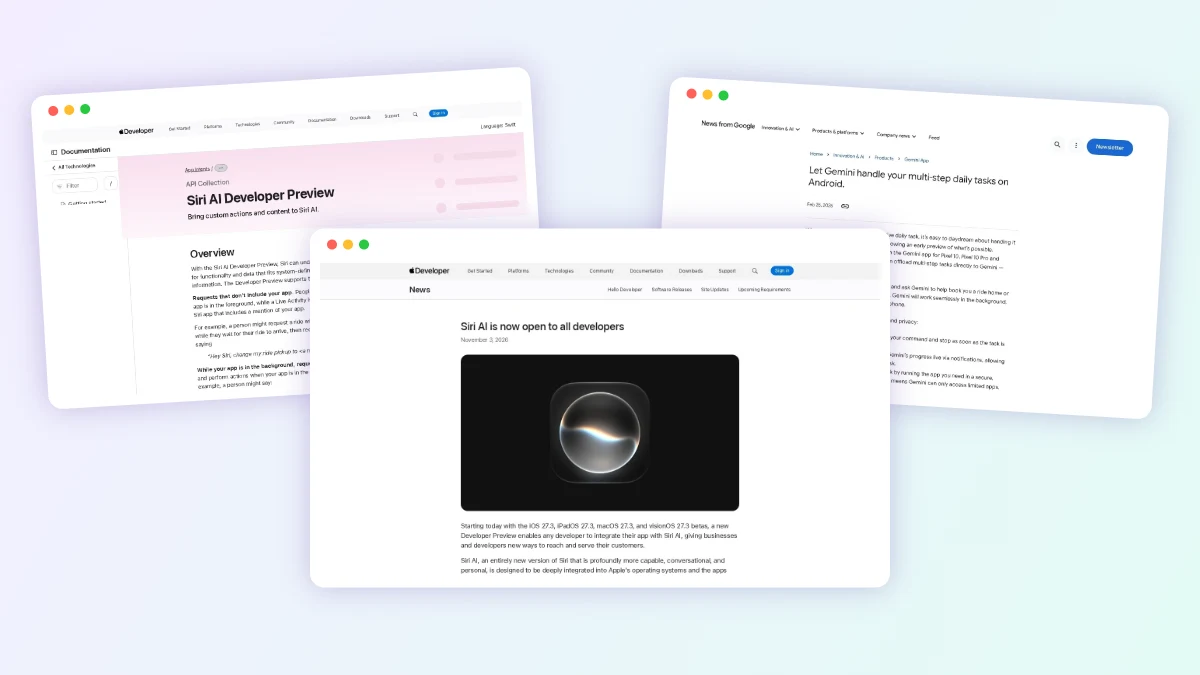
Yes, Apple now has an AI agent that acts on your device. It is called Siri AI, and it began rolling out in beta, in English, on 14 September 2026. It can read what is on your screen, search your messages and photos, and take actions inside apps. However, it does not tap buttons the way a computer-use agent does. Instead, it calls actions that each app exposes through App Intents.
That difference shapes everything else. Siri AI can only do what Apple and app makers have wired up. So the real question is which actions are live, which are still in preview, and what is only talk. The biggest surprise for us was how much of the third-party story still sits in a developer preview.
What Apple Has Shipped, Announced and Left Unconfirmed
Apple has moved in three steps this year. First, it announced Siri AI at WWDC on 8 June 2026. Then the beta reached customers in September with iOS 27. Finally, on 3 November 2026, Apple opened a Siri AI Developer Preview in the iOS 27.3 betas so any app can plug in.
| Item | Status | Detail |
|---|---|---|
| Siri AI assistant with onscreen awareness and personal context | Shipped in beta | English beta on iOS 27, iPadOS 27, macOS 27, watchOS 27 and visionOS 27 |
| Actions in Apple apps | Shipped in beta | Calendar, Files, Finder, Journal, Mail, Maps, Messages, Music, Notes, Photos, Preview, Reminders, Safari, Shortcuts and Weather |
| Actions in some third-party apps | Shipped in beta | WhatsApp for texting and Audible for playing a book |
| Siri AI in French, Japanese, Korean, Portuguese and Spanish | Live in the 27.3 developer betas | Traditional Chinese, Norwegian, Turkish and Vietnamese are due soon |
| Custom actions from any app | Developer Preview | App Store submissions open in spring; customers get these integrations in a few months |
| Outlook, Notability and Tripsy actions | Announced as coming soon | Drafting an email in Outlook is one named example |
| Paid expanded access to server features | Announced for the future | Server-side features carry daily usage limits today |
| Siri AI on iPhone, iPad and Apple Watch in the EU | Not available | Mac and Apple Vision Pro users in the EU can use it |
Anything outside this table is unconfirmed. Apple has not announced a general screen-control mode for Siri. It has also not opened Siri AI to apps on the public App Store yet. So treat any claim about Siri driving any app on its own as speculation until Apple ships it.
How Siri AI Controls Apps on iPhone, iPad and Mac
Siri AI runs on what Apple calls a system orchestrator. The orchestrator reaches two things on the device. One is the Spotlight index, which holds your content. The other is the App Toolbox, which holds the actions apps offer. Both work entirely on device.
Next, the model decides which action fits your request. Apple’s next generation of Foundation Models handles that step. These models run on device and on servers through Private Cloud Compute. With Private Cloud Compute, your personal data is not stored or made available to Apple, and outside experts can check that. Apple built these new models with Google’s Gemini models.
Three abilities feed the orchestrator. Each one adds a different kind of context to a request.
- Onscreen awareness. Siri AI can answer questions about what you are looking at. For example, you get a text about a potluck, brainstorm a dish with Siri, then add the recipe to Notes.
- Personal context. Siri AI can find a restaurant a friend recommended or a hotel confirmation number in an old email. It also reaches third-party apps that feed Spotlight.
- Actions across apps. Siri AI can draft an email from scratch or edit and share a set of photos. It can also take content from one app and act on it in another.
So the agent never guesses where to click. It picks from a menu of typed actions, fills in the inputs and calls the app. As a result, it cannot do anything an app has not exposed. That is a real limit, but it also makes actions more predictable than screenshot-driven control.
What the Siri AI Beta Can Do on Your Device Today
The September beta already handles multi-step jobs inside Apple’s own apps. Apple gave a few concrete cases at launch.
- Messages to plans. Siri can search your messages and find that you mentioned baking a family recipe together.
- Web page to calendar. On a sports team site, Siri can find all the upcoming home games and add them to your calendar.
- Poster to events. From a festival poster, Siri can create several calendar events for the weekend.
- Files cleanup. You can ask Siri to archive files you have not opened in over a year.
- Camera actions. A Siri mode in the iPhone Camera app lets Siri see what you see. You can then split a bill with friends using Apple Cash or get nutrition facts about a plate of food.
You can call Siri AI with Hey Siri, the side button or a swipe down from the Dynamic Island on iPhone. On iPad and Mac, it lives inside Spotlight and in systemwide context menus. Also, a new Siri app keeps your past conversations, and they sync across devices through iCloud.
Siri AI also reaches text fields in most third-party apps through Writing Tools. It can draft text from a short description, revise what you wrote and proofread as you type. In Mail and Messages, it can match the tone you usually use with each person. Dictation now handles capitals, punctuation and formatting on its own.
Third-party control is thinner for now. WhatsApp and Audible work today. Meanwhile, Outlook, Notability and Tripsy are still marked as coming soon. If you want the same request to work across many apps, you are waiting on developers.
Read also: Hiring an AI Copywriter? Pick It by the Copy You Need Written
How Third-Party Apps Join Apple’s Device Agent
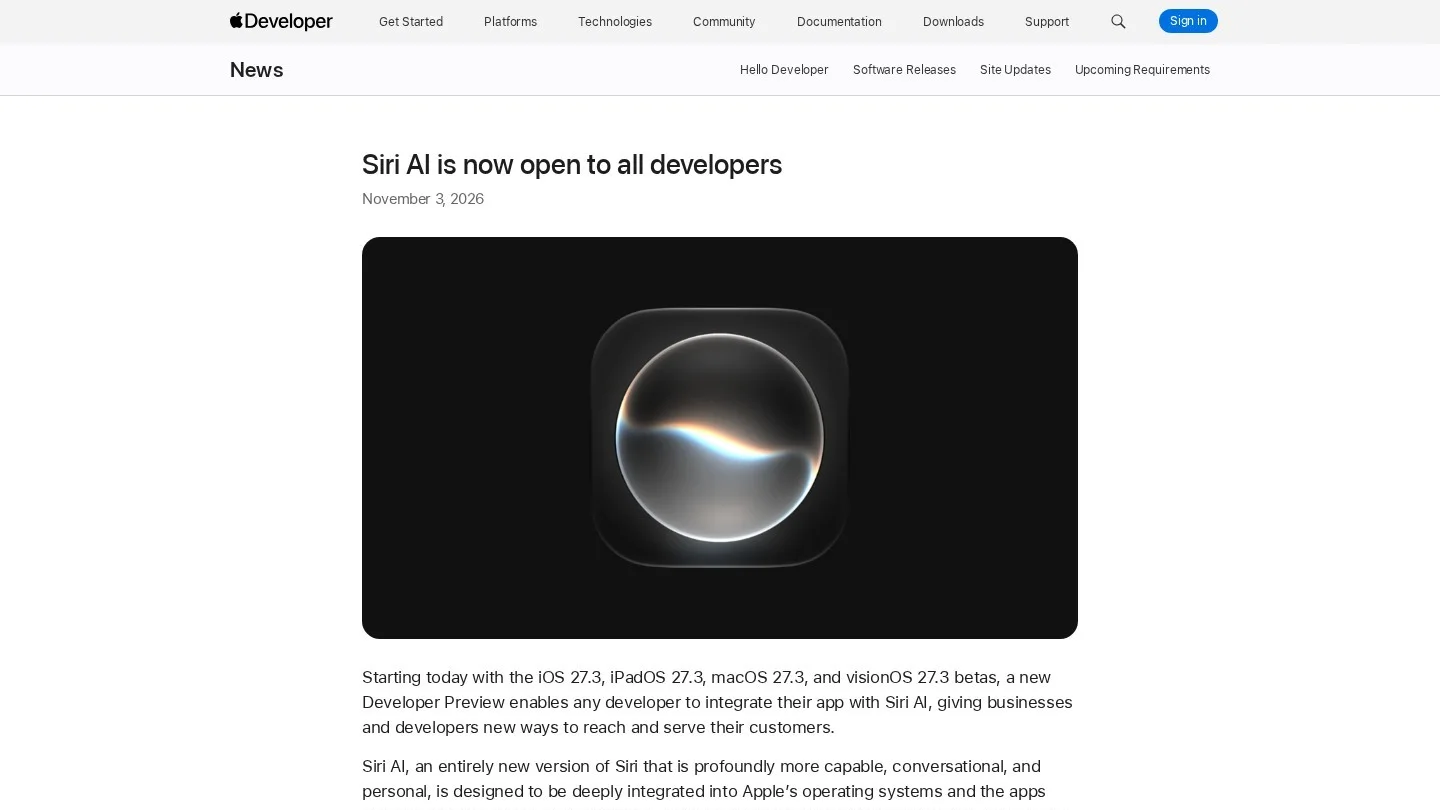
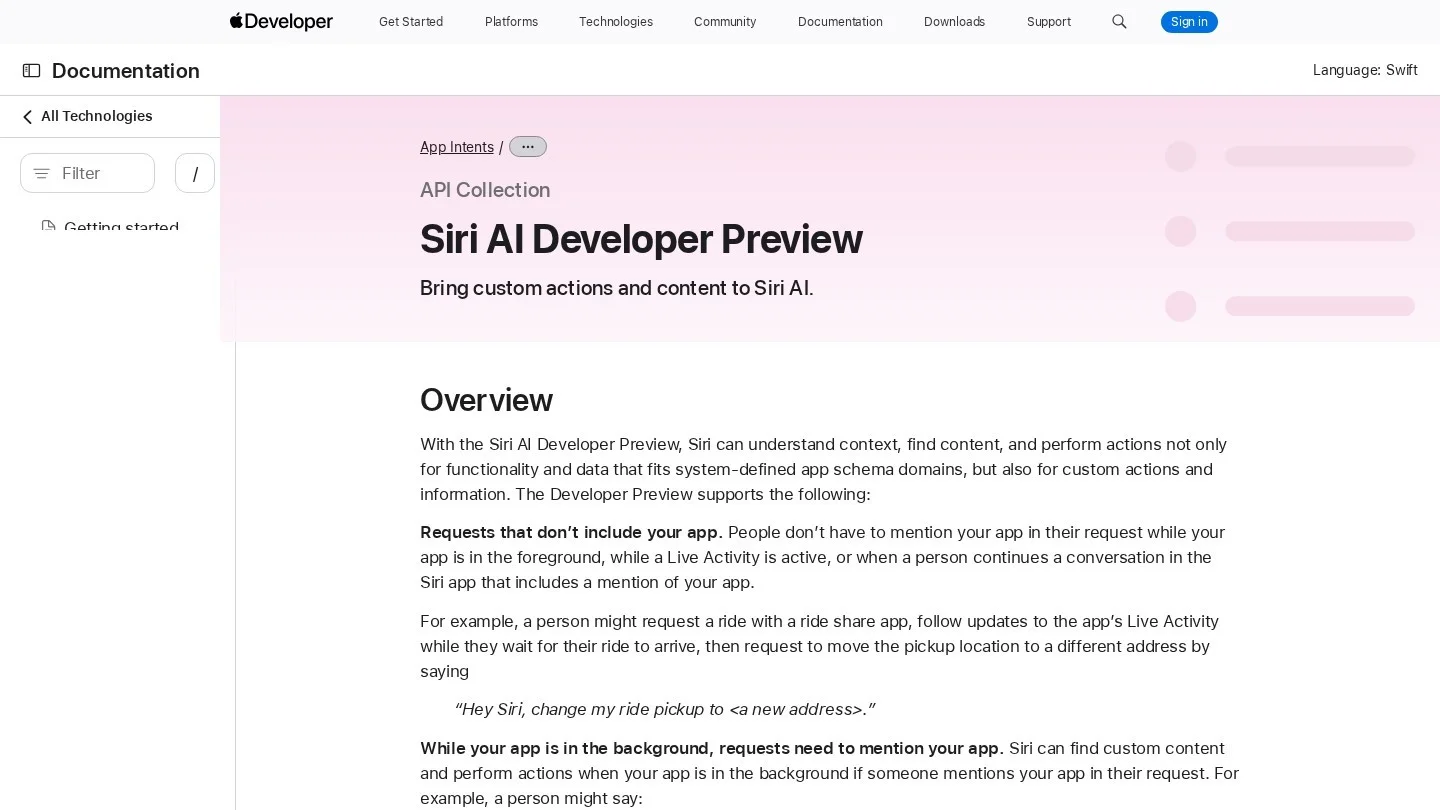
The Siri AI Developer Preview is where device control widens. Apps bring content and actions into Siri AI through App Intents. Before this preview, Siri mostly handled actions that fit system-defined schema domains. Now apps can expose custom actions and custom content too.
The new API pieces are small and specific. Developers mark an existing intent with the @AppIntent macro to turn it into a tool Siri can call. The ToolIntent protocol identifies intents Siri may call while handling a request. On the content side, @AppEntity and GenerableEntity let the model create an entity and fill in its properties directly.
For complex requests, developers write app skills. A skill guides Siri through a task that uses several tool intents. For example, compare shoes on sale that match my style needs search, filtering and a comparison in one flow. Results then appear in card snippets that use the app’s own views.
Apple also gives developers two testing aids. The Siri Integration Advisor in Xcode suggests fixes to an App Intents setup. Then the SiriEvaluations framework lets teams script requests and measure how Siri responds after each code change.
A Ride-Share Request Traced Step by Step
Apple’s own docs use a ride-share app to explain the rules. We followed that example through each stage.
- You book a ride in the app. Its Live Activity stays on your Lock Screen while you wait.
- You say Hey Siri, change my ride pickup to a new address. You do not name the app, and that is allowed because the Live Activity is active.
- The orchestrator finds the app’s change-pickup tool intent in the App Toolbox and fills in the new address.
- The app runs the change and returns a card snippet with the updated pickup.
- Later, with the app in the background, you must name it. For example, are the sneakers I liked in a shopping app on sale?
The same rules allow cross-app requests. Siri can find favorite sneakers in one app, look up your partner in Contacts and send the details through a messaging app. Even so, each step depends on an intent that a developer chose to expose.
Release Rules for Developers
The preview works only in development builds and for internal TestFlight testers. External testers and App Store users do not get it yet. Also, the App Intents API and Siri behavior may change during the preview. App Store submission opens in spring, and Apple will share terms and usage policies for Siri AI experiences later.
Siri AI Devices, Languages and Regions
Siri AI needs an Apple Intelligence device set to a supported language. Some features need newer hardware with more memory.
| Feature tier | Supported devices |
|---|---|
| Apple Intelligence and Siri AI | iPhone 16 or later, iPhone 15 Pro and Pro Max, iPad mini (A17 Pro), MacBook Neo (A18 Pro), iPad and Mac with M1 or later, Apple Vision Pro |
| Apple Watch | Series 9 or later, Ultra 2 or later, and SE 3 when paired with a nearby Apple Intelligence iPhone |
| Advanced on-device model for expressive voices and dictation | iPhone Air, iPhone 17 Pro and Pro Max, iPad (M4) or later and Mac (M3) or later with at least 12GB of memory, Apple Vision Pro (M5) |
Regional limits matter just as much. In the EU, Siri AI is not available on iOS, iPadOS or watchOS, and Apple is working with the EU on a path forward. In China, Siri AI and the other new features are unavailable while Apple works through regulatory requirements. Also, the preview is not available to users under 13.
Usage has a ceiling too. Server-side Apple Intelligence features, Siri AI included, have daily limits. Those limits can vary by feature, request complexity and system demand. Apple plans paid expanded access later.
Siri AI Compared With Other Device-Control Agents
Other device agents take a different route. Most of them work through the screen itself. That gives them reach into apps with no special integration, but it brings more risk and less predictability.
| Agent | How it controls apps | Where it runs | Status |
|---|---|---|---|
| Apple Siri AI | Calls App Intents that apps expose; reads screen content for context | On device plus Private Cloud Compute | Beta in English; third-party preview |
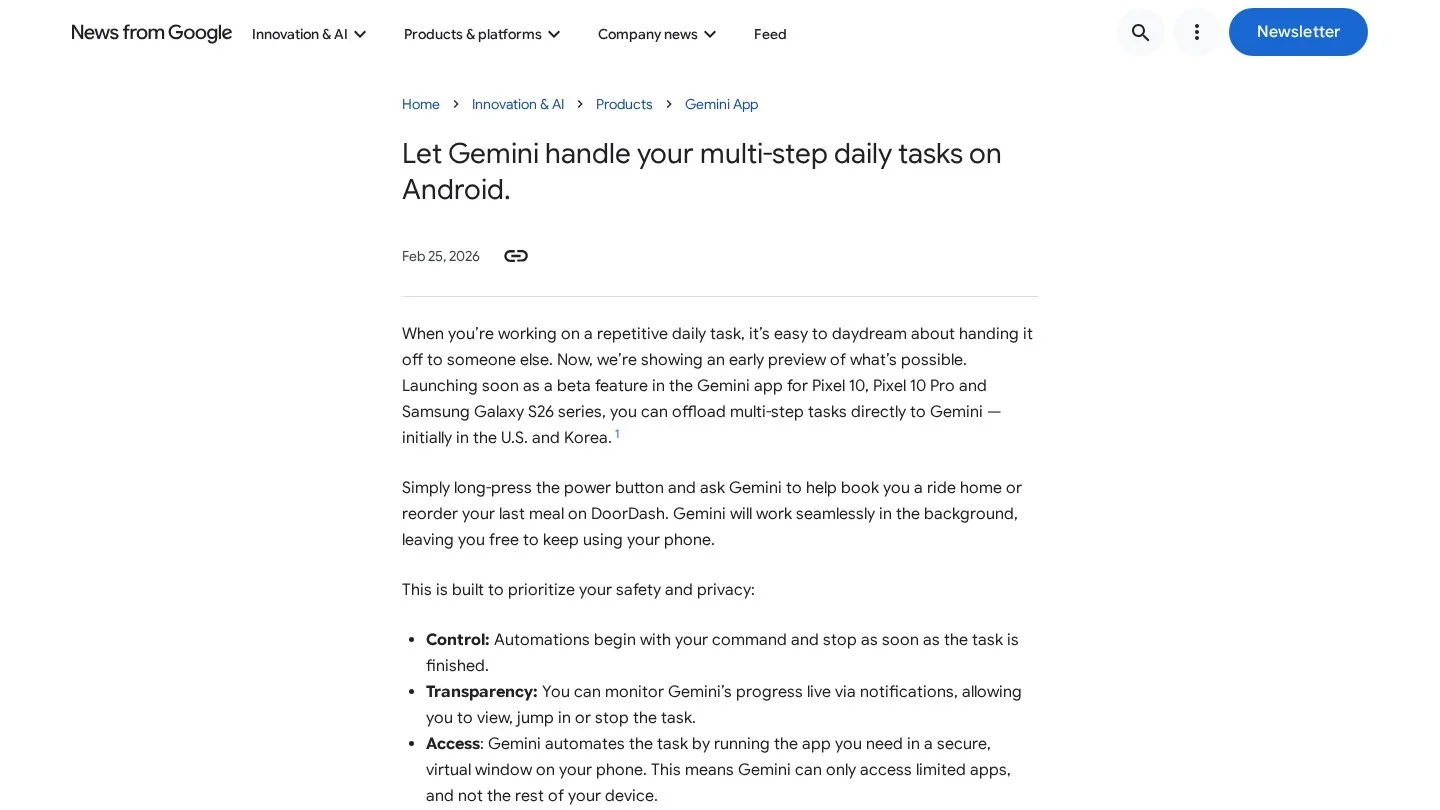
| Google Gemini multi-step tasks | Runs the app in a secure virtual window with access to limited apps | Pixel 10 series and Samsung Galaxy S26 series | Beta in the U.S. and Korea, 18+ |
| Anthropic Claude computer use | Screenshots plus mouse and keyboard actions | A sandbox or VM the developer runs | Developer API tool |
| OpenAI ChatGPT agent | Clicked through sites in a virtual browser | OpenAI’s cloud | Retired; OpenAI points users to ChatGPT Work |
Google’s approach is the closest consumer match. You long-press the power button and ask Gemini to book a ride home or reorder a meal on DoorDash. Gemini then runs the app in the background, so you keep using your phone. You can watch progress in notifications, take over or stop the task. At first, it covers select food, grocery and rideshare apps.
Samsung owners get that same Gemini feature on the Galaxy S26 series. So on Android, the agent comes from Google, and the phone maker supplies the hardware.
Claude computer use is a developer tool. It gives the model 17 actions, such as screenshot, left_click, type and scroll. Your own application runs those actions inside a desktop environment you provide. Anthropic advises a dedicated VM with minimal privileges and a human check before payments or accepting terms. For a browser version, see our Claude in Chrome profile.
OpenAI’s ChatGPT agent worked in a virtual browser and asked for confirmation before high-impact actions. It is no longer available, and OpenAI now recommends ChatGPT Work for longer multi-step tasks.
In practice, the trade-off comes down to reach. Apple’s agent is narrower but acts through typed actions on your own device. Screen-based agents reach more apps today, yet each click is a guess from a screenshot. If you want to compare more agents that act for you, browse our personal assistant agents and browser automation agents.
Who Should Use Apple’s Device Agent Now
iPhone and Mac owners in a supported region can try Siri AI today, as long as they accept beta behavior. It works best for jobs inside Apple’s own apps, such as calendar events from a poster or file cleanup in Finder. However, people who depend on a specific third-party app should check if that app has added Siri AI support.
App makers have a short runway. The preview is live, App Store submissions open in spring, and customers get these integrations in a few months. So teams that already use App Intents for Shortcuts are closest to ready. Meanwhile, teams building voice features can compare options in our voice AI agents category.
Questions People Ask About Apple’s Siri AI Agent
Can Siri AI Tap Buttons on My Screen Like a Computer-Use Agent?
No. Siri AI reads what is on screen for context, but it acts through App Intents. If an app has not exposed an action, Siri cannot perform it.
Is Siri AI Free to Use?
It comes with Apple Intelligence on supported devices. However, server-side features have daily usage limits, and Apple plans paid expanded access in the future.
Does Siri AI Work in the EU?
Only on Mac and Apple Vision Pro for now. It is not available on iPhone, iPad or Apple Watch in the EU.
When Can Third-Party Apps Ship Siri AI Features?
App Store submissions open in spring. Until then, the integrations run only in development builds and for internal TestFlight testers.
Which iPhones Run Siri AI?
iPhone 16 or later and iPhone 15 Pro or Pro Max. The most advanced on-device voice and dictation features need an iPhone Air or iPhone 17 Pro or newer.
Related AI Agents




Read also: JSON-RPC in AI Agent Communication: How MCP and A2A Use It
Explore Agent Categories
Related Articles
 GuidesHiring an AI Copywriter? Pick It by the Copy You Need Written
 GuidesPlinto AI Alternatives for Invoice Checks and AP Controls
 GuidesHow to Control Costs Associated With AI Agents
 GuidesHow to Protect Sensitive Data in AI Agent Workflows
 GuidesPrompt Injection Attacks Against AI Agents
 GuidesLong-Running AI Agent Tasks: Managing Context and State
