


AI agent tool calling is how a language model gets work done outside its own text. Think of checking an order, reading a database or sending an email. The model never runs the function itself. Instead, it writes a small JSON request that names a tool and fills in the arguments, and your code runs it. Then the result goes back to the model, which either answers or asks for another tool.
OpenAI calls this function calling, Anthropic calls it tool use, and Google calls it function calling as well. The names differ, but all three run the same loop. The Model Context Protocol (MCP) works one layer lower. It gives apps one shared way to find and call tools that live on other servers.
Tools also cost tokens before any work starts. On Claude Opus 5.5, turning tools on adds a hidden system prompt of 286 tokens, and each tool definition adds more on top. So the loop, the schemas and the error paths are worth learning in detail, because they decide how fast and how cheap an agent runs.
How AI Agent Tool Calling Works, Step by Step
AI agent tool calling works as a five-step loop that repeats until the model stops asking for tools. Your app sends the prompt with a list of tools. The model replies with a tool call. Your code runs it and sends back the output. After that, the model either writes the answer or calls another tool.
The flow is the same across the big three APIs. Only the field names change, so the table maps each step to the exact fields you will see.
| Step | What happens | OpenAI Responses API | Claude Messages API | Gemini API |
|---|---|---|---|---|
| 1. Send tools | Your app sends the prompt and the tool list | tools with type function | tools with input_schema | tools with type function |
| 2. Model picks a tool | The model writes a tool name and its arguments | function_call item with call_id | tool_use block with id, and stop_reason tool_use | function call with an id |
| 3. Your code runs it | You check the arguments and run the function | Arguments arrive as a JSON string | Input arrives as an object | Arguments arrive with the call |
| 4. Send the result | You return the output tagged with the call ID | function_call_output with call_id | tool_result with tool_use_id | function_result with call_id |
| 5. Answer or loop | The model replies, or asks for more tools | output_text, or new calls | stop_reason end_turn, or new calls | Text, or new calls |
That loop is the core of every agent. One user question can trigger five or ten rounds, and each round resends the whole history. As a result, token use climbs with every call. The parts that sit around this loop, such as memory and planning, are covered in our guide to AI agent architecture.
What Goes Into a Tool Definition
A tool definition has a name, a plain description and a JSON Schema for the arguments. The model reads all three to decide when to call the tool and what to pass. OpenAI puts the schema in a field named parameters. Claude names the same field input_schema, and MCP names it inputSchema.
{
  "type": "function",
  "name": "get_weather",
  "description": "Get current weather for a city. Use it only for weather questions.",
  "parameters": {
    "type": "object",
    "properties": {
      "city": { "type": "string" },
      "unit": { "type": "string", "enum": ["celsius", "fahrenheit"] }
    },
    "required": ["city", "unit"],
    "additionalProperties": false
  },
  "strict": true
}
Descriptions do most of the work. A good one names when to use the tool and when to skip it. Enums help too, because they stop the model from making up a value such as kelvin. Also, leave out any argument your code already knows, like a user ID from the session, so the model cannot get it wrong.
Names follow rules as well. Under the MCP tools spec, a tool name should be 1 to 128 characters long and use only letters, digits, underscores, hyphens and dots. Names are case sensitive, so getUser and GetUser count as two tools.
OpenAI Function Calling in Code
OpenAI function calling returns each tool request as a function_call item with a call_id, a name and the arguments as a JSON string. Your code parses the string, runs the function and appends a function_call_output item with the same call_id. Then it calls the model again. This loop caps the rounds at eight, so a confused model cannot spin forever.
import json
from openai import OpenAI

client = OpenAI()

tools = [{
    "type": "function",
    "name": "get_weather",
    "description": "Get current weather for a city.",
    "parameters": {
        "type": "object",
        "properties": {"city": {"type": "string"}},
        "required": ["city"],
        "additionalProperties": False,
    },
    "strict": True,
}]

def get_weather(city):
    return f"8C and windy in {city}"   # call a real weather API here

history = [{"role": "user", "content": "Do I need a coat in Oslo today?"}]

for turn in range(8):
    response = client.responses.create(
        model="gpt-6.2-astra", tools=tools, input=history
    )
    history += response.output
    calls = [item for item in response.output if item.type == "function_call"]
    if not calls:
        print(response.output_text)
        break
    for call in calls:
        args = json.loads(call.arguments)
        history.append({
            "type": "function_call_output",
            "call_id": call.call_id,
            "output": get_weather(**args),
        })
Strict mode is the setting to turn on first. With strict set to true, calls follow the schema instead of a best guess. However, it adds two rules. Every object needs additionalProperties set to false, and every field must be listed as required. To make a field optional, give it a null type, such as a string or null. If the schema breaks these rules, the API rejects the request and names the missing parts.
A few other settings shape the call:
- tool_choice: auto lets the model decide, required forces at least one call, a named function forces that one, and none turns tools off. allowed_tools limits the model to a subset while the full list stays in the prompt, which keeps prompt caching intact.
- parallel_tool_calls: the model may call several functions in one turn. Set it to false to allow zero or one call per turn.
- Tool count: OpenAI suggests fewer than 20 functions at the start of a turn. Definitions sit in the system message, so they count against the context window and bill as input tokens.

Read also: AI Tools Pricing Models Explained: A Guide for Buyers and Builders
How Claude Returns and Accepts Tool Blocks
Claude tool use signals a tool request with stop_reason set to tool_use and one or more tool_use blocks. Each block carries an id, the tool name and an input object, so there is no JSON string to parse. Your code answers with a tool_result block that points back to that id.
import anthropic

client = anthropic.Anthropic()

tools = [{
    "name": "get_weather",
    "description": "Get current weather for a city.",
    "input_schema": {
        "type": "object",
        "properties": {"city": {"type": "string"}},
        "required": ["city"],
    },
}]

messages = [{"role": "user", "content": "Do I need a coat in Oslo today?"}]

for turn in range(8):
    response = client.messages.create(
        model="claude-opus-5-5", max_tokens=1024,
        tools=tools, messages=messages,
    )
    messages.append({"role": "assistant", "content": response.content})
    if response.stop_reason != "tool_use":
        break
    results = []
    for block in response.content:
        if block.type == "tool_use":
            results.append({
                "type": "tool_result",
                "tool_use_id": block.id,
                "content": get_weather(**block.input),
            })
    messages.append({"role": "user", "content": results})

print("".join(b.text for b in response.content if b.type == "text"))
Claude is strict about message order. The tool_result blocks must come right after the assistant turn that asked for them, and they must sit first in the user message. Any extra text goes after the results. When a tool fails, send the result with is_error set to true and a short reason, such as a missing city. Claude can then retry with the missing value or tell the user what went wrong.
Claude also splits tools by where they run. Client tools, including your own functions, run in your app. Server tools such as web_search, web_fetch, code_execution and tool_search run on Anthropic’s side, so you get their results without writing any handler code. For your own tools, adding strict: true makes every call match the schema exactly.
The hidden tool-use prompt changes with the model and the tool_choice value. These counts come on top of your own tool definitions and every tool_use and tool_result block in the Claude tool use docs.
| Claude model | auto or none | any or tool |
|---|---|---|
| Claude Opus 5.5 | 286 tokens | 406 tokens |
| Claude Sonnet 5.5 | 286 tokens | 406 tokens |
| Claude Opus 4.7 | 675 tokens | 804 tokens |
| Claude Sonnet 4.6 | 497 tokens | 589 tokens |
| Claude Haiku 4.5 | 496 tokens | 588 tokens |

Gemini Function Calling and Its Four Modes
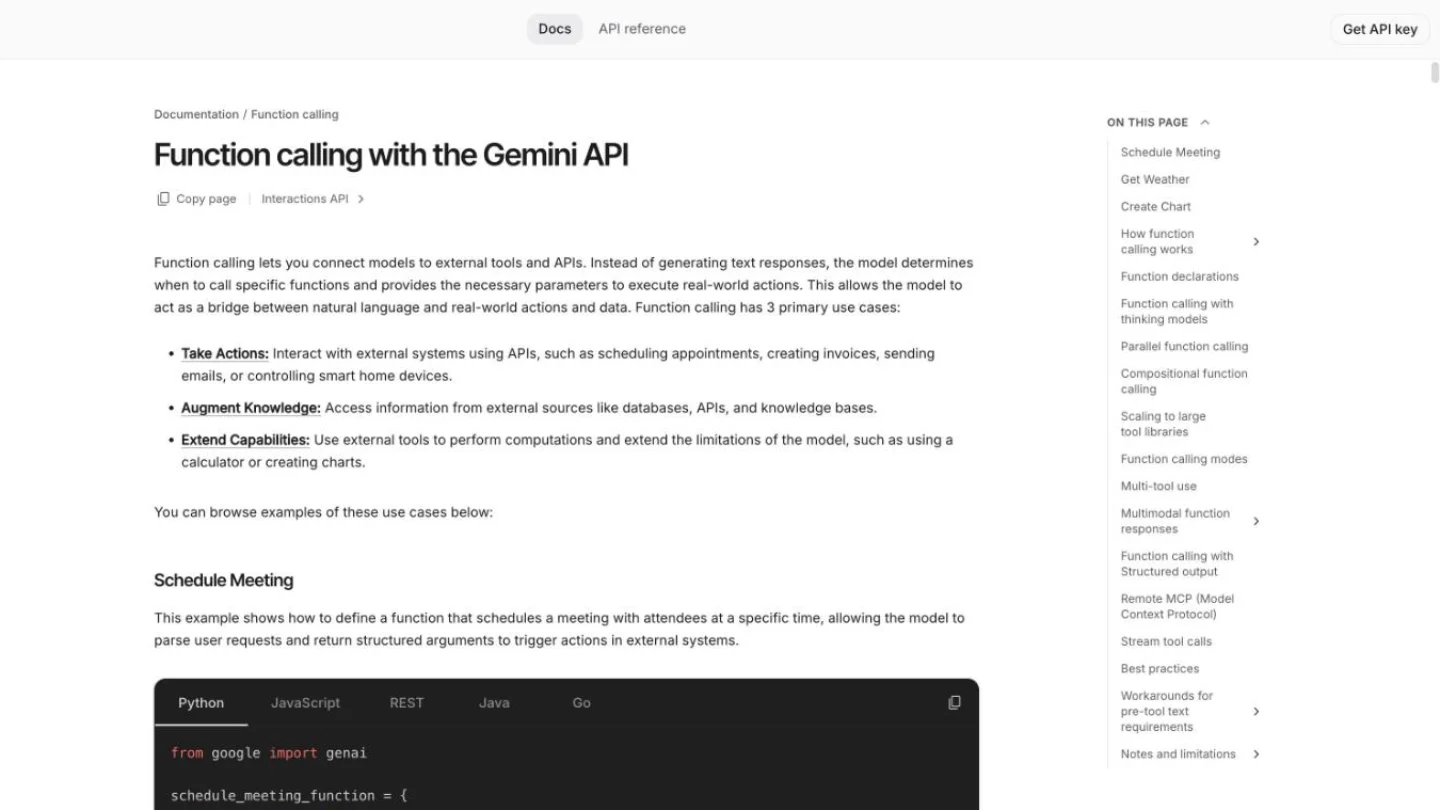
Gemini function calling has four modes, set through tool_choice. Auto is the default and lets the model decide. Any forces the model to always predict a function call. None blocks function calls, and validated makes the model stick to the function schema.
The return path looks like OpenAI’s. Gemini sends a function call with an id, and your code replies with a function_result that carries the name, a call_id and the result. For Gemini 3 models, the SDKs also pass hidden thought signatures back for you, so the model keeps its reasoning between turns.
Gemini handles two kinds of multi-call work. Parallel calls run independent functions at once, such as weather in two cities. Compositional calls chain them, so the model gets a location first and then asks for the weather there. Google’s function calling docs suggest keeping the active set to 10 to 20 tools. Very large or deeply nested schemas may be rejected in any mode, and only part of the OpenAPI schema format is supported.
Tool Choice and Parallel Settings Compared
Tool choice settings across OpenAI, Claude and Gemini line up closely, but the names differ. Use this table when you port an agent from one API to another.
| What you want | OpenAI | Claude | Gemini |
|---|---|---|---|
| Let the model decide | auto | auto | auto |
| Force at least one call | required | any | any |
| Force one named tool | function with that name | tool with that name | n/a |
| Block all tools | none | none | none |
| Match the schema exactly | strict: true | strict: true | validated |
| One call per turn | parallel_tool_calls: false | disable_parallel_tool_use: true | n/a |
How MCP Fits Into Tool Calling
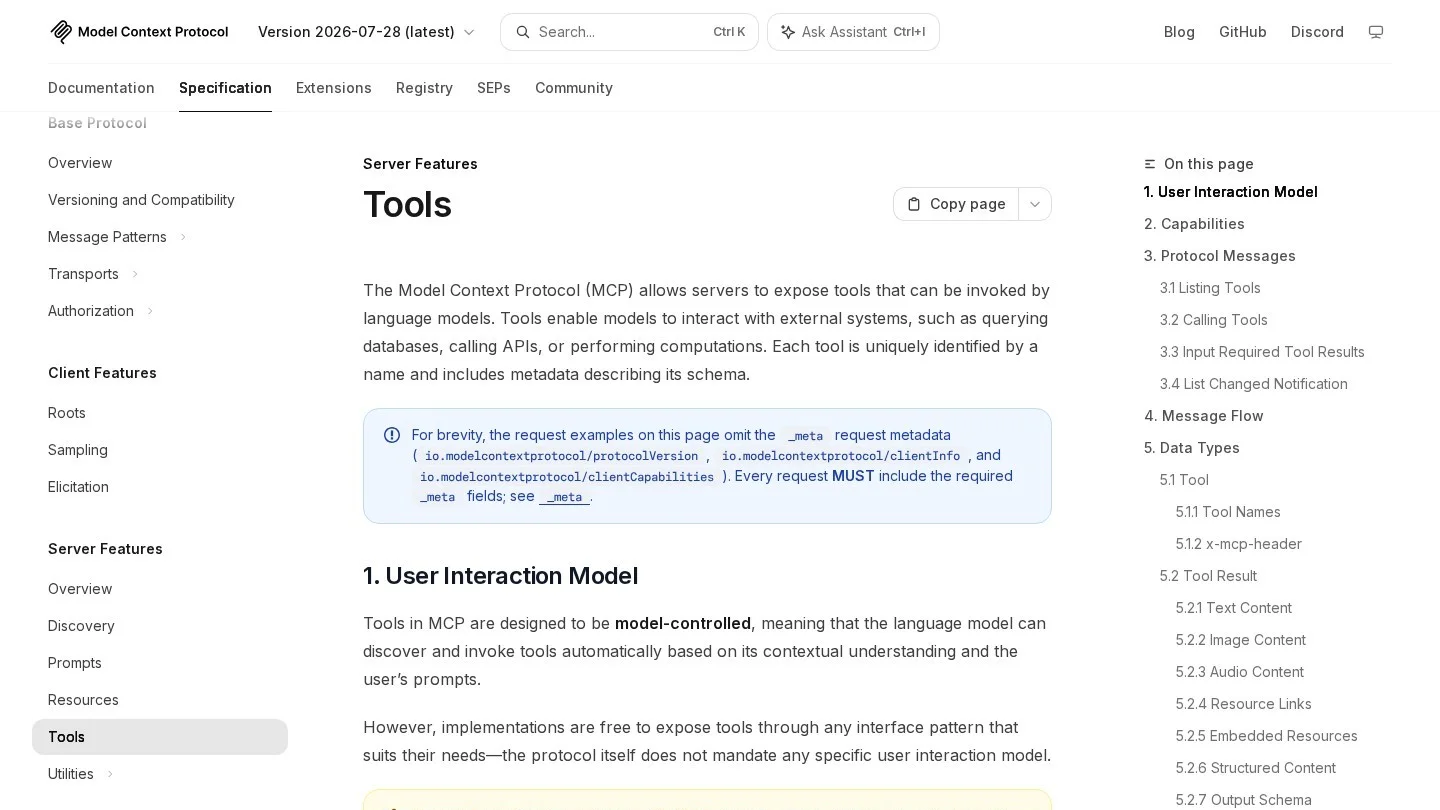
MCP links an AI app to the servers that hold its tools, while the model still picks tools through its own provider’s tool calling. The app asks each MCP server for its tools with tools/list. Next, it turns that list into tool definitions for OpenAI, Claude or Gemini. When the model picks one, the app sends tools/call to the right server and passes the result back to the model.
Both messages are JSON-RPC 2.0. A call and its reply look like this:
// request from the app (MCP client)
{
  "jsonrpc": "2.0",
  "id": 2,
  "method": "tools/call",
  "params": { "name": "get_weather", "arguments": { "location": "New York" } }
}

// reply from the MCP server
{
  "jsonrpc": "2.0",
  "id": 2,
  "result": {
    "resultType": "complete",
    "content": [{ "type": "text", "text": "Temperature: 72F, partly cloudy" }],
    "isError": false
  }
}
MCP uses two kinds of errors, and the split matters for agents. A protocol error, such as an unknown tool, comes back as a JSON-RPC error with code -32602. A tool execution error, such as a date in the past, comes back as a normal result with isError set to true. The spec wants that second kind passed to the model, because the model can read it and retry with better arguments. More on the message format sits in our post on JSON-RPC in AI agent communication.
The current MCP spec also covers safety. Servers must check all inputs, apply access controls, rate limit calls and clean their outputs. Clients should show tool inputs to the user, ask before sensitive actions, set timeouts and log every call. When an app joins tools from many servers, two of them may both expose a tool named search. So the spec suggests a server prefix on each name. For servers you can install today, see our list of MCP servers for autonomous workflows.
Why Tool Calls Fail and How to Fix Them
Tool calls fail when the arguments are wrong, the tool list is too long, the output confuses the model or the loop never ends. Each problem has a known fix in the current APIs.
Bad or Missing Arguments
Bad arguments are fixed with strict schemas. Turn on strict mode in OpenAI or Claude, or validated mode in Gemini, and the model cannot leave out a required field. If a bad call still gets through, return the error as the tool result. For example, a result that reads Missing required city parameter gives Claude enough to call again with the city filled in.
Too Many Tools in the Prompt
Large tool lists eat context and cause wrong picks. In Anthropic tests from November of last year, five MCP servers with 58 tools used about 55,000 tokens before the user typed a word. GitHub alone took about 26,000 tokens for 35 tools. Loading tools on demand with a tool search tool cut token use by 85%. It also raised Claude Opus 4 accuracy on MCP tests from 49% to 74%, and Claude Opus 4.5 from 79.5% to 88.1%.
OpenAI offers the same idea. Its tool_search feature works on gpt-5.4 and later models, and namespaces let you group tools such as crm or billing with defer_loading set to true.

Outputs the Model Misreads
Messy tool output leads to messy answers. MCP tools can declare an outputSchema and return structuredContent. That gives the model typed fields such as temperature and humidity in place of a wall of text. Examples help on the input side too. Adding sample calls to tool definitions raised accuracy on complex parameters from 72% to 90% in the same Anthropic tests.
Loops and Runaway Cost
Loops burn money fast, because every round resends the full history. So cap the number of rounds, as both code samples do. Anthropic also tested programmatic tool calling, where the model writes code that calls tools in one go. It cut average use from 43,588 to 27,297 tokens, a 37% drop. Our breakdown of AI agent token consumption covers where else the tokens go.
Actions That Need a Human
Some calls should never run on the model’s word alone. Refunds, deletes and outbound emails need a person to approve them, and the MCP spec wants a human able to deny any tool call. Tool output can also carry prompt injection, such as hidden text on a web page that orders the model to email a file. Treat every tool result as untrusted input, and see our AI agent guardrails guide for the controls that stop it.
Read also: 12 AI Tool Niches With High Demand in 2026
Short Answers on Function Calling and MCP
Is Function Calling the Same as Tool Calling?
Function calling and tool calling are the same thing under two names. OpenAI and Google use the term function calling, while Anthropic uses tool use. In all three, the model writes a structured request and your code or the provider’s servers run it.
Do I Need MCP to Use Tool Calling?
You do not need MCP to use tool calling. A tool can be any function in your own code, defined right in the API request. MCP pays off when you want to reuse tools across apps, or plug in servers that other teams or vendors maintain.
Can One Agent Use Tools From Several Providers?
One agent can use tools from many sources, because the model only sees definitions. Your app can mix local functions, MCP servers and hosted tools in one list. The Gemini Interactions API can also connect to remote MCP servers directly, but only over Streamable HTTP, since SSE servers are not supported.
Which Frameworks Run the Loop for Me?
Agent frameworks run the tool loop so you do not write it by hand. The OpenAI Agents SDK, for example, turns Python functions into tools and handles the rounds, handoffs and limits. If you want to see every moving part first, our guide to building an AI agent from scratch writes the loop out step by step.
Related Articles
 GuidesAI Tools Pricing Models Explained: A Guide for Buyers and Builders
 GuidesHow to Connect AI Agents to External Databases Safely
 GuidesAI Model Accuracy by Task Category
 GuidesCreatify AI Alternatives for Video Ads: 8 Tools Compared
 Guides10 Best Tools for Building AI Agents Without Coding
 GuidesBest AI Agents for Document Processing: 5 Tools With Real Prices
