


Put a Tool Layer Between the Agent and the Database
To connect an AI agent to an external database, put a tool layer between the model and the data. In most stacks today, that layer is an MCP database server or a set of query tools in your agent framework. Then the agent asks the tool for data, and the tool runs the query under a locked-down database user. The model never holds the password, and it never talks to the database on its own.
We researched how ten real products and open-source projects handle this job. We read the setup and security docs for Supabase, MongoDB, DBHub and Google’s MCP Toolbox for Databases. Then we read the docs for Microsoft’s SQL MCP Server, Snowflake Cortex Analyst, Databricks Genie, LangChain and the OpenAI Agents SDK. We also studied one public security case. After that, we compiled the steps they share into this guide.
Every safe setup we found follows the same order. First, decide how the agent reaches the data. Next, give it its own read-only user. Then cap what each query can return. Finally, guard against instructions hidden inside the rows. If you are still sketching your first agent, our guide to building an AI agent from scratch covers the basic loop.

Choose How the Agent Reaches Your Data
We found three patterns in the products we studied. They differ in one big way. That is, who writes the SQL. In the first pattern, the model writes it. In the second, your developers write it ahead of time. In the third, a separate system writes it from a business model of your data.
Let the Model Write SQL Through an MCP Server
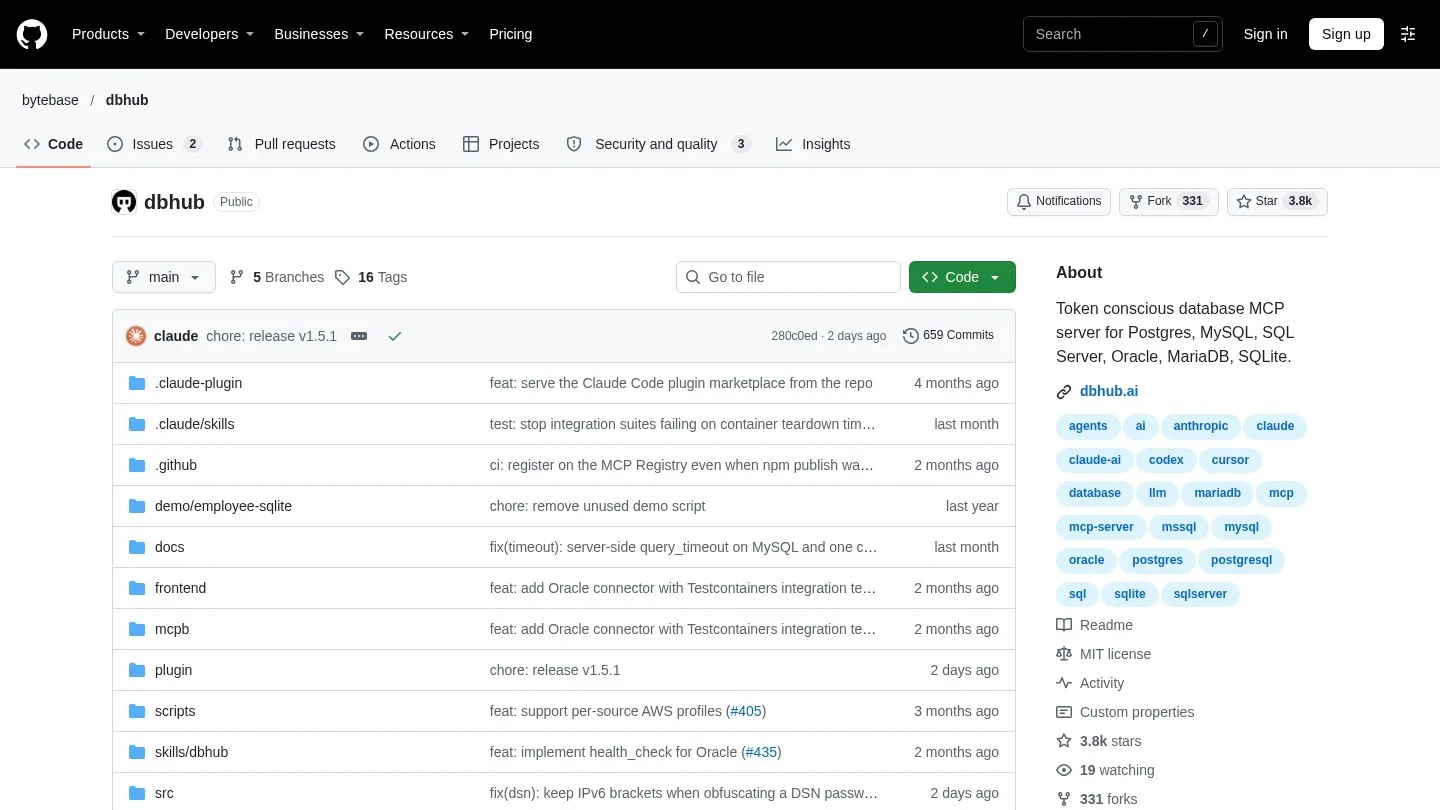
Most MCP database servers expose a tool that runs any SQL the model sends. For example, Supabase’s server has execute_sql and list_tables. DBHub, an open-source server from Bytebase, connects to PostgreSQL, MySQL, MariaDB, SQL Server and SQLite. So the agent can explore an unknown schema and answer new questions. However, this pattern carries the most risk, because the query text comes from the model.
Publish Fixed Queries as Named Tools
In this pattern, developers write each query once and give it a name. The model only fills in the parameters. Google’s MCP Toolbox for Databases works this way. Microsoft’s SQL MCP Server goes further. It does not let the model write SQL at all. Instead, the agent works through entities you define, and the server builds the T-SQL itself.
Hand Questions to a Text-to-SQL Service
The third pattern adds a layer that knows your business terms. Snowflake Cortex Analyst reads a semantic model that names tables, columns, metrics and filters. Databricks Genie uses instructions and example SQL queries that a data team adds. Then the agent passes a plain-English question, and the service returns SQL or an answer.
| Pattern | Who writes the SQL | Real examples | Use it when |
|---|---|---|---|
| MCP server with a raw SQL tool | The model | Supabase MCP, DBHub, MongoDB MCP Server | Developers explore data in a coding agent |
| Fixed, named query tools | Your developers | MCP Toolbox for Databases, SQL MCP Server | Customer-facing or unattended agents |
| Text-to-SQL service | A semantic layer plus models | Snowflake Cortex Analyst, Databricks Genie | Business users ask open questions about a warehouse |
In our view, most teams should mix them. For instance, a support agent can call five fixed tools for order lookups. Meanwhile, an analyst’s coding agent can use a raw SQL server against a staging copy.
Create a Read-Only Database User for the Agent
Create a new database user that only the agent uses. Never reuse your app’s main user. For example, LangChain’s SQL agent tutorial puts it plainly. It tells builders to scope database permissions as narrowly as the agent’s job allows. Supabase’s read-only mode does the same thing at the server level. It runs the agent’s queries as a read-only Postgres user.
For PostgreSQL, the grants look like this. Then swap in your own database, schema and table names.
CREATE ROLE agent_reader LOGIN PASSWORD 'use-a-secret-manager';
GRANT CONNECT ON DATABASE shop TO agent_reader;
GRANT USAGE ON SCHEMA public TO agent_reader;
GRANT SELECT ON public.orders, public.products TO agent_reader;

ALTER ROLE agent_reader SET statement_timeout = '5s';
ALTER ROLE agent_reader SET default_transaction_read_only = on;
The GRANT SELECT lines do the real work. In fact, the last setting is only a default, and a session can switch it off. So the missing write grants are what actually stop an UPDATE or DROP. Also, list tables one by one. A grant on every table in the schema will expose new tables the day someone adds them.
Next, hide columns the agent has no reason to read. Payment tokens, password hashes and private notes belong in tables the agent cannot see. Or you can grant access to a view that leaves those columns out. For multi-tenant apps, Postgres row-level security can limit each query to one customer’s rows.
Learn From the Archived Postgres Reference Server
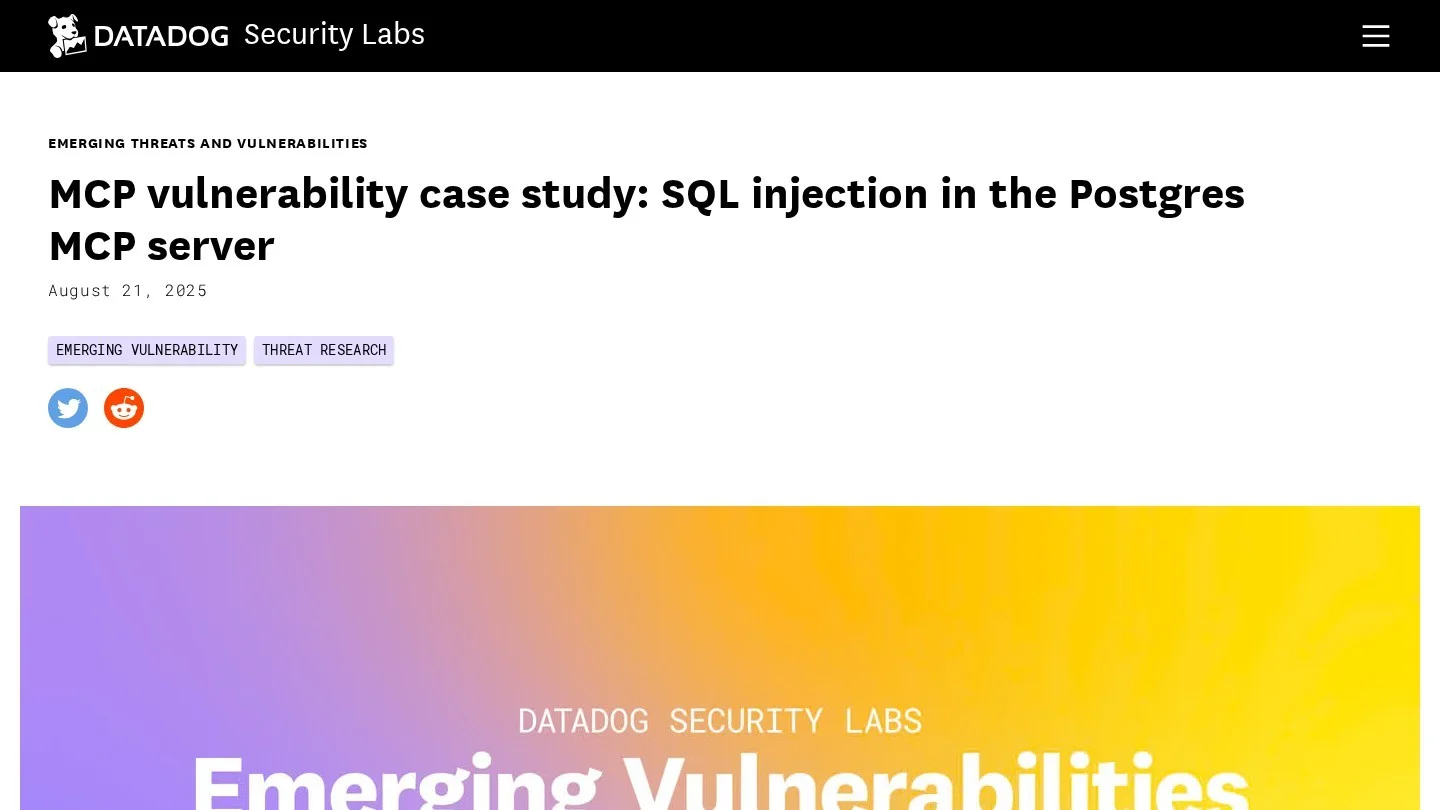
Anthropic’s early reference Postgres MCP server shows why the database user matters most. The server wrapped each query in a read-only transaction. But Datadog Security Labs showed that a query could open with COMMIT;. That ended the read-only transaction, and the next statement ran with full rights. Their test input dropped every table in the schema.
The server has since been archived and marked deprecated. Datadog’s first advice was to connect with a restricted database user. Their proper fix used prepared statements, which reject several statements in one call. As a result, a server-side read-only flag is a second lock. The grants on the database user are the first.
Cap Rows, Run Time and Columns on Every Query
Set limits in three places. Put them in the database, in the MCP server and in the prompt. That is why each one catches a different mistake.
First, set a limit in the database. The statement_timeout line in the role above kills any query that runs past five seconds. Without it, a model that forgets a join condition can lock up a busy server.
Second, set limits in the server. DBHub has a max_rows setting that cuts SELECT results at a fixed count. It also has a query_timeout in seconds and a readonly flag that blocks inserts, updates and deletes. MongoDB’s MCP Server has an --indexCheck option. When it is on, the server rejects queries that would scan a whole collection.
Third, add a rule to the prompt. LangChain’s SQL agent prompt tells the model to limit results to a small number unless the user asks for more. Its default is five rows. The same prompt bans SELECT * and asks for only the columns the question needs. Prompt rules can fail, so treat them as the last of the three.
Row caps also cut cost. Every returned row lands in the model’s context and gets billed as input tokens. We cover that math in our guide to controlling AI agent costs. Our explainer on context engineering for AI agents shows how to trim long tool results once the agent has read them.
Read also: Vector Databases for AI Agent Memory
Wire Up an MCP Database Server in Your Agent Client
The Model Context Protocol lets one server work with many agent clients. So you set up the database server once. After that, Claude Code, an IDE agent or your own SDK agent can all call it. For a wider list of servers, see our roundup of the best MCP servers for autonomous workflows.
Add DBHub to Claude Code With One Command
DBHub’s docs give this command for a local Postgres database. But use the agent’s read-only user in the connection string.
claude mcp add --transport stdio dbhub -- npx @bytebase/dbhub@latest --transport stdio --dsn "postgres://agent_reader:password@localhost:5432/shop"For a shared team setup, the docs show a project .mcp.json file instead. It can read the connection string from an environment variable such as ${DATABASE_URL}. So the password stays out of the file you commit. DBHub can also reach a private database through an SSH bastion host.
Scope the Supabase Server With URL Options
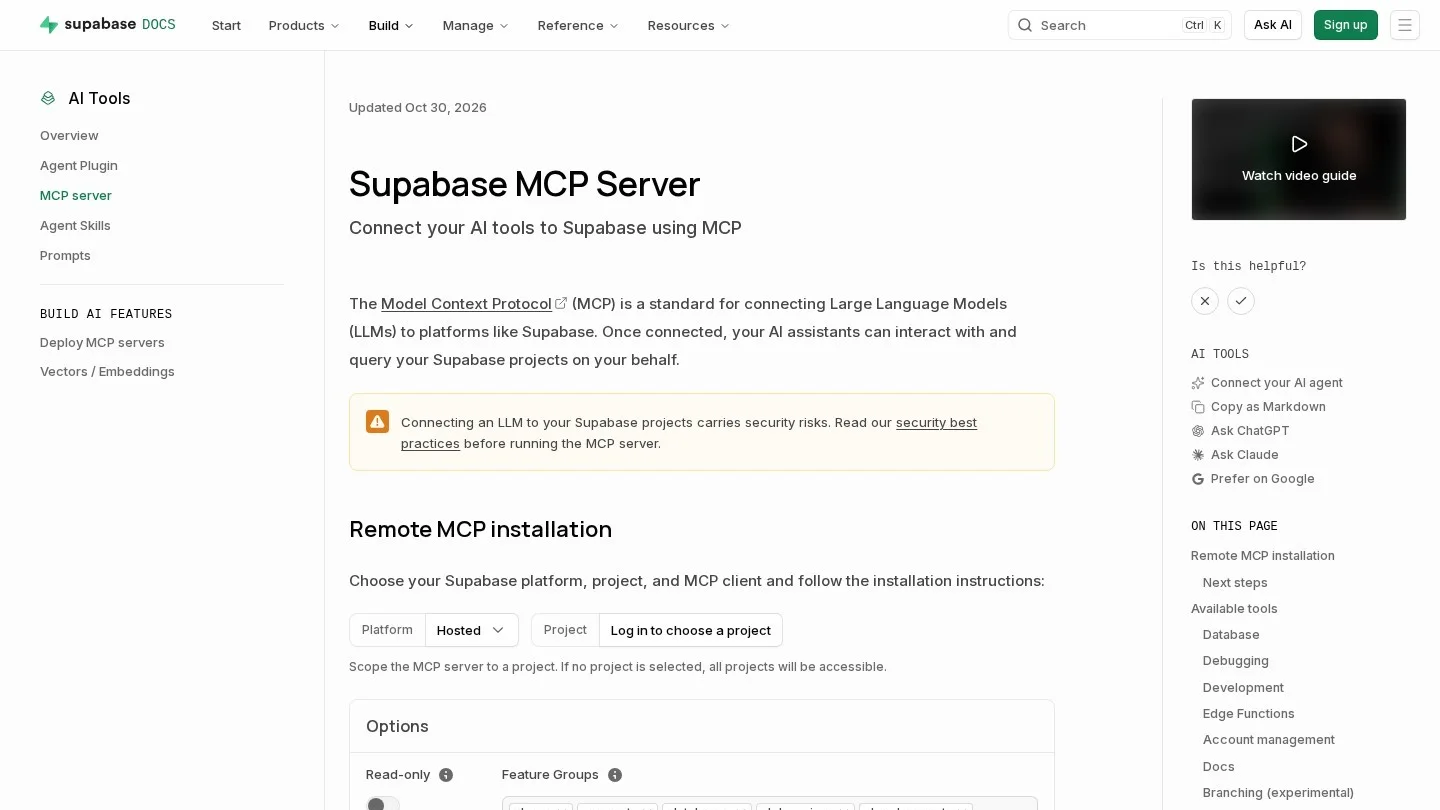
Supabase runs a hosted MCP server. You control its reach with options in the URL. For instance, this example locks it to one project, turns on read-only mode and keeps only two tool groups.
https://mcp.supabase.com/mcp?project_ref=<project-ref>&read_only=true&features=database,docsProject scoping stops the model from reaching other projects in your account. Also, the features list removes tool groups you do not need, such as Edge Functions or account tools. Supabase also tells teams not to hand this server to customers. The reason is that it acts with the developer’s own permissions.
Switch MongoDB’s Server to Read-Only Mode
MongoDB’s official MCP Server allows writes by default. Even so, its docs suggest read-only mode for most setups. You turn it on with a flag or an environment variable. You can also switch off whole tool groups by name.
export MDB_MCP_READ_ONLY=true
export MDB_MCP_DISABLED_TOOLS="create,update,delete,atlas"
export MDB_MCP_INDEX_CHECK=true
Server-side JavaScript is off by default. As a result, it blocks operators such as $where and $function, which can run code inside the database. Leave it off unless you have a clear need.
Filter Tools When You Build With the OpenAI Agents SDK
Code-first agents can attach the same servers. For example, the OpenAI Agents SDK has MCPServerStdio for local servers and MCPServerStreamableHttp for remote ones. Its static tool filter takes an allow list and a block list. So you can expose a server’s read tools and hide its write tools from the model. For hosted MCP tools, a require_approval setting can ask for sign-off on every call or on named tools.

Turn Common Questions Into Parameterized Tools
Write fixed tools for the questions your agent gets every day. A support agent may need “find order by email” fifty times a day. It never needs to invent that query. So write it once, test it and give it a name.
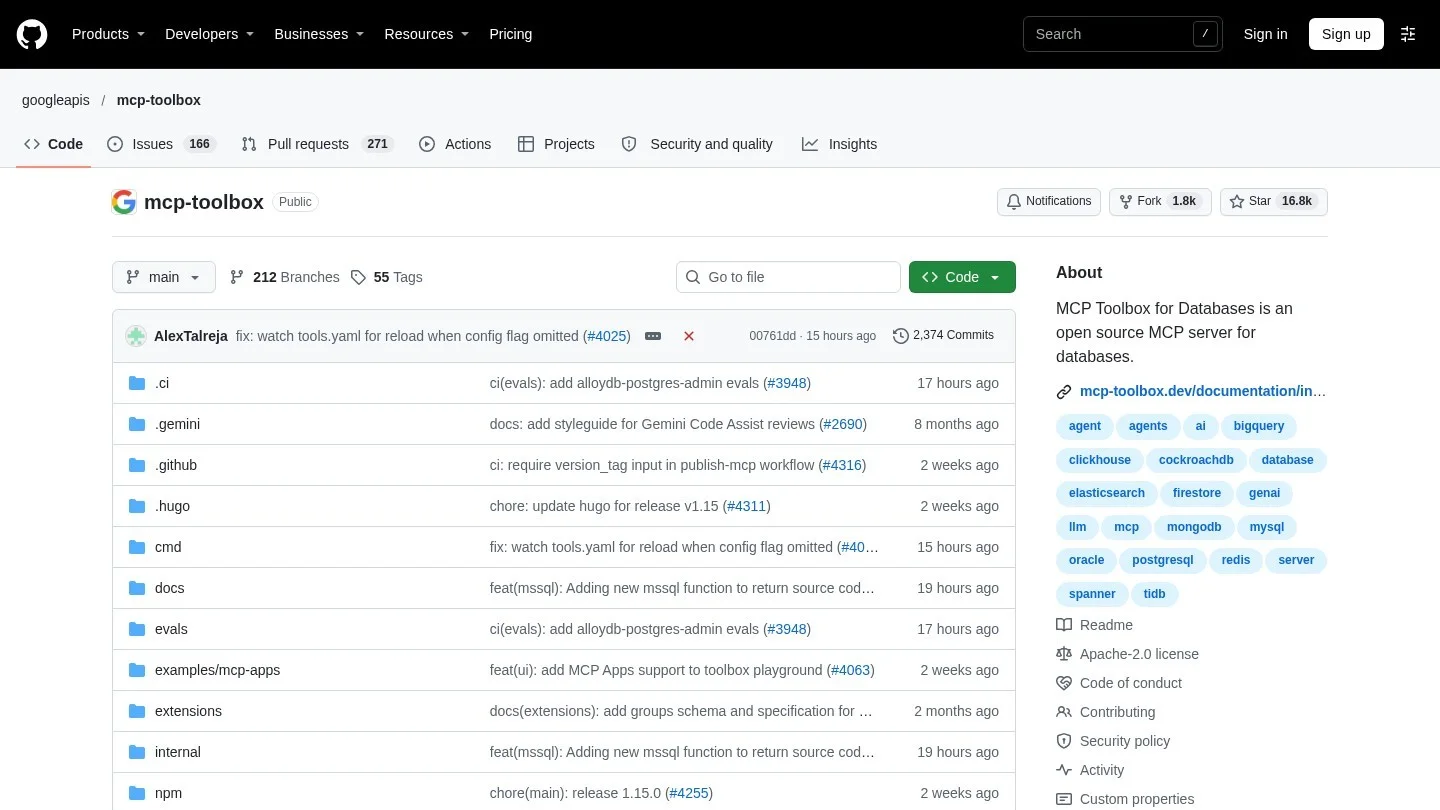
Google’s MCP Toolbox for Databases is an open-source MCP server built for this. You describe a source and its tools in a YAML file. For example, this tool comes from the project’s own example.
kind: tool
name: search-hotels-by-name
type: postgres-sql
source: my-pg-source
description: Search for hotels based on name.
parameters:
  - name: name
    type: string
    description: The name of the hotel.
statement: SELECT * FROM hotels WHERE name ILIKE '%' || $1 || '%';
The model can only pass the name value. The $1 placeholder sends it as a parameter, so it cannot change the shape of the query. For your own tools, replace SELECT * with named columns and add a LIMIT. Then group tools into toolsets, so each agent loads only the ones it needs.
Toolbox also handles connection pooling and IAM sign-in. It sends traces and metrics through OpenTelemetry. Its source list covers Google Cloud databases such as AlloyDB, BigQuery, Cloud SQL and Spanner. It also covers PostgreSQL, MySQL, SQL Server, Oracle, MongoDB, Redis, Neo4j and Snowflake. Client SDKs exist for Python, JavaScript and Go, including LangGraph, LlamaIndex and Google ADK.
Expose Entities With Microsoft’s SQL MCP Server
Microsoft’s SQL MCP Server ships inside Data API builder. It exposes seven tools, such as describe_entities, read_records and aggregate_records. Each entity maps to a table, view or stored procedure. Then each role gets its own read, create, update and delete rights per entity, down to the field.
Microsoft chose this design on purpose. Its docs say models are not deterministic, and complex queries are the most likely to hide small errors. So the server builds the SQL itself. It also refuses schema changes, because it only works with data.
Describe Your Schema So Text-to-SQL Gets It Right
Text-to-SQL fails most often on meaning. For example, the model may not know that “active customer” means one order in the last 90 days. Or it may not know which of three date columns holds the ship date. So give it that meaning in writing.
Public test data shows how hard this is. The BIRD benchmark paper built 12,751 questions over 95 real databases from 37 fields. In that paper, ChatGPT reached 40.08% execution accuracy. Human experts reached 92.96%. Besides, business warehouses add their own naming quirks on top of that.
Write a Semantic Model Like Snowflake Cortex Analyst Uses
Cortex Analyst reads a semantic model for each dataset. In it, data teams add plain names, synonyms and descriptions for tables and columns. They also define common metrics and filters, and they can hide columns that confuse the model. Then analysts add verified queries for questions that come up often.
Cortex Analyst also refuses some questions. A first step sorts out vague questions, such as “What was the best product last year?” Then it shows the user similar questions it can answer. Snowflake says this setup reaches over 90% SQL accuracy on its own internal test set. It also says that is close to twice the accuracy of single-shot SQL from GPT-4o. Snowflake’s coding agent, Cortex Code, works with the same tables and roles.
Attach Only the Right Tables in a Databricks Genie Space
Genie only queries the tables and functions attached to it, up to 50 per space. It ignores anything else, even if the instructions mention it. Also, each user’s own Unity Catalog permissions still apply to every answer. So a sales rep cannot see finance rows by asking a clever question.
Databricks advises adding example SQL queries and instructions before you share a space. Those examples teach the space your joins and metric rules. For data engineering work, Databricks also offers Genie Code, which runs under the same Unity Catalog rules.

Analytics agents such as Hex and Julius AI package this kind of work into a product. Also, you can compare more of them on our AI agents for data analysis page.
Block Prompt Injection Hidden in Database Rows
Treat every row the agent reads as untrusted text. Any user who can write to a table can plant instructions there. Then the model may obey them when it reads the row later.
Supabase’s docs give a clear example. First, a customer hides instructions inside a support ticket. The text tells the model to query a private table and post the results as a reply. Later, a support engineer asks their agent to read that ticket. At that point, the agent may run those queries with the engineer’s own access.
Simon Willison calls this risk the “lethal trifecta.” It appears when one agent has private data, reads untrusted content and can send data out. He also warns that MCP lets users mix tools that complete all three. So the safest fix is structural. Remove one of the three legs for any agent that touches real data.
- Cut the exit: An agent that reads customer rows should not also send email or open web links in the same session.
- Split the readers: Let one agent read tickets with no database tools. Then let a second agent query data with no access to raw ticket text. Our explainer on agent-to-agent communication covers hand-offs between agents.
- Wrap results: Supabase wraps SQL results in extra text that tells the model not to follow commands found in data. Supabase says this lowers the risk, though it does not remove it.
- Keep production out of reach: Supabase advises connecting to production only when a task needs it. For other work, use a development branch or a masked copy.
Also, be careful with guardrail products that promise to catch most attacks. Willison points out that 95% detection would be a failing grade in normal web security.
Require Human Approval Before Any Write
Keep a person in the loop for every insert, update and delete. The MCP spec itself says a human should always be able to deny a tool call. It also tells clients to show tool inputs to the user before the call runs. For server builders, the spec requires input checks, access control, rate limits and output cleaning.
Most frameworks build this in. For example, LangChain’s SQL agent tutorial pauses before every sql_db_query call. A reviewer sees the query and then approves or rejects it. That pause needs a checkpointer, such as the ones in LangGraph, so the run can resume later. Our guide on how AI agents keep state across sessions explains how checkpointers save a paused run.

Unattended agents cannot wait for a click. For those, Supabase suggests a narrow rule. Pre-approve only the read-only tools scoped to one project. Then have the agent stop and report when a task needs a write.
Also, do not trust a tool’s own safety labels. MCP tools can carry hints such as “read-only.” However, the spec says clients must treat these hints as untrusted unless the server itself is trusted.
Compare the Safety Switches Each Connector Ships With
We compiled the safety controls that each connector documents. Then we lined them up, so you can see which lock lives where. In our research, no single product covers every layer. So you still need the database user and the approval step on top.
| Connector | Documented safety controls | Who writes the query |
|---|---|---|
| Supabase MCP | Read-only mode as a read-only Postgres user, project scoping, feature groups, wrapped results | Model |
| MongoDB MCP Server | Read-only flag, disabled tool groups, index check, server-side JavaScript off by default | Model |
| DBHub | Read-only flag, max rows, query timeout, SSH tunnel | Model |
| MCP Toolbox for Databases | Parameterized statements, toolsets, IAM sign-in, OpenTelemetry tracing | Developer |
| SQL MCP Server | Per-role, per-field entity permissions, no DDL, no model-written SQL | Server |
| Databricks Genie | Attached tables only, end-user Unity Catalog permissions | Text-to-SQL layer |
For a first build, we would pair a fixed-tool server with a read-only database user. Then we would add a raw SQL server only for developers working on a staging copy. For framework choices, see our list of the best AI agent frameworks.
Log Every Query and Roll Out in Stages
Log each tool call with the question, the SQL, the row count and the run time. The MCP spec tells clients to log tool use for audits. Also, Toolbox sends traces through OpenTelemetry, so its calls can land in the monitoring stack you already run.
Then roll out in four stages. Each one should run for at least a week before the next.
- Connect the agent to a copy of the database with fake or masked data.
- Run 30 to 50 real questions from your team and check each SQL statement by hand.
- Give a small group read-only access to production through fixed tools.
- Add write tools one at a time, each behind human approval.
After that, keep the test questions as a regression set. Run them again after every model, prompt or schema change, because a new model may write different SQL for the same question.
Clear Up Common Doubts About Agent Database Access
Do I Need MCP to Connect an Agent to a Database?
No, MCP is optional. Any agent framework can call a normal function that runs a query. LangChain’s SQL tutorial does just that with four small tools. However, MCP lets one server work across many clients, so you configure access once.
Can an AI Agent Write to My Database Safely?
Yes, if you add limits. Give writes their own narrow tools, such as “update shipping address.” Then require human approval on each call, and log every change. Keep schema changes away from agents that run without a person watching.
How Many Rows Should a Query Return to the Agent?
Return only what the answer needs. For example, LangChain’s tutorial uses five rows by default. For lists a person will read, we suggest a cap of 50 to 100 rows. For totals, let the database run the math and return one row.
Is Text-to-SQL Accurate Enough for Business Reports?
Only with a semantic layer and checked example queries. Raw models still guess at business terms. So treat answers as drafts until an analyst has checked the SQL behind the common questions.
Which Databases Work With MCP Today?
Most popular databases do. MCP Toolbox alone lists PostgreSQL, MySQL, SQL Server, Oracle, MongoDB, Redis, Neo4j, Snowflake, BigQuery and more. Also, many database vendors now run their own official servers, as Supabase and MongoDB do.
Read also: AI Agent Deployment Checklist for Developers
Related AI Agents


Explore Agent Categories
Related Articles
 GuidesVector Databases for AI Agent Memory
 GuidesSynthesia AI Video Usage Among Corporate Training Teams
 GuidesBest CAMEL AI Alternatives and What They Cost
 Guides100 AI Agent Statistics for Retail Companies
 GuidesLLM or AI Agent? AI Search Engines and What They Actually Are
 GuidesCan You Trust an AI Agent?
