An agent that passes every demo can still book the wrong meeting for a real customer. An evaluation dataset is how you catch that before release. It is a fixed set of real tasks, each with the answer and the steps a good agent would take.
So how do you build one? Collect 50 or so real tasks from your logs and write the expected result and tool path for each. Then label, version and split the set before every test run. After that, grow it every week with the failures you find.
We read the dataset and evaluation docs of LangSmith, Braintrust, Arize Phoenix and the OpenAI platform for this guide. The four tools differ in detail, but they agree on the basics. Each example holds an input, a reference answer and metadata, and every change creates a version you can test against.
Decide What Your Agent Dataset Must Prove
Write down the claim each test run should support before you collect a single row. For example, “the support agent resolves refund requests without wrong tool calls” is a claim. In contrast, “the agent is good” is not.
Agents need two kinds of checks, so plan for both from day one.
- Final-answer checks: did the agent reach the right result? Compare its last output with a reference answer.
- Trajectory checks: did it get there the right way? Compare the tools it called, their order and any handoffs with the expected path.
Trajectory checks matter because a lucky final answer can hide a broken process. OpenAI’s agent docs frame trace grading around three questions. Did the agent pick the right tool? Did a handoff happen when it should? Did the run break an instruction or a safety policy?
Also, decide where the dataset sits next to public scores. Public benchmarks compare models, while your dataset tests your agent on your tasks. Our post on AI agent benchmarking covers the public side. Also, our AI model accuracy by task category roundup lists the main benchmark scores.
Collect Golden Examples From Real Agent Traffic
Pull your first examples from real traces, because real users ask things nobody on your team would invent. A golden example is one a person has checked and approved as the correct reference. Each eval tool gives you a path from logs to a dataset.
Add Filtered Runs to a LangSmith Dataset
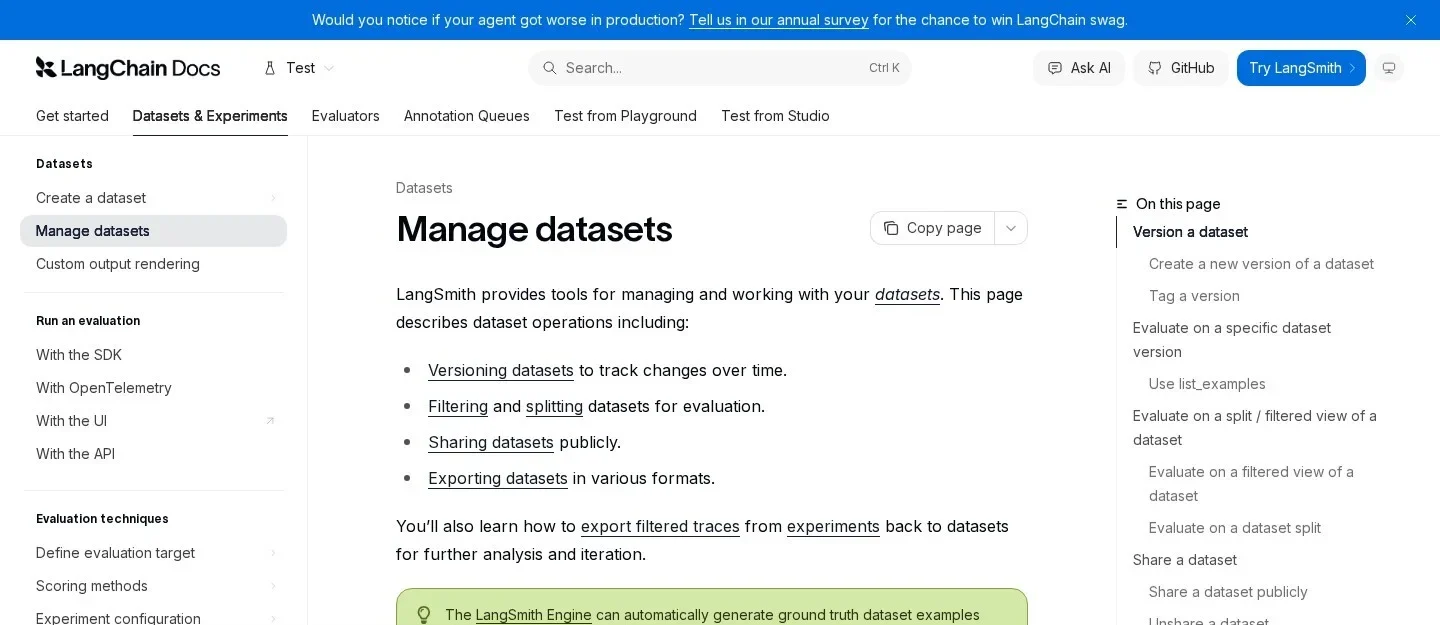
In LangSmith, you filter runs in a tracing project, for example by a score above 0.5. Then you select them and click Add to Dataset. Also, the LangSmith Engine can generate ground-truth examples from production traces.
Promote Braintrust Traces From Production Logs

Braintrust builds datasets from uploads, the SDK, production logs, user feedback, traces or its Loop assistant. You can promote traces straight from logs. In addition, dataset pipelines turn project logs into dataset rows in bulk.
Group Traces Into Arize Phoenix Datasets
Phoenix lets you collect traces into a dataset or upload examples from code or CSV. Arize builds it together with the open-source community. Its tracing supports OpenTelemetry and auto-instrumentation for common frameworks.
Whichever tool you use, aim the first batch at variety. We pick examples across intents, easy and hard cases, and every tool the agent can call. Then we add each production failure as a new row the week it happens.
Write Expected Outputs and Expected Trajectories
Give every row the same four parts. Braintrust names them input, expected, metadata and tags. LangSmith uses inputs, reference outputs and metadata, with splits for grouping.
| Field | What goes in it | Agent example |
|---|---|---|
| Input | Everything needed to recreate the task | The user message plus any account context |
| Expected | The best possible output or ground truth | The correct final reply and the expected tool path |
| Metadata | Name-value pairs for filtering | Source, intent, difficulty, customer tier |
| Tags | Labels for organizing records | golden, regression, synthetic |
For an agent, put the trajectory inside the expected field. This sample row shows one way to lay it out.
{
  "input": {"message": "Move my Friday 3 pm demo to Monday morning"},
  "expected": {
    "final_answer": "Your demo is now Monday at 10 am.",
    "trajectory": ["search_calendar", "check_free_slots", "update_event", "send_confirmation"]
  },
  "metadata": {"source": "production", "intent": "reschedule", "difficulty": "medium"},
  "tags": ["golden", "calendar"]
}
Keep the trajectory loose where order does not matter. For instance, the agent may check free slots before or after it searches the calendar. So grade “must call update_event once” more often than an exact sequence.
Braintrust also lets an input point to a logged trace in place of a copied value. That helps with long, multi-step agent runs that are hard to retype.
Read also: How to Build an AI Agent From Scratch
Fill Gaps With Synthetic Agent Test Cases
Real traffic rarely covers rare or risky cases. So generate synthetic rows for the gaps, then check each one by hand before it joins the golden set.
- Vary real inputs: ask a model to rewrite a real request with typos, a new language or missing details.
- Add edge cases: write requests that need a refusal, a handoff to a person or a tool that returns an error.
- Add adversarial cases: include prompt-injection text inside a document or an email the agent reads.
- Tag the source: mark each row synthetic in metadata, so you can report scores on real and synthetic rows apart.
Synthetic rows tend to look alike, though. So cap them at a minority of the set, and drop any that a reviewer would never see in real use. Our guide to AI agent guardrails lists the risky actions worth covering with adversarial cases.
Label Agent Examples With Experts and Graders
Labels turn raw outputs into scores. Use people for the reference answers and graders for the repeat runs.
Rate Outputs and Add Graders in OpenAI Datasets

OpenAI’s dataset view adds a rating column and an output_feedback column for each generated output. A label can be as light as Good or Bad, or a written critique. OpenAI also advises asking subject matter experts to annotate when you are not one.
Its grader menu shows the usual options. You get a string check for exact matches and text similarity through embeddings. There are also score and label model graders, plus Python code. For agents, trace grading scores a whole trace, including tool calls.
One warning applies here. OpenAI is retiring its Evals platform. It became read-only for existing users on October 31, 2026, and it shuts down on November 30, 2026. So export any datasets you keep there now.
Phoenix supports the same split between people and code. You can score outputs with LLM-based evaluators, code checks or human labels, and attach ground-truth labels in the UI. Then its experiments compare two app versions on the same inputs, side by side.
Next, check your graders against people. Have an expert label 30 or 40 rows, run the LLM grader on the same rows and count where they disagree. If they disagree often, rewrite the grader prompt before you trust its scores. Our post on human-in-the-loop orchestration covers routing hard cases to reviewers.
Version and Split the Dataset Before Every Run
Freeze the dataset version for every experiment. Otherwise, a score change might come from new rows and not from your agent change.
LangSmith makes this concrete. Each add, update or delete of examples creates a new version, stamped by time. Past versions are read-only. You can tag a version with “+ Tag this version” or through the SDK, then load it with the as_of option.
Splits come next. LangSmith supports named splits such as “test” and “training,” and you can evaluate on one or more of them. Braintrust tracks every change too, so experiments can pin to a specific version.
We use three splits for agents, and each one has its own job.
- Dev: rows you look at while tuning prompts and tools. Expect to overfit to these.
- Test: rows you only score before a release. Nobody tunes against them.
- Regression: past production failures. Every release must still pass them.
Finally, export a copy outside the tool. LangSmith downloads datasets as CSV, JSONL or OpenAI fine-tuning format. A plain JSONL file in your repo keeps the dataset safe if you switch vendors.
Pick a Tool to Store Agent Evaluation Datasets
All four tools handle the basics. So pick by where your traces already live. We compiled this table from each vendor’s docs.
| Tool | Build from traces | Versions and test runs | Labels and graders |
|---|---|---|---|
| LangSmith | Add to Dataset from filtered runs; Engine can draft ground truth | New version on every change; tags; as_of | Reference outputs and evaluators |
| Braintrust | Promote traces from logs; bulk dataset pipelines | Every change tracked; pin versions | Expected field, tags, user feedback |
| Arize Phoenix | Collect traces or upload from code or CSV | Experiments compare app versions on the same inputs | LLM, code and human labels |
| OpenAI Evals platform | CSV upload or manual rows; trace grading for agents | Prompts versioned on save | Ratings, feedback and five grader types; shuts down November 30, 2026 |
If you build on LangGraph, LangSmith sits closest to your traces. Our LangGraph review and best AI agent frameworks guide cover that stack. Teams that self-host tracing can also look at our Langfuse review. And if you plan to run evals on your own servers, read our guide to AI agent hosting.
Read also: How Many SEOs Use AI Agents? Our Study of 69 Agency Websites
Five Dataset Questions Agent Teams Ask Us
How Many Examples Does an Agent Evaluation Dataset Need?
Start small. We begin with about 50 checked rows that cover every intent and tool. Then add each production failure as a regression row, so the set grows with real risk.
What Is a Golden Dataset for AI Agents?
It is a set of examples that people have checked as correct. Each row holds an input, the expected result and often the expected tool path. Scores on it act as your release gate.
Should I Grade the Final Answer or the Trajectory?
Grade both. The final answer tells you if the user got the right result. The trajectory tells you if the agent used the right tools in a safe order.
Can Synthetic Data Replace Real Traces?
No. Synthetic rows fill gaps, such as rare requests and attacks. However, real traces show how people actually ask, so keep them as the core of the set.
How Often Should I Update the Dataset?
Weekly works for most teams. Add new failures, retire rows that no longer match your product and tag each version. Also, watch how often people overrule the agent in production. Our AI agent human intervention rates post shows how to track that.