


Expense and invoice review is the best first job for an AI agent in most companies. The inputs are messy and the volume is high. Better still, a person already signs off at the end, so the agent slots into a review step that exists today. Customer support is a close second, because each answer is quick to check and the pricing can be tied to results.
We went through the help centers and product pages of seven agents listed on our directory, one process at a time. The products differ most in how much they do alone. Ramp’s agent only recommends, for example. Vic.ai’s Autopilot mode aims to post invoices with no human touch.
How Agents Differ From Rule-Based Process Automation
Classic process automation needs two things. It needs a known input, such as a form field, and a fixed path you drew in advance. When either one changes, the flow stops and a person takes over.
An AI agent works from a goal. It can read an email, a receipt or a contract and then choose its next step. So it can settle many of the cases that used to fall out of a rule-based flow. However, its output can vary from one run to the next. So the first thing to check in any product is what it does with a case it cannot settle.
We compare the two styles in more depth in two other pieces. One covers AI agents vs robotic process automation. The other covers autonomous AI agents vs workflow automation. In this guide we stay on the buying side, one process at a time.
Finance: Expense Review and Accounts Payable
Finance teams were early buyers for a reason. Expense reports and vendor invoices arrive in endless formats. Yet the rules behind them are written down, so an agent has something firm to check against.
Ramp Policy Agent
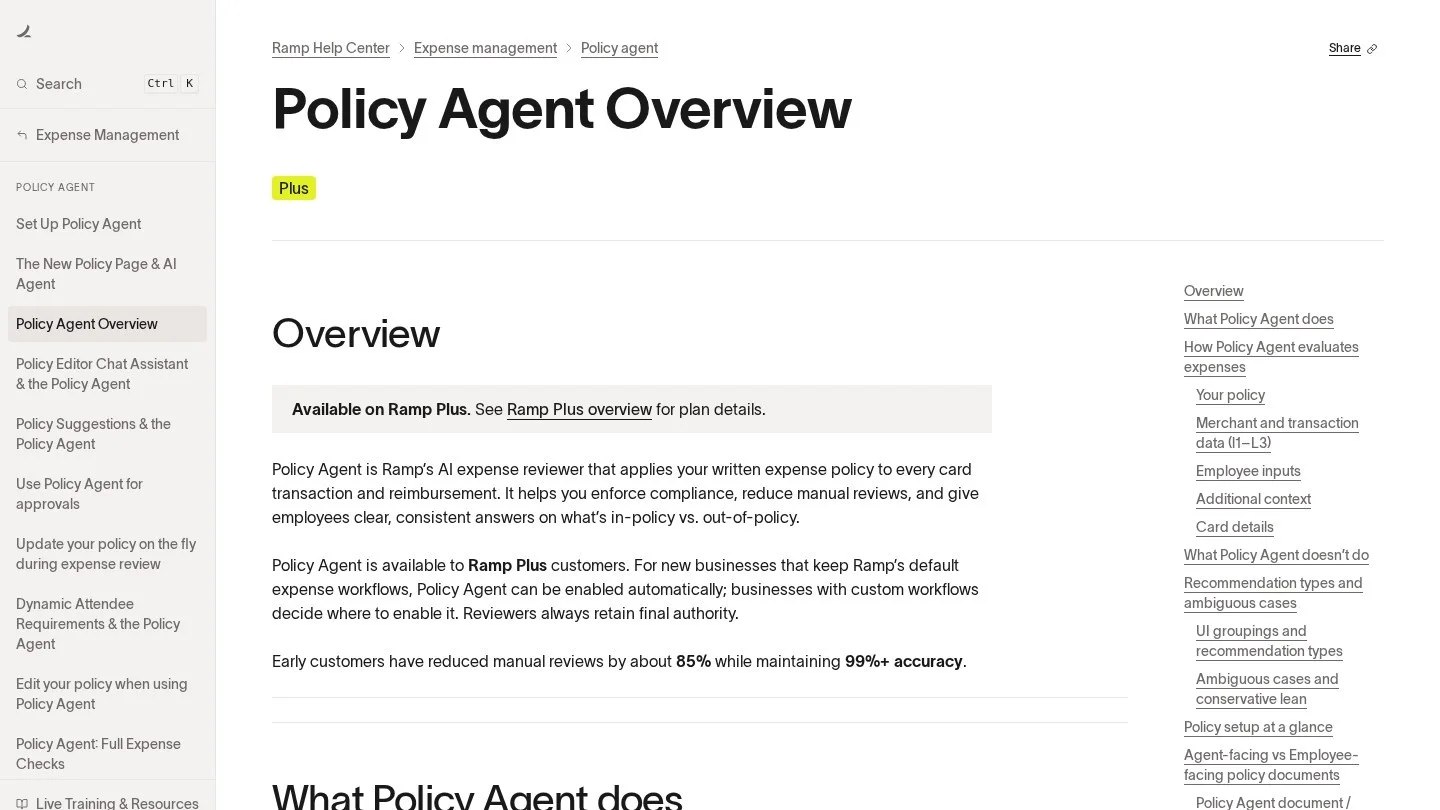
Ramp’s finance agents include Policy Agent, an AI reviewer for card spend and reimbursements. It checks each expense against your written policy and cites the policy text it relied on. It looks at the merchant, amount, receipt, attendees and trip details. Then it returns one of three results. It can recommend approval, ask for human review or recommend rejection.
Two details matter for buyers. First, reviewers always keep the final say and can override the agent. Second, the agent reads a separate, structured copy of your policy. It cannot read images or links inside that document, so important limits must be plain text. Policy Agent comes with the Ramp Plus plan.
Vic.ai
Vic.ai works on the payables side. It captures and sorts incoming invoices, pulls out the data and codes them to the general ledger. It also matches invoices to purchase orders and routes them for approval with AI suggestions. Its Autopilot mode aims to process invoices with no human touch at all.

Before you sign with any finance agent, ask four questions.
- Where does the agent read our rules from? A policy the agent cannot read well leads to wrong calls.
- What happens when it is unsure? The answer you want is that it escalates to a person.
- Are overrides logged? Ramp logs reviewer overrides and feedback in its audit log. Ask every vendor for the same.
- Can we choose where it acts alone? You may want auto-approval on small amounts only.
For more tools in this area, browse our expense management agents and invoice processing agents.
HR: Hiring and Employee Requests
HR work splits into two very different jobs. One is moving candidates through hiring. The other is answering employees who need something from IT or HR.
Paradox Olivia
Paradox’s assistant Olivia takes on interview scheduling, one of the slowest parts of hiring. It syncs with recruiter and hiring manager calendars and offers candidates open slots. It also books panel interviews across people, rooms and locations. Candidates get reminders and can reschedule through SMS, WhatsApp, chat or email. On the systems side, Paradox offers a two-way, real-time link with your applicant tracking system. It also lists Workday and SAP SuccessFactors among its integrations.

Moveworks
Moveworks handles the employee side. Staff reach it in Slack, Teams, the web or mobile at any hour. On the IT side it resets passwords, reopens locked accounts and handles software or hardware requests. It also checks ticket status and answers from the knowledge base. It connects to ServiceNow, Jira and Freshservice. Note that ServiceNow has now acquired Moveworks, which may matter if you run a different service desk.
More HR picks sit on our recruiting and HR agents page.
Customer Support: Answers and Account Changes
Support is one process where you can pay per result. That makes it a lower-risk place to test an agent.
Intercom Fin
Intercom Fin charges $0.99 per resolution over chat and email. Intercom counts a resolution once a customer says the reply solved the problem. A customer who leaves without asking anything else also counts. You are not charged if the customer asks for a human. If they come back to the same conversation for more help, the charge is removed. Fin bills at most one resolution per conversation.
Decagon
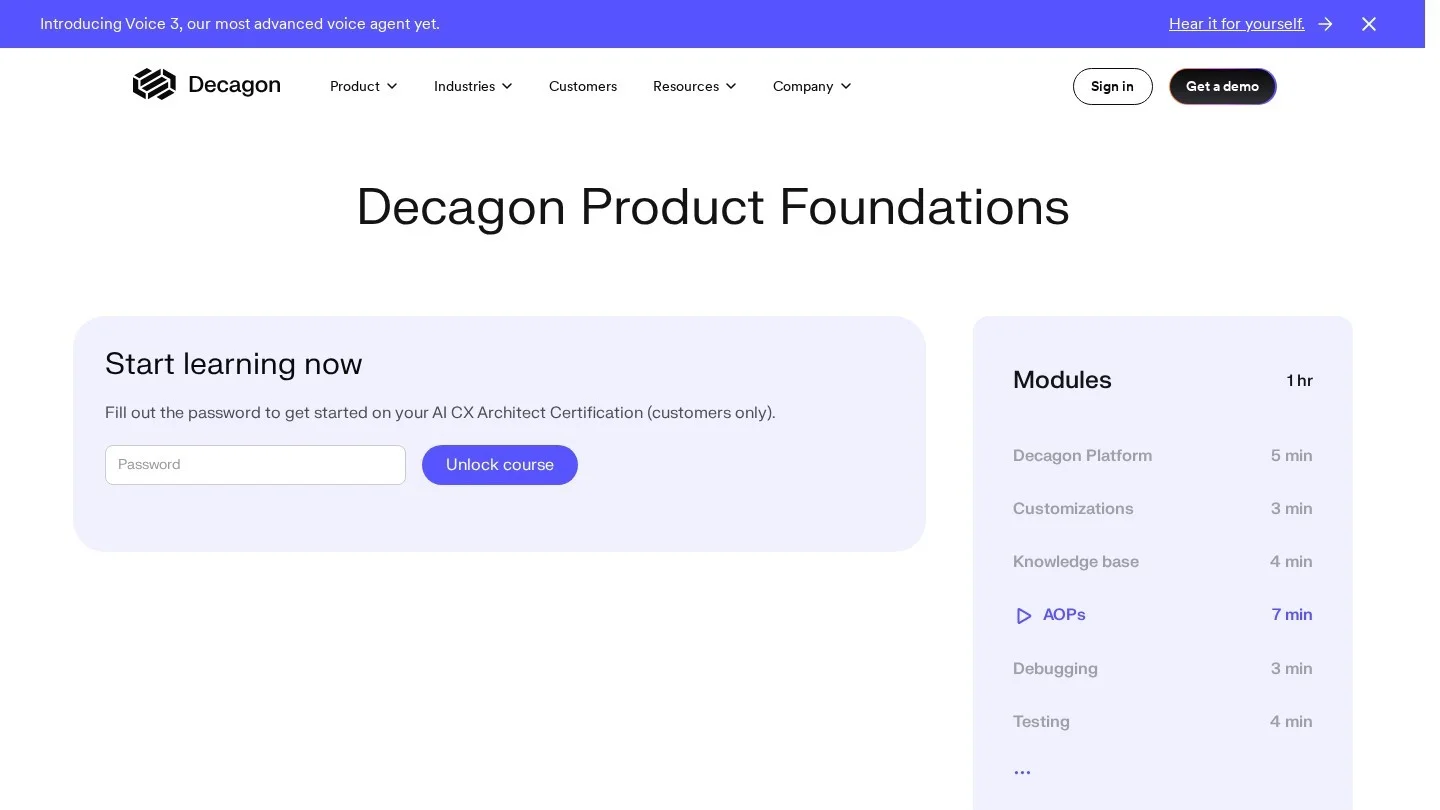
Decagon goes further into actions such as refunds and account updates. Its Agent Operating Procedures are step-by-step instructions in plain language, backed by code. Support teams control the steps, and tools let the agent call APIs or look up data mid-conversation. Decagon can also draft a first procedure from an existing SOP. It says these procedures carry guardrails for sensitive operations.
Our customer support agents page lists more options.
Read also: AI Agents vs Robotic Process Automation
Operations: Orders, Freight and Suppliers
Operations has the most varied inputs of any department. Orders come in by email, PDF, phone, EDI and web portals. That variety has kept many of these tasks manual for years.
Pallet
Pallet builds AI agents for logistics and supply chain teams. Its agents answer questions about quotes, orders, returns and deliveries. They also compare supplier quotes, catch supplier overcharges and chase overdue invoices. The agents take in email, voice calls, PDFs, spreadsheets, scanned images, API and EDI feeds and web portals. For old desktop apps with no API, they work through remote desktop. Pallet says its agents save every human fix to memory, so the same exception does not need fixing twice.
Some operations steps live on old screens that no agent product supports out of the box. In that case, read how agents and bots share the work in our AI agents vs RPA comparison.
Score a Process Before You Buy
Not every process is ready for an agent. So we score candidates on six points, from 1 to 3 each. A total of 14 or more is a good first project. Under 10 usually means you should fix the process first.
| Point | Scores 1 | Scores 3 |
|---|---|---|
| Volume | A few cases a week | Hundreds of cases a week |
| Input type | Clean form fields | Emails, PDFs and free text |
| Written rules | Rules live in people’s heads | A written policy exists |
| Cost of a mistake | Money leaves the company with no check | Errors are caught before they matter |
| System access | No API or export | API or a supported connector |
| Review step | Nobody owns the final call | A named person already approves |
We ran three common processes through this scorecard as a worked example.
| Process | Volume | Input | Rules | Mistake cost | Access | Review | Total |
|---|---|---|---|---|---|---|---|
| Expense review | 3 | 3 | 3 | 3 | 3 | 3 | 18 |
| Vendor invoice coding | 3 | 3 | 2 | 2 | 3 | 3 | 16 |
| Contract renewal decisions | 1 | 3 | 1 | 1 | 2 | 2 | 10 |
Expense review scores top marks because each step has a policy to check and a manager to approve. Contract renewals score low. They are rare, the rules are informal and a wrong call is costly. Leave those with people for now.
Agents on Our Directory by Process
We grouped the agents in this guide by the process they handle. Each one has its own page on our directory.
| Process | Agent | What it handles |
|---|---|---|
| Expense review | Ramp Policy Agent | Checks spend against written policy and recommends a decision |
| Accounts payable | Vic.ai | Captures, codes, matches and routes vendor invoices |
| Interview scheduling | Paradox Olivia | Books and reschedules interviews by text, chat or email |
| Employee IT requests | Moveworks | Resets passwords and handles software requests in Slack or Teams |
| Support answers | Intercom Fin | Resolves chat and email questions, billed per resolution |
| Support actions | Decagon | Runs refunds and account changes through written procedures |
| Freight and supply ops | Pallet | Handles quotes, orders and supplier billing checks |
Run a 30-Day Pilot on One Process
A short pilot tells you more than any demo. Keep it to one process and one team, and measure the same things before and after.
- Record a baseline. Count cases per week, average handling time and the share of cases reworked. Take two weeks of numbers before the agent goes live.
- Run the agent in suggest mode. Let it recommend while people still decide. Compare its calls with theirs every few days.
- Read the disagreements. Each case where a person overrode the agent is a lesson. Often the policy text is vague, and the fix is a plainer written rule.
- Turn on action for low-risk cases. Small expenses or routine support questions are good candidates. Keep approvals on anything that moves money.
- Compare the month. Look at handling time, rework and cost per case. Also ask the reviewers how much time the agent saved them.
If the numbers do not move after a month, the process may score lower than you thought. Go back to the scorecard before you try a second vendor.
Pricing Models You Will Meet
Agent pricing does not follow one pattern. In our research we met three models, and each one shifts risk in a different way.
- Per outcome. Intercom Fin charges per resolution. You pay only when the agent closes the case, so the vendor carries some of the risk.
- Included in a plan tier. Ramp makes Policy Agent available on its Ramp Plus plan. So the plan tier sets what you pay.
- Per step or per action. Microsoft charges for the Copilot Studio computer use tool by the step, at five credits each on standard models. Busy processes add up fast on this model.
Ask each vendor how a failed or escalated case is billed. Then price a normal month with your real volume and your real exception rate.
Before You Sign With a Process Automation Vendor
Which Business Processes Work Best with AI Agents?
Look for high volume, messy inputs, written rules and a person who already approves the result. Expense review, invoice coding, interview scheduling and support questions all score well.
Do These Agents Replace Finance or HR Staff?
In the products we reviewed, people keep the final say on risky cases. Ramp reviewers can override every recommendation. So the work shifts from data entry to review and exceptions.
How Do We Roll an Agent Out Across a Large Company?
Begin with one team and one process. Give the agent its own identity, add approvals where money moves and log every action. We explain the full rollout in how AI agents automate enterprise workflows.
Can These Agents Work with Our Existing Systems?
Most connect to the tools you already run. Paradox links to applicant tracking systems, and Moveworks links to ServiceNow, Jira and Freshservice. Pallet lists SAP, Oracle and Blue Yonder among the systems it connects with. Always test the connection in a sandbox before going live.
Related AI Agents

Read also: Autonomous AI Agents vs Workflow Automation: Cost, Risk and When to Use Each
Explore Agent Categories
Related Articles
 GuidesAI Agents vs Robotic Process Automation
 GuidesLindy AI Alternatives for Business Automation
 GuidesAI Agents for Business Intelligence
 GuidesMost Profitable AI Agent Business Ideas, Scored and Ranked
 GuidesAI Cardiology Practice Automation: Where Agents Help a Heart Clinic
 GuidesBrowser Use vs Playwright: AI Agent or Scripted Automation
