


CrewAI is the faster route to a team of role-based agents, with most of the setup in config files. LangGraph is the better choice when you need exact control over every step, with saved state and human approval built in.
We researched the two frameworks through their docs, install guides and GitHub repositories. In our original research we found that the two now overlap more than their reputations suggest. CrewAI added Flows for step-by-step control, and LangGraph sits under LangChain’s prebuilt agents. Still, each one starts from a different idea, and that idea shapes your code.
Crews of Roles Against Graphs of Steps
CrewAI starts from people. You describe agents with their tools and memory, then hand them tasks. A process decides who works when. CrewAI supports sequential and hierarchical processes, plus hybrids of the two.
LangGraph, on the other hand, starts from a flow chart. You define a shared state, add nodes that change it, and connect them with edges. LangGraph calls itself a low-level framework for stateful agents, and it leaves the agent design to you.

So the first question is how much you want to decide. With CrewAI, you get a working pattern out of the box. With LangGraph, you draw the pattern yourself, which takes longer but hides less.
For background on how agents pass work to each other, see our guide to agent-to-agent communication.
Eleven Facts From the Two Projects’ Docs
We compiled this table from each project’s documentation and repository.
| Item | CrewAI | LangGraph |
|---|---|---|
| Licence | MIT | MIT |
| Languages | Python (3.10 up to 3.13) | Python, plus LangGraph.js for JavaScript |
| Install | uv tool install crewai | pip install -U langgraph or uv add langgraph |
| Core idea | Agents, tasks and processes in a crew | Nodes and edges over a shared state |
| Step control | Flows with start, listen and router steps | Graph edges you define |
| Long jobs | Flows persist and resume runs | Durable execution after failures |
| Human input | Human-in-the-loop triggers | Inspect and edit state at any point |
| Memory | Agent memory and knowledge | Short-term and long-term memory |
| Ops tooling | Enterprise console | LangSmith tracing and debugging |
| Managed hosting | CrewAI Enterprise | LangSmith Deployment |
| Project setup | crewai create crew scaffold | Your own Python package |
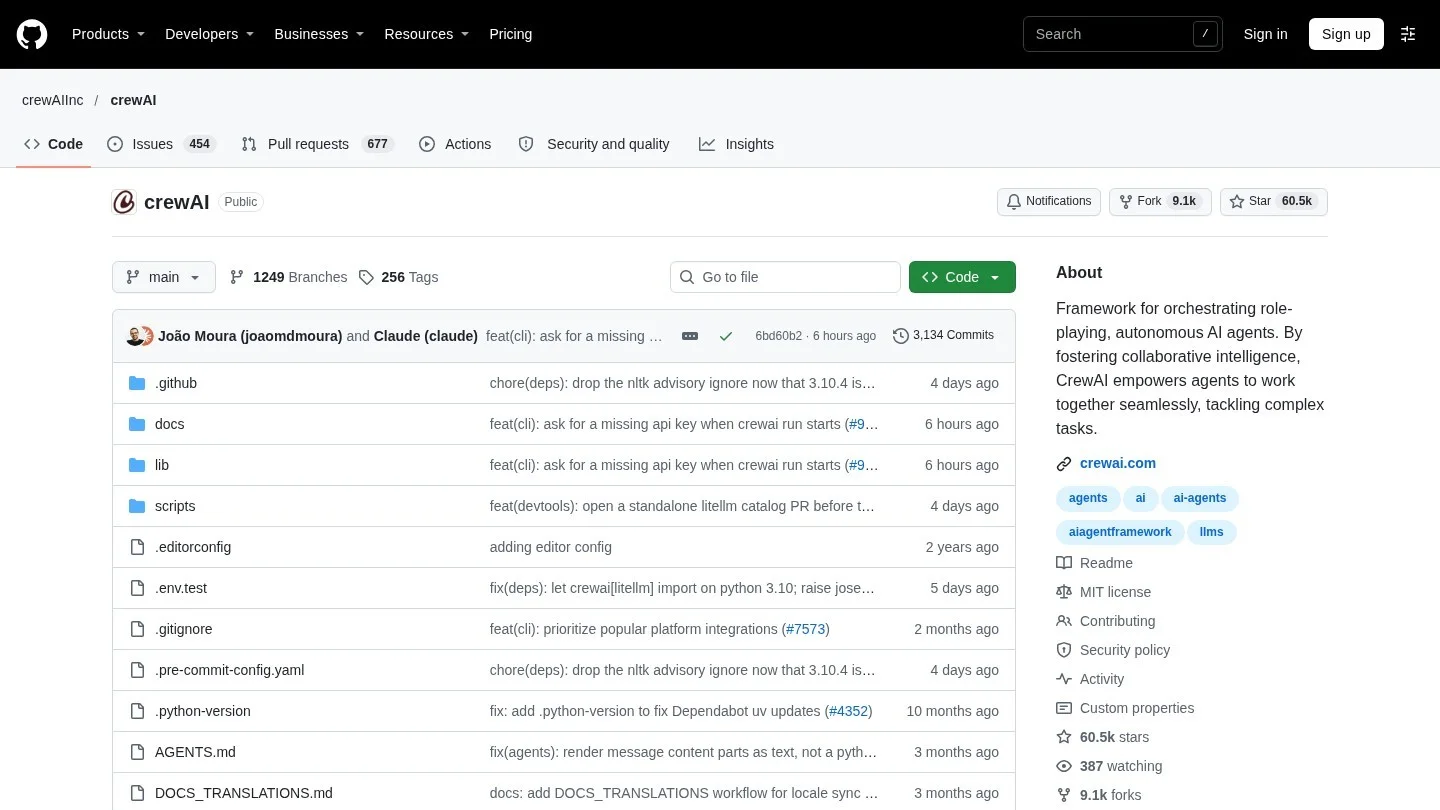
Also, the licences match. Each library is free under MIT, so cost only starts with model calls and any hosting you buy. LangGraph’s docs and repository name Klarna, Uber, J.P. Morgan, Replit and Elastic among the companies building with it.
Getting a First Project Running
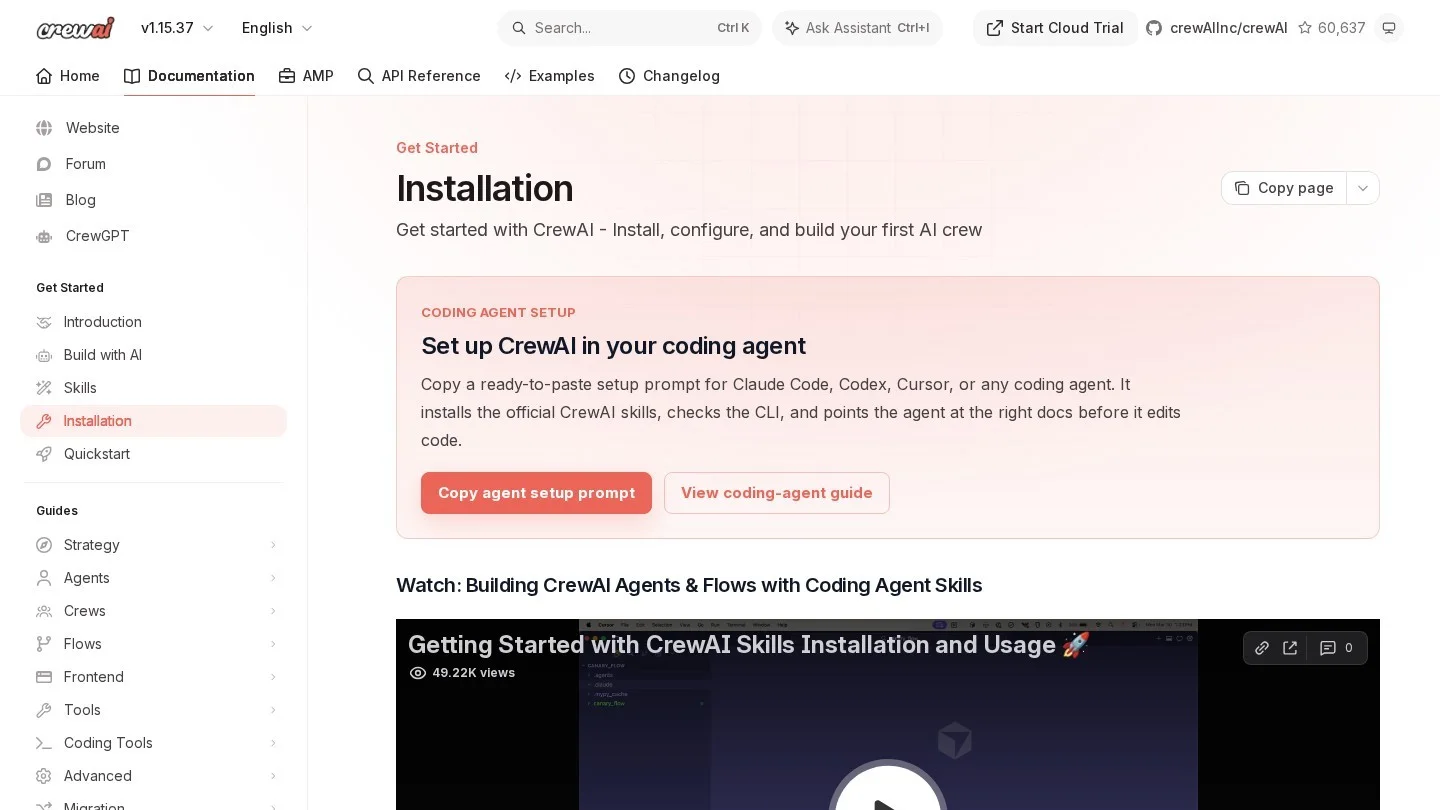
CrewAI ships a command line tool. You install it with uv, then create a project with crewai create crew and a name. Next, you install the project’s packages and run it.
uv tool install crewai
crewai create crew research_brief
cd research_brief
crewai install
crewai run
The default scaffold is now JSON-first. Agents live in an agents folder as .jsonc files, and tasks sit in crew.jsonc. There are also folders for knowledge, skills and tools, plus a .env file for your API keys. If you prefer the older layout, add --classic. That gives you crew.py with config/agents.yaml and config/tasks.yaml.
LangGraph, by contrast, has no scaffold. You add the package to any Python project and write the graph in code. The hello-world example in the docs is about ten lines long.
So CrewAI gets a beginner to a running crew faster. LangGraph asks you to know Python well from the first file. On the other hand, a LangGraph project has no hidden files, so a new teammate can read the whole agent in one place.
A Research-and-Write Job in Each Framework
We used one small job to compare the two. One agent gathers notes on a topic, and a second agent turns the notes into a short brief.
Two Agents and Two Tasks in CrewAI
In CrewAI, you create two agents in the scaffold, a researcher and a writer. Then you add two tasks in crew.jsonc, one for each agent. Finally, you set the process to sequential, so the writer starts once the research task ends.
The sequential process runs the tasks in order, so you write no hand-off code. For a manager-led setup, CrewAI also offers the hierarchical process.
Two Nodes and Three Edges in LangGraph
In LangGraph, you write each step as a function that reads and updates the state. Then you join them with edges. This sketch follows the pattern in the official hello-world example, with stand-in functions where the model calls would go.
from langgraph.graph import StateGraph, MessagesState, START, END

def research(state: MessagesState):
    return {"messages": [{"role": "ai", "content": "notes on the topic"}]}

def write(state: MessagesState):
    return {"messages": [{"role": "ai", "content": "brief based on the notes"}]}

graph = StateGraph(MessagesState)
graph.add_node(research)
graph.add_node(write)
graph.add_edge(START, "research")
graph.add_edge("research", "write")
graph.add_edge("write", END)
graph = graph.compile()

graph.invoke({"messages": [{"role": "user", "content": "AI agents in logistics"}]})
Here every path is visible. If you later want a review loop, you add a node and a conditional edge. In CrewAI, you would reach for a Flow or a guardrail for the same loop.
Adding a Review Loop to Each Version
Next, we asked how each version would handle a quality check. Say the brief must go back to the researcher when it lacks sources.
In LangGraph, you add a third node that grades the brief. Then a conditional edge sends the run back to research or on to END. The loop is plain to see in the code, and so is its exit rule.
In CrewAI, a task guardrail can check the writer’s output before the crew moves on. For a full loop with routing, you wrap the crew in a Flow and use a router step. Either way works, but the CrewAI loop lives in two layers, crew and Flow.
Read also: Best CrewAI Alternatives: 9 Agent Frameworks We Researched
Pausing Long Runs for Human Approval
LangGraph puts durable execution at its core. A run saves its state as it goes, so it can pick up after a crash. You can also stop a run, inspect the state, change it and resume. That makes approval steps natural, such as a manager signing off before an email goes out.
CrewAI covers the same need through Flows. A Flow manages state, persists the run and resumes long workflows. Inside a crew, tasks can carry guardrails, callbacks and human-in-the-loop triggers.
So the gap here is smaller than it once was. Even so, LangGraph’s model is built around pausing and resuming, while CrewAI adds it on top of crews.
Debugging a Run That Went Wrong
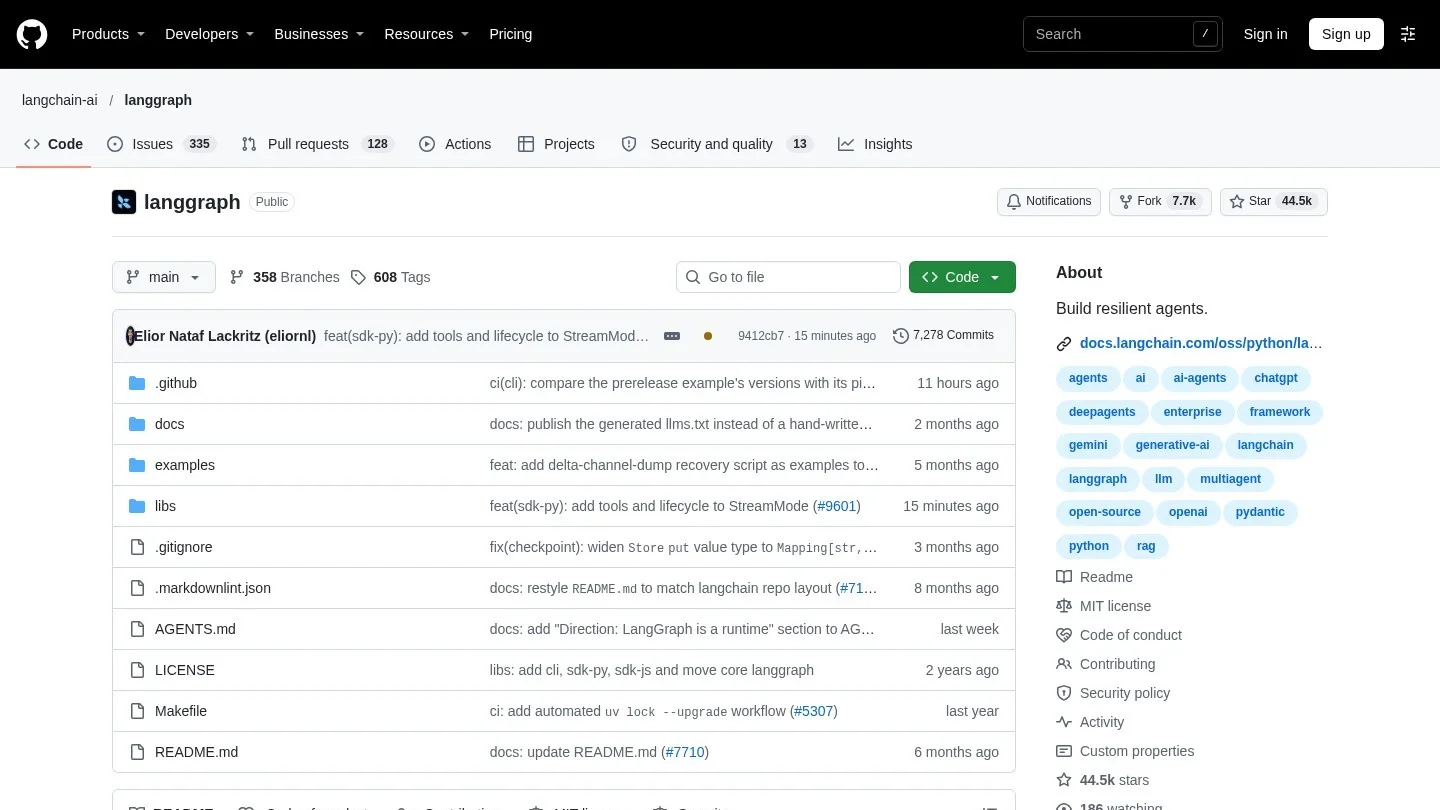
Sooner or later, an agent gives a strange answer, and you need to see why. LangGraph pairs with LangSmith for this. Its docs describe tools that trace the path a run took, the state changes along the way and runtime metrics.
CrewAI gives you callbacks on tasks, so you can log each step’s output where you like. Its docs also point larger teams to an Enterprise console.
In practice, we suggest logging every model call with its input and output from day one. Then, when a run fails, you can replay the exact inputs. That habit matters more than the framework you pick.
Memory and Saved State
Each framework gives agents memory. CrewAI lists memory and knowledge as parts of an agent, and the scaffold includes a knowledge folder for source files. LangGraph offers short-term working memory for one run and long-term memory across sessions. In CrewAI, you drop files into the knowledge folder. In LangGraph, by contrast, you decide in code what to store and when to read it back.
For a support or sales agent that must recall past chats, test the memory you plan to use with real data early. Our guide to building an AI agent from scratch walks through memory choices step by step.
Where LangChain Agents and Deep Agents Sit
LangGraph is the bottom layer of a stack. On top of it, LangChain’s create_agent gives prebuilt patterns for the common loop of a model calling tools. Above that, Deep Agents builds on LangChain agents.
So a LangGraph team rarely starts from a blank graph. For a standard tool-calling agent, you can use create_agent. Then you drop to raw LangGraph only for the parts that need custom control.
CrewAI has no such split. The crew, the Flow and the CLI scaffold all come from the same project. As a result, there are fewer layers to learn, but also fewer places to swap in your own design.
Paying for Hosting When You Outgrow a Laptop
The libraries cost nothing. Your bills come from model calls first, then from hosting and tracing once you go live.
LangGraph’s maker sells LangSmith for tracing and LangSmith Deployment for running long, stateful agents. CrewAI sells an Enterprise platform with its own console. Each vendor prices these separately from the open-source code, so ask for a quote at your expected run count.
You can also host either framework yourself. In that case, you pay for servers and a database for saved state. Monitoring then becomes your job too. Our guide to controlling AI agent costs shows how to cap model spend per run.
Translating Tasks Into Nodes, and Nodes Into Tasks
If you move from CrewAI to LangGraph, map each task to a node first. Then turn the process order into edges. Then move agent instructions into the prompts inside each node.
Going the other way, each node becomes a task, and each tool-calling function becomes a CrewAI tool. A linear graph maps to a sequential process. A graph with branches maps better to a Flow with router steps.
Before either move, write tests on ten real inputs and save the outputs. Then compare the new version against them. Also, keep your tools in plain Python functions, because each framework can wrap them.
Matching Each Framework to the People Who Maintain It
CrewAI works well for teams that think in roles, such as a researcher and an editor. It also helps when non-engineers need to read the setup, since the JSON-first scaffold keeps prompts out of code.
LangGraph works well for engineers who want every branch on the page. It also helps when runs last for hours and must survive restarts. Approval steps fit its model well too.
Before you choose, we suggest answering five questions as a team.
- Who edits the agents? If product or ops staff will change prompts, CrewAI’s config files are friendlier.
- How long does a run last? For runs of minutes or hours that must resume after a crash, LangGraph’s durable execution is the safer base.
- Do you need JavaScript? If yes, LangGraph.js covers it, and CrewAI does not.
- Will a person approve steps? LangGraph treats pauses as normal. In CrewAI, plan on a Flow for this.
- How fast do you need a demo? A CrewAI scaffold runs in minutes, so it wins short pilots.
Then build the same small job in each, as we did with the research brief. A day spent on two prototypes costs less than a rewrite three months later.
For other options, our list of CrewAI alternatives covers more frameworks, and our AI agent frameworks roundup ranks them by use. You can also read our directory pages for CrewAI and LangGraph.
Things Python Teams Check Before Committing to a Framework
Is LangGraph Part of LangChain?
LangGraph comes from the LangChain team and works with LangChain, though you can use it alone. In fact, LangChain’s prebuilt agents run on LangGraph underneath.
Is CrewAI Free?
Yes. The CrewAI library is open source under the MIT licence. You still pay for the models your agents call, and for any hosted plan you choose.
Which Is Easier for Beginners?
CrewAI usually is, because crewai create crew builds a working project for you. LangGraph needs you to write the graph yourself from the first step.
What Python Version Does CrewAI Need?
CrewAI needs Python 3.10 or newer, up to 3.13. Check your version with python3 --version before you install the CLI with uv.
Does LangGraph Work in JavaScript?
Yes. LangGraph.js is a separate library for JavaScript and TypeScript. CrewAI is Python only. For more multi-agent tools, see our multi-agent AI page and the agent frameworks category.
Can I Mix the Two?
Yes, in a loose way. For example, a LangGraph node can call a CrewAI crew as one step. Keep the shared tools in plain functions so each side can call them.
Read also: Best Voiceflow Alternatives: 8 Chat and Voice Agent Builders
Related AI Agents




Explore Agent Categories
Related Articles
 GuidesVector Memory vs Knowledge Graph Memory for AI Agents
 GuidesBest CrewAI Alternatives: 9 Agent Frameworks We Researched
 GuidesSynthesia AI Video Usage Among Corporate Training Teams
 GuidesBest CAMEL AI Alternatives and What They Cost
 Guides100 AI Agent Statistics for Retail Companies
 GuidesLLM or AI Agent? AI Search Engines and What They Actually Are
