

Vector Memory Finds Similar Text, Graph Memory Finds Connected Facts
Does your agent need to find similar text, or facts that connect? For the first job, a vector store is enough. In the vector memory vs knowledge graph memory choice, most agents do fine with vectors, because they are cheap and quick to set up. Add a knowledge graph when facts change over time or link across many records.
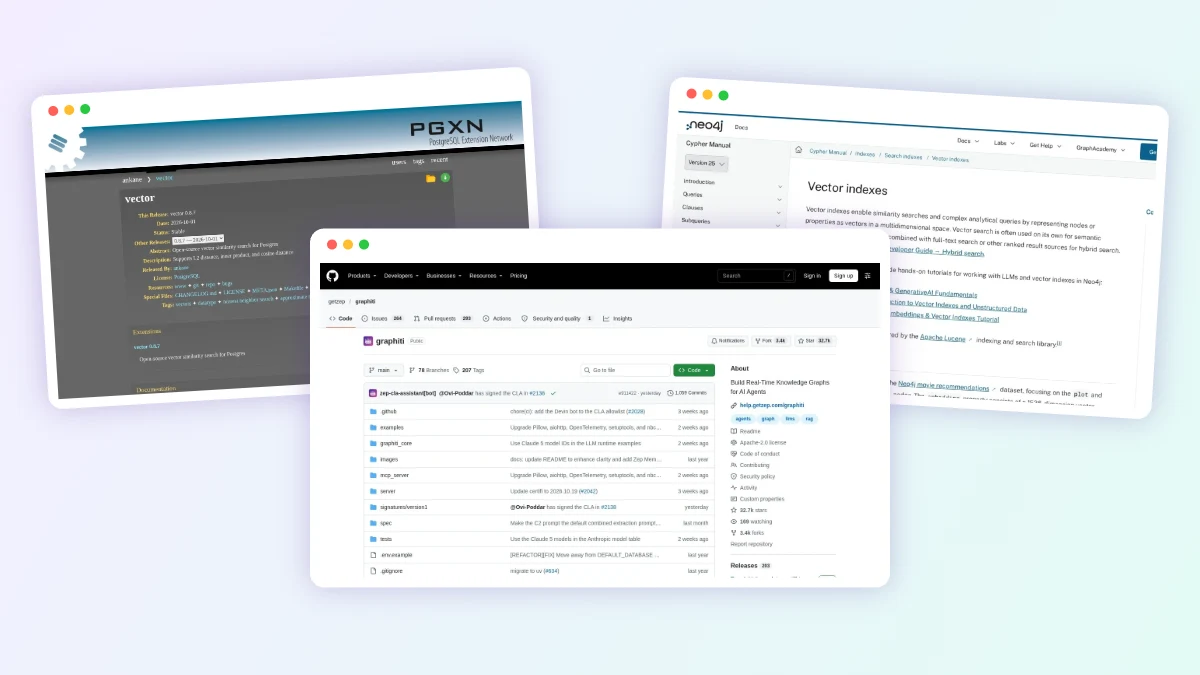
We went through the docs for Pinecone, Weaviate, pgvector, Neo4j, Graphiti, Zep, Mem0 and Microsoft GraphRAG. Then we noted how each one stores and finds a memory. The line between the two camps is fading. Graph tools now run vector search inside, and vector tools now add keyword search.
So the choice is less about picking a side. Instead, it is about what your agent must answer. A support bot that looks up past tickets needs one thing. However, an agent that tracks who manages which account, and since when, needs another.
Also, this post covers the retrieval side of memory. For how agents save and reload sessions, read our guide to keeping AI agent state across sessions.
How a Vector Store Remembers for an Agent
A vector store turns each memory into an embedding. That is a long list of numbers that captures meaning. Then, when the agent needs context, it embeds the question and asks for the nearest stored vectors. As a result, “my invoice is wrong” can match a memory that says “billing error on the March bill.”
The store does not know what the words mean. It only knows which vectors sit close together. So two memories about the same customer stay separate records. Also, the store cannot tell which of two clashing facts is newer, unless you add a date field and filter on it.
Pinecone Splits Memory by Namespace
Pinecone is a hosted vector search platform, and it recommends one namespace per customer when you need to keep their data apart. For an agent, that means one namespace per user or tenant. Then a search for one user never touches another user’s memories.
Pinecone also lets you attach metadata as key-value pairs. So you can store a user ID, a date or a topic next to each vector and filter on it at query time. In addition, it supports dense vectors for meaning and sparse vectors for keywords. A hybrid query uses both in one call, and a reranking step can rescore the first results.
Weaviate Blends Keywords and Meaning
Weaviate runs a vector search and a BM25 keyword search at the same time. Then it merges the two scores into one ranking. An alpha setting controls the mix. For instance, 0 means keyword only and 1 means vector only.
The server default for alpha is 0.75, so meaning gets more weight than exact words. Still, Weaviate’s docs warn that client libraries may use a different default. So set alpha yourself when the balance matters. Since version 1.24, the default merge method is relative score fusion, which keeps more of each search’s score detail.
Hybrid search matters for agent memory. For example, product codes, ticket numbers and names are poor fits for pure vector search. Keyword search catches them.
Postgres Keeps Agent Memory Next to Your Business Data
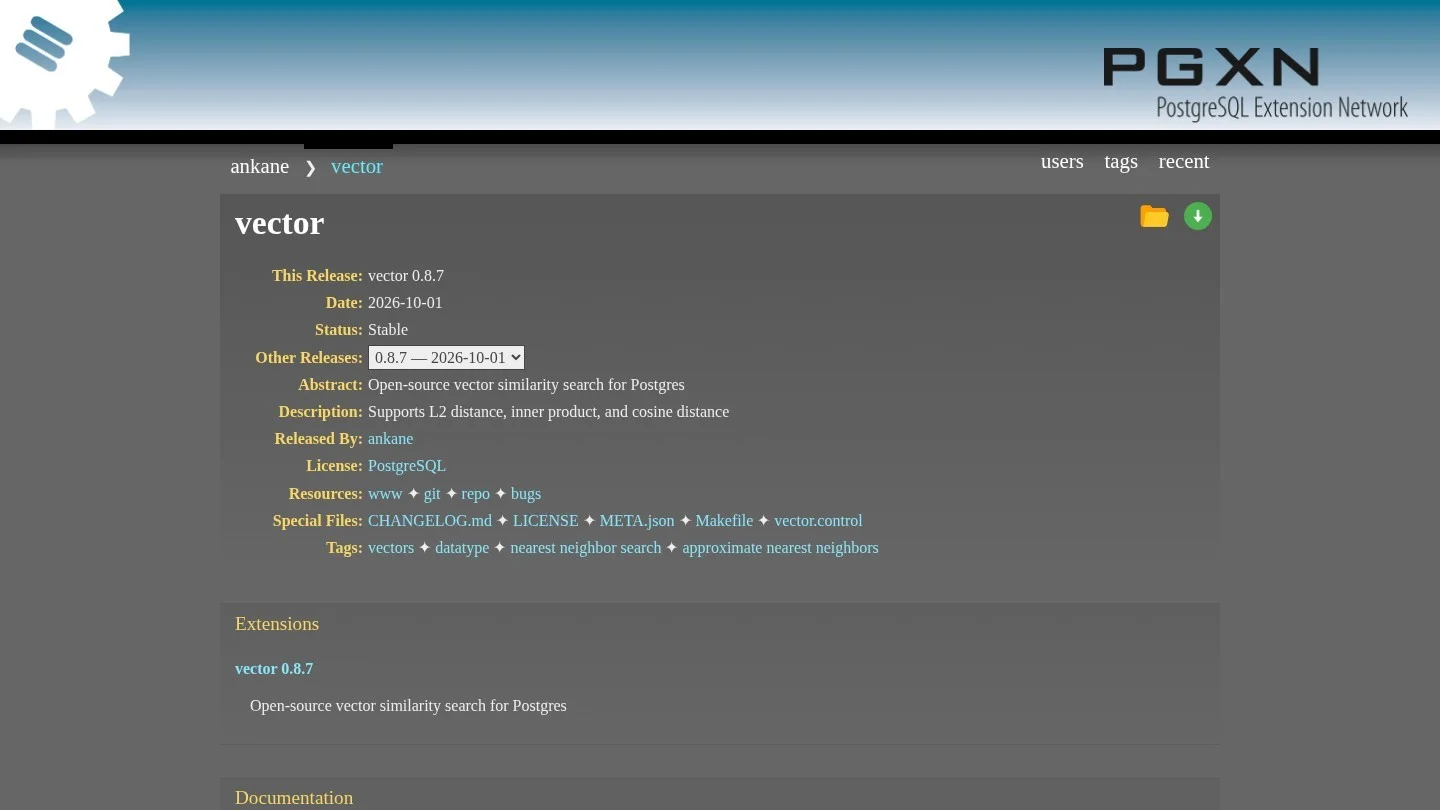
pgvector is an open-source extension that adds vector search to PostgreSQL. Its biggest plus is location. Your memories sit in the same database as your users, orders and tickets. So you get Postgres transactions, point-in-time recovery and joins for free.
It offers two index types. HNSW gives a better speed and recall trade-off but builds slower and uses more memory. IVFFlat builds faster with less memory, but queries run slower. Also, the plain vector type can be indexed up to 2,000 dimensions.
Then the query itself is plain SQL. This example comes from the extension’s docs and returns the five nearest rows by Euclidean distance.
CREATE TABLE items (id bigserial PRIMARY KEY, embedding vector(3));
SELECT * FROM items ORDER BY embedding <-> '[3,1,2]' LIMIT 5;
Swap <-> for <=> to rank by cosine distance instead. Then add a normal WHERE clause on user ID, and you have per-user agent memory in one table.
How a Knowledge Graph Remembers for an Agent
A knowledge graph stores memory as nodes and edges. Nodes are things, such as a person, a company or a product. Edges are facts that link them. For example, one edge might say “Dana manages the Acme account.” So the agent can follow links from one fact to the next.
That changes what the agent can answer. A vector store returns text that looks like the question. But a graph can answer “Who else works on accounts that Dana manages?” by walking two hops. Besides, an edge can carry dates, so the graph knows when a fact stopped being true.
But the cost sits in the writing. Someone, usually an LLM, has to read each new message and pull out entities and relationships. That extraction step adds model calls and can make mistakes.
Graphiti Stamps Every Fact With a Time Window
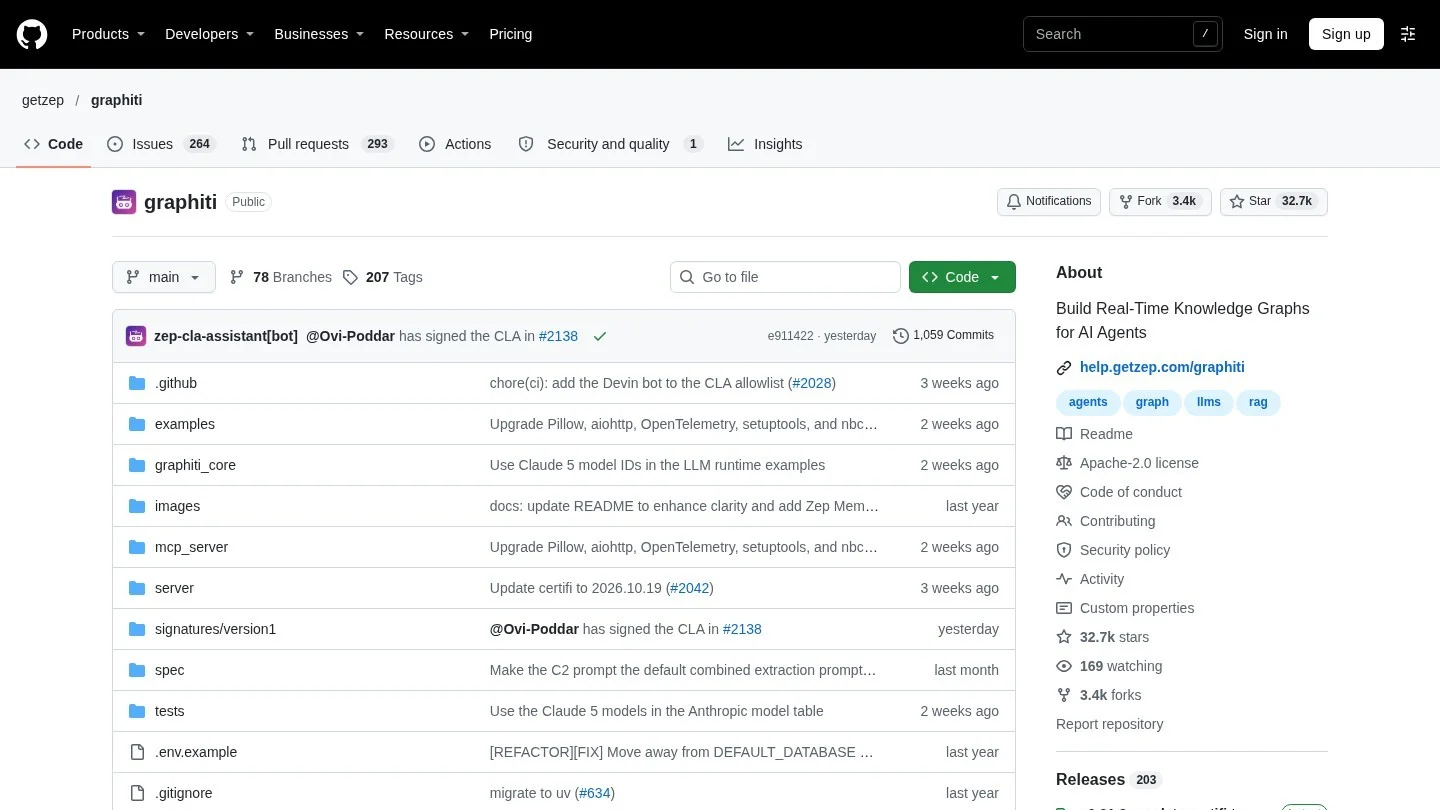
Graphiti is an open-source Python framework from Zep for building temporal context graphs. Every fact has a validity window. When a fact changes, Graphiti marks the old fact invalid. It does not delete it. As a result, an agent can ask what is true now or what was true last spring.
Graphiti keeps three kinds of records. First, entities are nodes whose summaries grow over time. Second, facts are edges between two entities, each with its time window. Third, episodes hold the raw messages or documents, so every fact traces back to its source.
At query time, Graphiti mixes embedding search, BM25 keyword search and graph traversal. No LLM has to summarize anything at query time. It runs on Neo4j, FalkorDB or Amazon Neptune, needs Python 3.10 or newer and uses OpenAI by default. Also, the project says it works best with models that support structured output.
Zep, the company’s managed product, is built on Graphiti. It adds users, threads, governance and a managed graph database. Zep says retrieval runs in under 200 milliseconds at scale.
Neo4j Runs Vector Search and Graph Queries in One Database

Neo4j is a graph database with built-in vector indexes. The indexes use Apache Lucene’s HNSW search, and cosine is the default similarity. So you can store an embedding on any node and search it next to your graph data.
Since Neo4j 2026.01, the preferred way to query is the Cypher SEARCH clause. The older vector procedures still work but were deprecated in 2026.04. This short example from the docs creates an index on movie plot embeddings.
CREATE VECTOR INDEX moviePlots IF NOT EXISTS
FOR (m:Movie)
ON m.embedding
OPTIONS { indexConfig: {
 `vector.dimensions`: 1536,
 `vector.similarity_function`: 'cosine'
}}
For an agent, the pattern is to find a starting node by meaning and then walk its edges. Say the agent finds the ticket closest to the user’s question. Then it follows that ticket to the customer, the product and the engineer who fixed it last time.
Mem0 Links Memories Through Shared Entities

Mem0 takes a lighter route. Its hosted platform now builds graph memory in, with no graph database to run. When you add a memory, Mem0 pulls out entities such as names, places, companies and key phrases. Then it links every memory that mentions the same entity.
At search time, Mem0 finds entities in the query. Memories tied to those entities get a ranking boost. That boost joins the vector and keyword scores in a single score per result. However, the links are not typed. Mem0 records that two memories share “Alice,” but not that Alice manages someone.
Graph memory runs on all Mem0 platform plans, while the visual graph view needs Pro or Enterprise. Also, note one change for self-hosters. The open-source package dropped its external graph drivers for Neo4j, Memgraph, Kuzu, Apache AGE and Neptune. Plans and setup details are on our Mem0 listing.
Microsoft GraphRAG Summarizes a Whole Corpus
GraphRAG from Microsoft Research solves a different problem. It indexes a large set of documents into a hierarchy of communities, linked by entities and relationships. Then an LLM writes a summary report for each community. So the agent can answer broad questions, such as “What are the main themes in these files?”
Its global search reads community reports and combines them in a map-reduce step. But that is costly. Microsoft’s own test on 50 global questions over a news dataset showed how much. A newer dynamic selection method drops irrelevant reports first and cut cost by 77% at community level 1. It used about 470 reports per answer, against about 1,500 for the older static search.
So GraphRAG is a corpus tool. It works for a research agent over a fixed library. However, a chat agent that learns a new fact every minute needs something else. Graphiti’s own comparison makes the same point. It calls GraphRAG batch-oriented for static documents and Graphiti incremental.
Read also: Vector Databases for AI Agent Memory
Vector and Graph Memory on One Comparison Table
Each row comes from the project’s own official docs, so it reflects what the vendors document today.
| Point | Vector memory | Graph memory |
|---|---|---|
| Stores | Text chunks plus embeddings and metadata | Entities, typed edges and source episodes |
| Finds | Items close in meaning to the query | Facts linked to the query’s entities, plus similar text |
| Handles changing facts | Only if you add dates and filters yourself | Graphiti keeps validity windows and marks old facts invalid |
| Multi-hop questions | Weak, each chunk stands alone | Walks edges from one entity to the next |
| Write cost | One embedding call per item | Embedding plus LLM extraction per message |
| Setup | pgvector in an existing Postgres, or a hosted index | A graph database plus an extraction pipeline, or a managed service |
| Real examples | Pinecone, Weaviate, pgvector | Graphiti, Zep, Neo4j, Mem0 graph memory, Microsoft GraphRAG |
| Keyword search | Weaviate and Pinecone hybrid modes | Graphiti BM25, Mem0 keyword scores |
One Customer Fact, Two Memory Designs
Take one support case through both designs. A support agent talks to Dana from Acme Corp. In January, Dana says she is on the Starter plan. Then, in April, she says Acme moved to the Business plan and Raj now owns billing.
In a vector store, both messages become separate chunks. Next, in May, Dana asks why her invoice went up. The search returns both chunks, since both talk about plans and billing. So the model sees “Starter” and “Business” side by side. It may pick the wrong one unless your code sorts by date.
Also, the vector store cannot answer “Who handles billing at Acme?” unless a chunk says so in close words. Raj’s role sits inside a longer April message, so recall depends on how you chunked it.
In a temporal graph, the April message updates the plan edge for Acme. The Starter edge gets an end date, and the Business edge starts. Then a new edge links Raj to Acme as billing owner. So in May, the agent pulls the current plan and the current billing contact by walking from Acme. It can still see the January fact if it needs history.
However, the graph paid for this at write time. Each message needed an LLM call to find entities and edges. In our view, that extra cost pays off for account managers, CRMs and long-running assistants. But a bot that answers from a help center gains little from it.
Signs Your Agent Needs a Graph Layer
Most teams should begin with vector memory and add a graph when one of these shows up.
- The agent mixes up old and new facts, such as a past address or a former plan.
- Users ask about relationships, like who reports to whom or which orders share a supplier.
- Answers need two or more hops across records.
- You need an audit trail of when the agent learned each fact and from which message.
- Many memories mention the same people or companies under different wording.
On the other hand, stay with vectors when memories are mostly standalone notes. Help-center answers, past tickets and meeting snippets all work well as chunks. Also, stay with vectors when your write volume is high and your model budget is tight.
Running Both Stores in a Hybrid Setup
In practice, many production designs mix both. Several tools we studied already do this inside one product. Graphiti blends embeddings, keywords and graph walks. Neo4j holds vectors and edges in one database. Mem0 adds a graph boost to its vector and keyword scores.
If you build it yourself, keep the roles clear. Use the vector store for raw recall over messages and documents. Give the graph the entities, current facts and their history. Then, at query time, run both and merge the results before they reach the model.
One rule from the Neo4j docs applies here too. Vector scores only make sense inside one result set. So rank each source on its own, then merge by rank. Weaviate’s relative score fusion and rank fusion follow the same idea.
Finally, put a token budget on the merged result. A graph walk can return dozens of facts. Our guide to context engineering for AI agents covers how to trim what reaches the model.
Where the Build Effort Goes
Vector memory is mostly an indexing job. You choose an embedding model, a chunk size and a store. For a team already on Postgres, pgvector adds one extension and one column. Then each new memory costs one embedding call.
Graph memory adds two jobs. First, you need an extraction step that turns text into entities and edges. Graphiti and Mem0 run that step for you with an LLM. Second, you need a schema, or at least custom entity types, so the graph stays clean. Graphiti lets you define those types with Pydantic models.
Also, watch the model bill. Every message that feeds a graph triggers extraction calls, and corpus tools like GraphRAG summarize whole communities. Our post on AI agent token consumption shows how those calls add up. For budget caps, see how to control AI agent costs.
If memory feeds a planning agent, the graph also changes how plans get made. Our explainer on dynamic planning in LLM agents shows how agents replan when new facts arrive.
Memory Store Doubts We Hear From Developers
Is a Knowledge Graph Better Than a Vector Database for AI Agents?
Not by default. A vector database is faster to build and cheaper to write to. But a graph wins when facts change or link across records. So many teams run both.
Does Graph Memory Replace Embeddings?
No. Graphiti, Neo4j and Mem0 all still use embeddings. The graph adds structure and time on top of similarity search.
Can I Use Postgres for Both Vector and Graph Memory?
You can store vectors in Postgres with pgvector and keep basic relationships in normal tables. However, multi-hop walks and time-stamped facts are what dedicated graph tools like Graphiti on Neo4j are built for.
What Is the Difference Between GraphRAG and Graph Memory?
GraphRAG indexes a fixed document set and summarizes it by community. Graph memory, as in Graphiti or Zep, updates facts one message at a time. So GraphRAG answers questions about a corpus, while graph memory tracks a changing world.
Which Frameworks Work With These Memory Stores?
Most agent frameworks let you plug in a store as a tool or memory layer. Our roundup of the best AI agent frameworks compares them, and you can browse more tools in our agent frameworks category. Agents that share one memory also need a protocol, which our post on multi-agent communication protocols explains.
Related AI Agents




Read also: AI Agents vs AI Assistants: Technical Differences and Use Cases
Explore Agent Categories
Related Articles
 GuidesVector Databases for AI Agent Memory
 GuidesAI Agents for Enterprise Knowledge Management
 GuidesCrewAI vs LangGraph: Roles or Graphs for Your Python Agents
 GuidesHow AI Agents Maintain State Across Sessions: Checkpoints, Sessions and Memory Stores
 GuidesSynthesia AI Video Usage Among Corporate Training Teams
 GuidesBest CAMEL AI Alternatives and What They Cost
