


Your agent passed the demo. Now you need to know what to check before real users and real data touch it. This AI agent deployment checklist answers that in three phases: before the deploy, during the rollout and after launch.
An agent is ready when it passes a frozen eval set and holds up against attack prompts. Its secrets must sit out of reach, and its spend needs a cap. It also needs traces on every step, an approval gate and a rollback you have tested. Miss one of those and the first bad day turns into a long one.
We built this list from the docs of GitHub Actions, Kubernetes, Argo Rollouts, LiteLLM, promptfoo and the major model providers. Every item maps to a control you can switch on today. We dropped anything we could not tie to a real setting.
Print the Whole Checklist on One Page
Use this table as the sign-off sheet for each release. Each row has a plain test for done, so nobody argues about it at the release meeting.
| Phase | Item | Done when |
|---|---|---|
| Before | Eval gate | The agent passes your frozen test set at the agreed pass rate |
| Before | Guardrails and red team | Attack prompts fail and the results are saved |
| Before | Secrets and permissions | No keys in code, and each tool has the least access it needs |
| Before | Limits and budgets | Retries back off, steps are capped and spend has a ceiling |
| Before | Pinned versions | Model ID, prompt version and packages are fixed in config |
| Before | Staging dry run | A day of production-shaped traffic runs without new failures |
| Before | Logging and traces | Every model call and tool call shows up with cost and latency |
| During | Approval gate | A named reviewer approves the production job |
| During | Staged rollout | A small share of traffic hits the new version first |
| During | Rollback | One command or one label change restores the last version |
| After | Monitoring | Alerts fire on error rate, cost and step count |
| After | Review loop | Failed traces feed back into the eval set each week |
Check These Items Before You Deploy
Most agent incidents trace back to something nobody tested. So the before phase is the longest one. Work through it in order, because later items depend on earlier ones.
Pass an Eval Gate on a Frozen Test Set
Freeze a set of real tasks with known good outcomes. Run the agent against it on every change, and block the release if the score drops. Test the final answer and also the path the agent took, such as which tools it called and in what order.
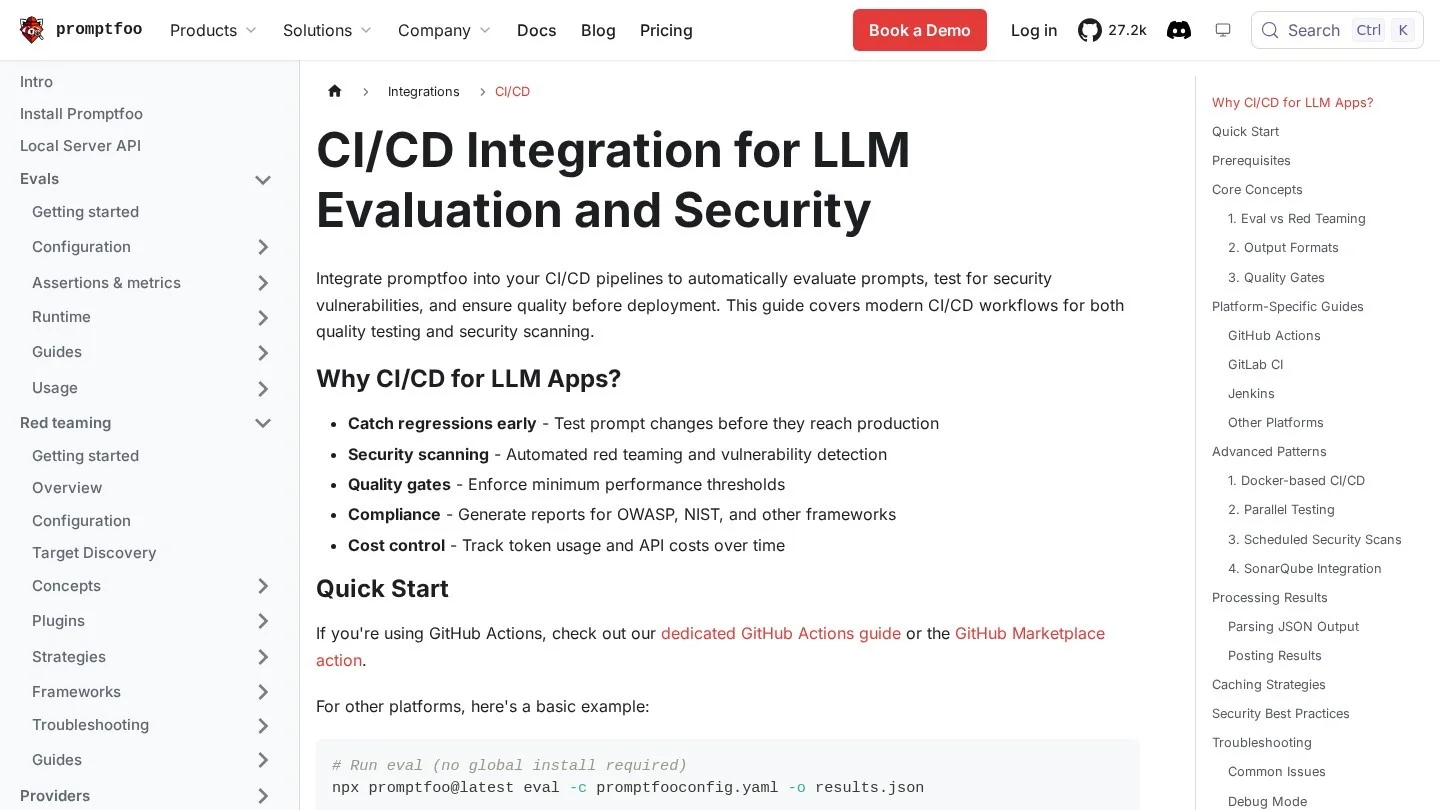
promptfoo shows one way to wire this into CI. It runs an eval, writes results to JSON and then fails the job when the pass rate drops under a set number. Its own example uses 95 percent as the bar. Pick your number from your baseline, then hold it.
Building the test set is its own job, and we wrote a separate piece on AI agent evaluation datasets for it. For public scores you can compare against, see AI agent benchmarking.
Test Guardrails Against Attack Prompts
Next, attack your own agent. promptfoo has a red team mode that generates attack cases from plugins such as harmful, pii and contracts. It then applies strategies such as jailbreak. Save the report with the release so you can show what was tested.
Guardrails themselves are a bigger topic. We cover input filters, output checks and tool limits in our AI agent guardrails guide. For packaged filters, look at Amazon Bedrock Guardrails and the tools on our prompt injection detection page.
Lock Down Secrets and Tool Permissions
Keep every API key in a secret store. Never put one in code, prompts or the agent’s memory. Use a separate key per environment, so a staging leak cannot touch production.
CI needs care too. On GitHub Actions, secrets are not passed to the runner when a workflow is triggered from a forked repository. The only exception is GITHUB_TOKEN. For other sensitive values in logs, the ::add-mask:: command marks a value so GitHub redacts it from the output.
Then trim tool access. A support agent that only reads orders should not hold a key that can issue refunds. Write down each tool, the scope of its key and who owns it. That one table answers most security review questions.
Set Rate Limits, Retries and Budgets
Agents call models in loops, so limits must exist at three levels: per call, per task and per day. Cap the number of steps per task. Add a wall-clock timeout as well.
Handle 429 errors properly. Claude’s API returns a retry-after header on a 429 that tells you how many seconds to wait. Back off exponentially and add jitter, so parallel workers do not retry together. Claude responses also carry headers such as anthropic-ratelimit-requests-remaining, which you can log to see trouble coming.
For spend, a proxy such as LiteLLM lets you set a max_budget and a budget_duration per key. Requests past the budget get rejected. We list more cost tactics in our piece on ways to control AI agent costs.
Pin Model and Prompt Versions
Fix the exact model ID in config. A floating alias can change under you, and so can its behavior. Pin the prompt version and package versions the same way.
Also track retirement dates. OpenAI gives at least six months notice before it retires a generally available model. Preview models can go on much shorter notice, such as two weeks. Its models endpoint returns an optional shutdown_date field, so a weekly script can warn you early. Keep preview models out of production for that reason.

Do a Dry Run in Staging With Production-Shaped Data
Staging often runs on tidy sample data, and agents break on messy data. Copy the shape of production inputs into staging: long emails, empty fields, odd languages and attachments. Strip personal details first.
Then run a full day of replayed or synthetic traffic. Watch for tool timeouts, steps that loop and answers that cite the wrong record. Fix those before the real launch, because each one costs far less to find here. Note the cost per task too. It becomes the baseline for your budget alerts later.
Wire Up Logging and Traces Before Launch
You cannot debug an agent from its final answer. Log each step instead: the prompt version, the model call, every tool call, tokens, cost and latency. Tag each trace with the release, such as a git SHA, so you can compare versions later.
OpenTelemetry keeps semantic conventions for generative AI, and agent spans are part of them. Using them keeps your traces portable between tools. Hosted options include Datadog LLM Observability and Arize AX. Mask personal data before it lands in logs.
Gate the Production Release With Approvals
A human sign-off on the production job is cheap insurance. GitHub Actions does this through environments. A job that names an environment with required reviewers waits until someone approves it.
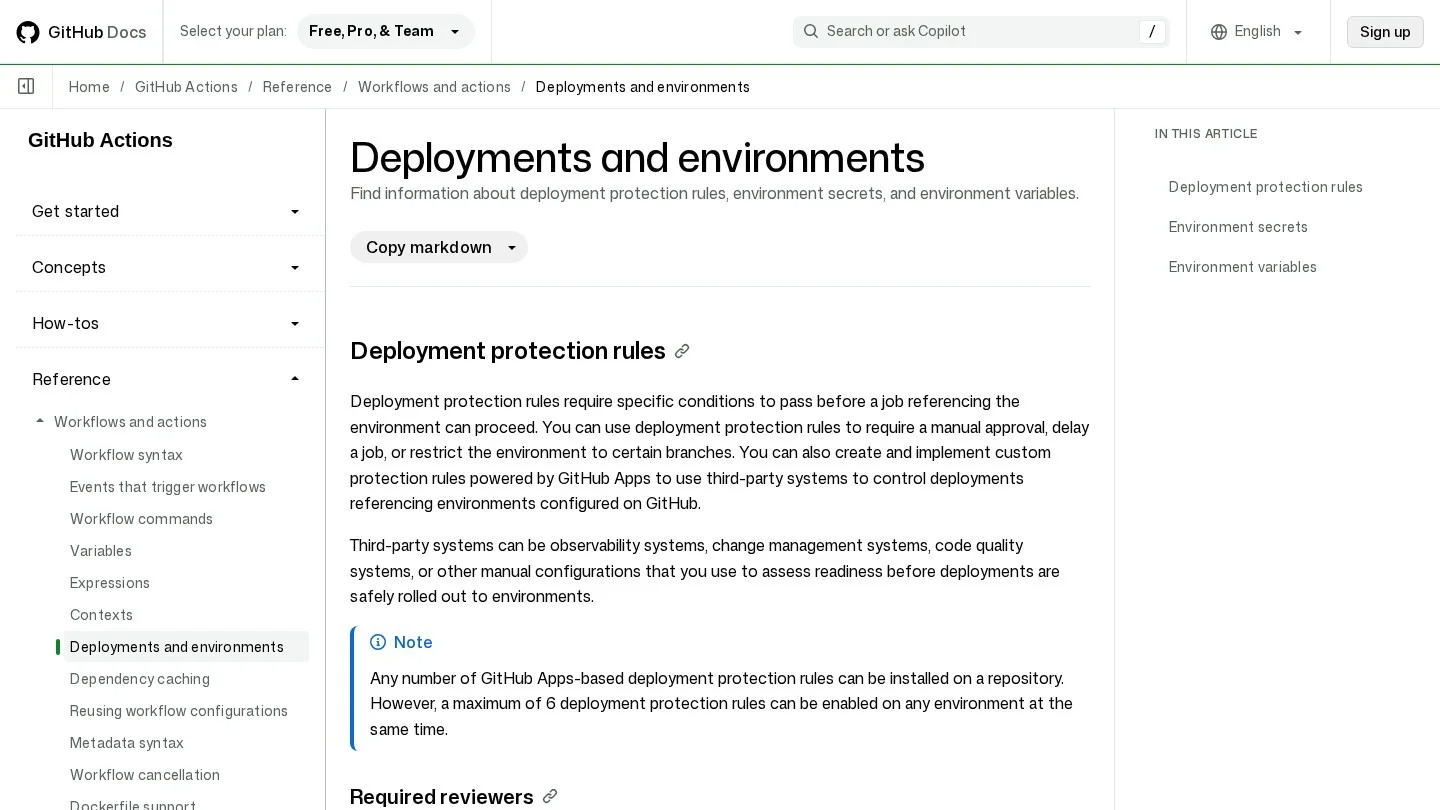
A few details matter here. You can list up to six users or teams, and one approval lets the job run. A prevent self-review option stops the person who started the deploy from approving it. Jobs that wait more than 30 days fail on their own. And the job cannot read the environment’s secrets until every protection rule passes.
jobs:
  deploy:
    runs-on: ubuntu-latest
    environment: production
    concurrency: production
    steps:
      - name: deploy
        run: ./deploy.sh
The concurrency line keeps two production deploys from running at once. One plan detail to check: on GitHub Free, Pro and Team, required reviewers only work on public repositories. Private repos on those plans need another gate.
Approvals inside the agent are a separate layer. If the agent can send money or delete data, pause it for a human first. Our human-in-the-loop orchestration guide shows how.
Read also: AutoGPT Alternatives for Running AI Agents Locally
Roll Out in Stages and Watch the First Hour
Send a small slice of traffic to the new version first. Argo Rollouts does this on Kubernetes with canary steps. A setWeight step sets the share of traffic, and a pause step holds the rollout. A pause without a duration waits until someone promotes it by hand.

If a background analysis fails during the canary, Argo aborts the rollout. That turns your metrics into an automatic stop. Write the stop rules down before you ship. Nobody picks good thresholds in the middle of an incident.
| Signal to watch | Example stop rule | Action |
|---|---|---|
| Task success rate | Drops more than 5 points against the stable version | Abort and roll back |
| Tool call errors | Double the baseline for 15 minutes | Pause and inspect traces |
| Cost per task | Up more than 30 percent | Pause and check step counts |
| Steps per task | New maximum hit often | Look for a loop in the planner |
| Escalations to humans | Up more than 20 percent after release | Review a sample of chats |
The numbers in that table are examples we picked to show the shape of a rule. Set yours from a week of baseline data.
Keep Rollback One Command Away
Practice the rollback before you need it. On Kubernetes, kubectl rollout undo deployment/abc returns a Deployment to its previous revision. Add –to-revision to pick an older one. Run it once in staging so the whole team knows it works.

Code is only half of an agent, though. Prompts and model IDs need a rollback path too, so store them as versioned config. A revert then takes a config change. You skip the full rebuild.
Some actions cannot be undone at all. An email that went out stays sent. For that reason, put a feature flag on each risky tool. You can then switch one tool off in seconds while the rest of the agent keeps running.
Run These Checks After the Agent Is Live
Launch day is not the finish line. The agent meets new inputs every day, and the model behind it may change. A short weekly routine catches drift early.
- Review a sample of traces. Read 20 to 50 real runs each week and tag every failure with a cause.
- Grow the eval set. Add each new failure to the frozen test set so the same bug cannot ship twice.
- Check spend per task. Compare cost per task with last week and look at outliers first.
- Watch model retirement dates. Run the shutdown_date check and plan upgrades months ahead.
- Revisit permissions. Remove tool access the agent no longer uses.
For a governance frame, NIST AI 600-1 is a voluntary generative AI profile of the NIST AI Risk Management Framework. NIST published it on July 26, 2024. It gives risk and compliance teams a shared language for reviews like these. If you run several copies of the agent, read our guide on how to manage multiple AI agent instances.
Questions Developers Ask Before Shipping an Agent
What Pass Rate Should an Agent Hit Before Deployment?
No single number works for every agent. Measure your current version on the frozen test set and treat that as the floor. A new version should match or beat it on the tasks that matter most.
How Is Deploying an AI Agent Different From Deploying an App?
The output changes even when the code does not. Model updates, prompt edits and new user inputs all shift behavior. So an agent needs evals and trace reviews on top of normal tests.
Should Evals Run on Every Pull Request?
Run a fast subset on every pull request and the full set before each release. Cache model responses where your tool allows it to cut cost. We map out each stage in a separate piece on the CI/CD pipeline for AI agents.
Who Should Approve an Agent Release?
Pick someone who owns the outcome, such as the product lead for the workflow. An engineer who did not write the change works too. Turn on prevent self-review so the author cannot approve their own deploy.
Related AI Agents


Read also: Klarent AI Alternatives for Autonomous Web and Mobile Testing
Explore Agent Categories
Related Articles
 GuidesSynthesia AI Video Usage Among Corporate Training Teams
 GuidesBest CAMEL AI Alternatives and What They Cost
 Guides100 AI Agent Statistics for Retail Companies
 GuidesLLM or AI Agent? AI Search Engines and What They Actually Are
 GuidesCan You Trust an AI Agent?
 GuidesAre AI Agents the Future of IT Jobs?
