

Dynamic Planning Means the Agent Rewrites Its Plan as It Works
Dynamic planning in LLM agents is a loop. The agent builds a plan, acts, reads the result and changes the plan when reality differs. For most teams, the best default is a short written plan plus replanning after each step.
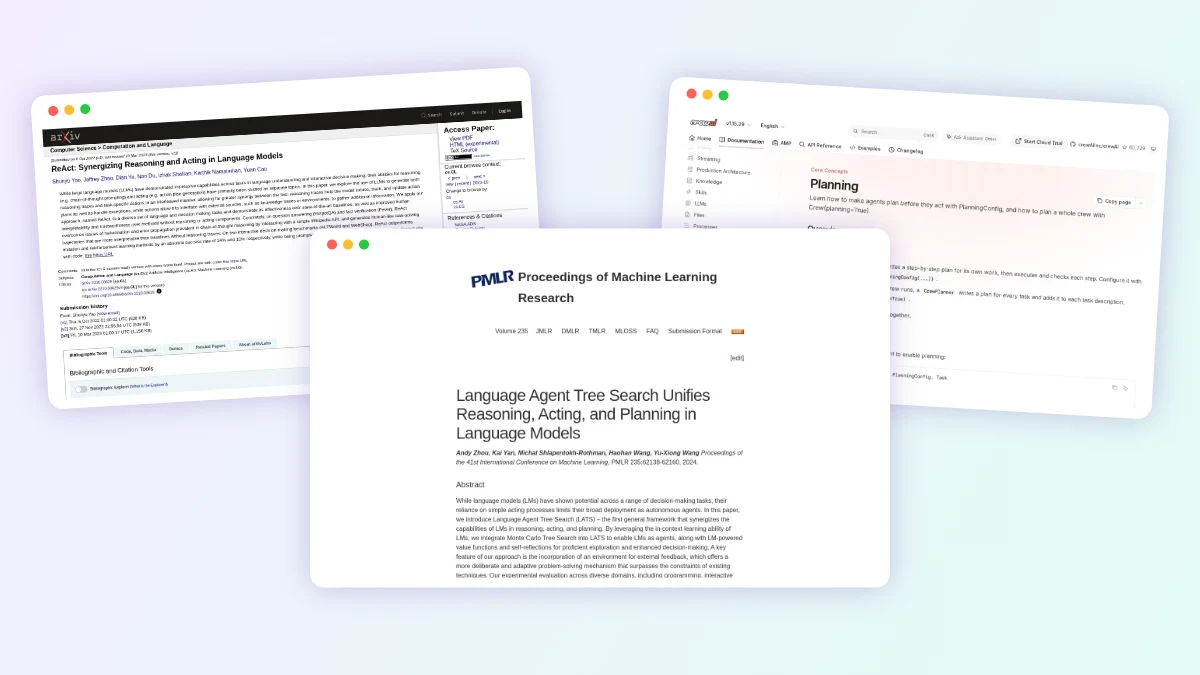
Four papers shaped this field. They are ReAct, Plan-and-Solve, Reflexion and Language Agent Tree Search, or LATS. We set them next to the planning options in CrewAI, LangChain, the OpenAI Agents SDK, Microsoft Agent Framework and Google ADK. Every product agent we looked at plans in some form. Few of them plan the same way.
Four Planning Styles and What Their Papers Reported
Each row comes from the papers themselves, so it reflects what the authors describe and report.
| Style | Core idea | Where it came from | Reported result |
|---|---|---|---|
| Interleaved reasoning and acting | Think, act, observe, repeat | ReAct, Yao and co-authors, 2022 | Absolute success gains of 34% on ALFWorld and 10% on WebShop over imitation and reinforcement learning baselines |
| Plan first, then execute | Write a full plan, then carry out each step | Plan-and-Solve, Wang and co-authors, 2023 | 76.7% average on six math datasets, close to 77.6% for 8-shot manual chain-of-thought |
| Reflect and retry | Write a lesson after each failure and reuse it | Reflexion, Shinn and co-authors, 2023 | 91% pass@1 on HumanEval, against 80% for GPT-4 |
| Tree search | Explore several action paths and score them | LATS, Zhou and co-authors, ICML 2024 | 92.7% pass@1 on HumanEval with GPT-4, and a 75.9 WebShop score with GPT-3.5 |
These numbers come from different models and tasks. So they do not rank the methods against each other. Instead, they show what each idea added over its own baseline. For current model scores, see our post on AI model accuracy by task category.
ReAct Plans One Step at a Time

ReAct stands for reasoning and acting. The model writes a short thought, takes one action, then reads the result. Next, it writes a new thought based on what it saw. So the plan lives in the stream of thoughts and changes every turn.
The paper’s point was that thinking and acting help each other. For example, reasoning lets the model track and revise its plan. Actions, in turn, let it pull facts from outside, such as a Wikipedia lookup. On question answering and fact checking, the authors report less hallucination and error propagation.
ReAct is cheap to build, since it needs one prompt and a tool loop. However, it has no memory of a bigger plan. On long jobs the agent can drift, repeat steps or forget the goal. Still, the OpenAI Agents SDK runner, covered later, works this way at its core.
Plan-and-Solve Writes the Whole Plan First
Plan-and-Solve goes the other way. The model reads the task and writes out a plan of subtasks before it acts. Then it carries out each subtask in order. The paper’s trigger line asks the model to understand the problem and devise a plan before solving it.
The authors built it to fix missing-step errors in zero-shot reasoning. Their PS+ version also told the model to pull out the relevant numbers and check each calculation. On ten datasets with GPT-3, PS+ beat zero-shot chain-of-thought on every one.
For agents, plan-first has two benefits. The user can read the plan before work begins. Also, the plan gives you a fixed list to log and test. But a fixed plan breaks when a step fails or a fact turns out wrong.
Read also: LLM or AI Agent? AI Search Engines and What They Actually Are
Replanning Joins the Two Approaches
So the practical answer is to mix the two styles. The agent writes a plan, runs one step, then checks the plan against what happened. If a step failed or new facts arrived, it rewrites the remaining steps. That loop is what people usually mean by dynamic planning.
In practice, you will see three parts. First, a planner turns the goal into a list of steps. Second, an executor runs the next step with tools. Third, a replanner reads the result and either updates the list or returns the final answer.
The plan also gives you something to show a person. For instance, a manager can approve the plan before the agent spends money. Our guide to human-in-the-loop orchestration covers where to put those approval points.
Reflexion Learns From Its Own Failed Attempts
Reflexion adds memory to replanning. After a failed try, the agent writes a short note in plain language about what went wrong. Then it stores that note in an episodic memory buffer. On the next attempt, the note goes back into the prompt.
The method changes no model weights. Instead, the feedback is text. It can start as a score or free-form notes, from outside or from the model itself. With this loop, the paper reports 91% pass@1 on the HumanEval coding test, against 80% for GPT-4 at the time.
For builders, the lesson carries over directly. If your agent gets a clear failure signal, such as a failed unit test, feed a written lesson back in. Also, where that lesson lives matters. Our comparison of vector memory vs knowledge graph memory covers the storage side.
LATS Searches Several Futures Before Committing
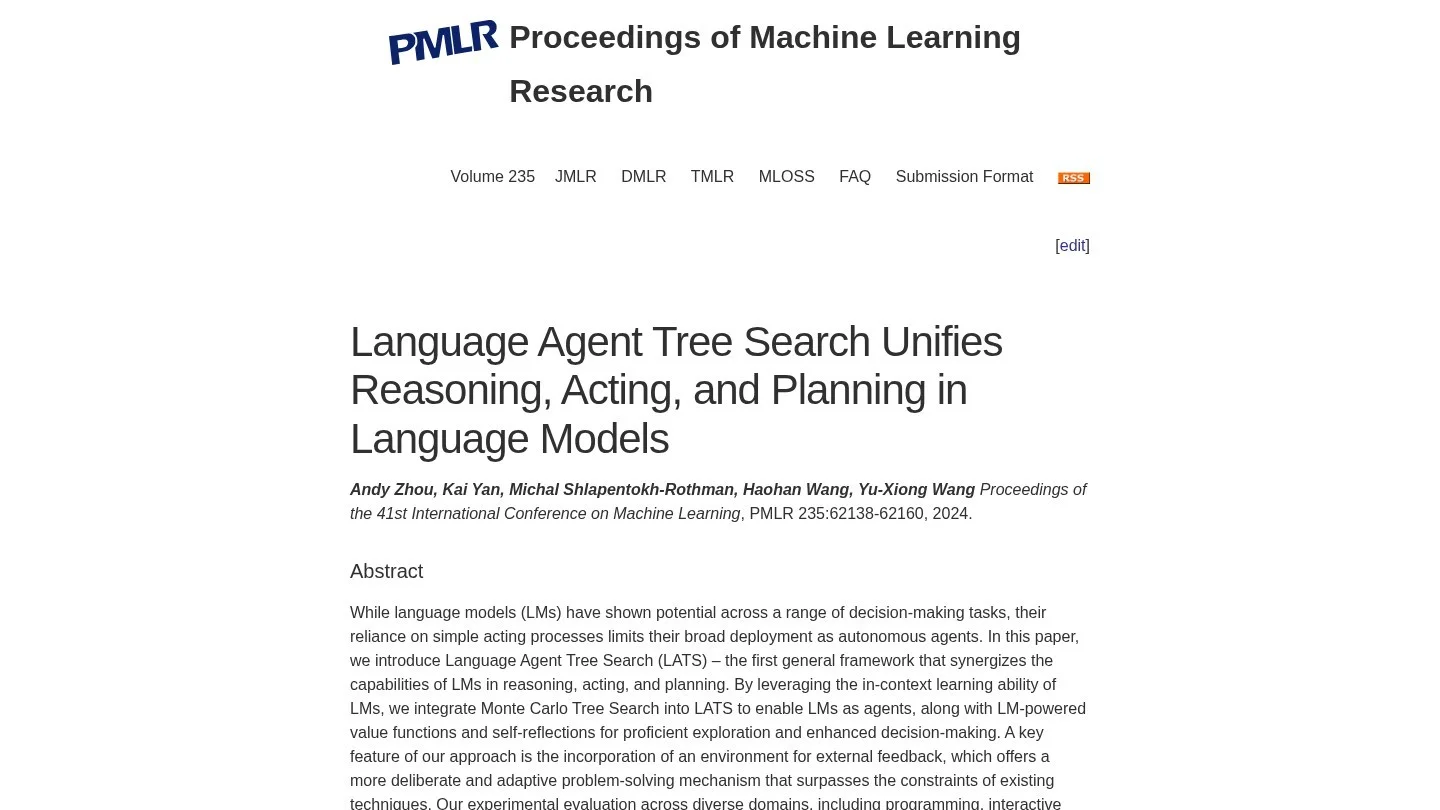
Language Agent Tree Search treats planning as a search problem. So the agent grows a tree of possible action sequences. It picks which branch to grow with Monte Carlo tree search.
The language model plays several roles here. It proposes actions and scores how promising each state looks. The model also reflects on failed branches. Then feedback from the environment steers which branches grow. With GPT-4, the paper reports 92.7% pass@1 on HumanEval, and a WebShop score of 75.9 with GPT-3.5.
Tree search costs more, though. Every branch means extra model calls. So it pays off when a wrong move is expensive and you can check results, as in coding with tests. Our post on AI agent token consumption shows how fast those calls add up.
How Agent Frameworks Expose Planning
Frameworks now ship planning as a setting or a pattern. We read each one’s official docs and agent pages to see what you get out of the box.
CrewAI Adds Crew Planning and Per-Agent Plans
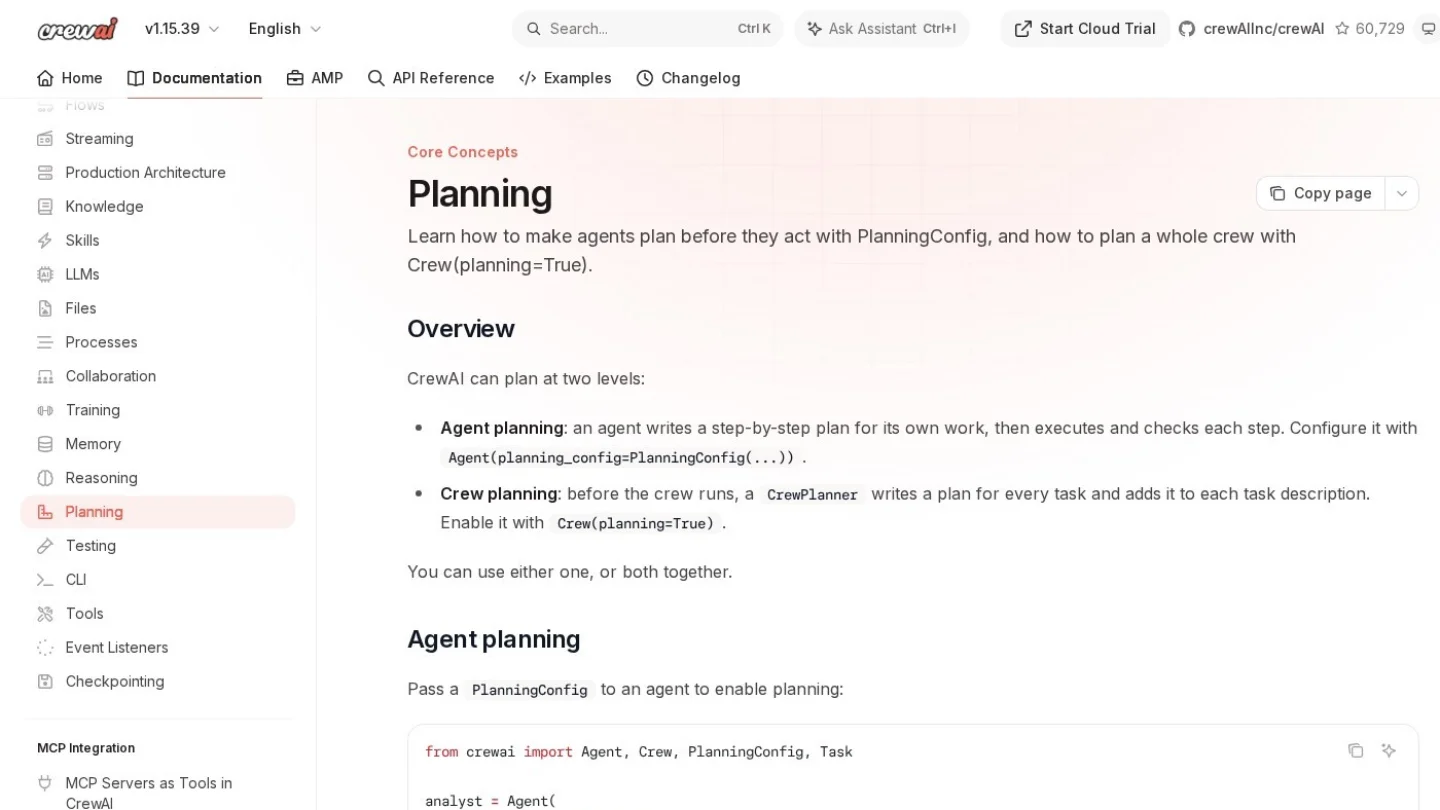
CrewAI plans at two levels. At crew level, you add planning=True to the Crew. Then a planner writes a plan for every task before the crew runs and adds it to each task’s description. You can swap the planning model with planning_llm. But the default planning model needs an OpenAI key, even if your agents use other providers.
At agent level, a PlanningConfig object controls the loop. Its reasoning_effort setting, low, medium or high, sets how much the agent checks and replans after each step. Also, max_attempts and max_replans cap the loop. By default, max_replans is 3, and max_steps only tells the planner how long the plan should be. The docs note that Agent(planning=True) equals a low-effort config with one attempt. Our CrewAI listing covers plans and pricing.
LangChain Uses a To-Do List and LangGraph Uses a Graph
LangChain ships a TodoListMiddleware for its agents. It gives the agent a write_todos tool and adds planning guidance to the system prompt. Each call replaces the whole list. Also, the agent may update the list at most once per model turn.
In LangGraph, you draw planning yourself. For example, you can make the planner, executor and replanner separate nodes, with an edge that loops back after each step. Then checkpoints save the plan, so a long run can pause and resume. Our LangGraph listing covers its hosting and tracing options.
OpenAI Agents SDK Keeps Planning Inside the Runner Loop
In the OpenAI Agents SDK, planning happens inside the runner loop. The model picks a step, calls a tool or hands off to another agent, reads the result and continues until the task is done. So planning happens turn by turn, in ReAct style.
You shape it with instructions, tools and handoffs. Also, guardrails can stop a run, and approval steps can pause it for a person. See our OpenAI Agents SDK listing for the full feature set.
Microsoft Agent Framework Ships a Manager-Led Pattern
Microsoft Agent Framework is the direct successor to AutoGen and Semantic Kernel, built by the same teams. It ships five orchestration patterns. Sequential, concurrent, handoff and group chat are four of them. Then the fifth, Magentic, puts a manager agent in charge.
In Magentic, the manager coordinates specialist agents as the work unfolds. So if you want a lead agent that sends work to specialists, this is the built-in route. Also, its graph workflows keep state for long jobs and for pauses where a person steps in.
Google ADK Mixes Code Steps With Model Steps
Google’s ADK 2.0 added a graph workflow runtime. It mixes fixed code steps with steps where the model decides. The runtime also supports conditional routing and nested sub-workflows. Besides, a workflow can loop back to retry a step.
That mix matters for cost. In an illustrative benchmark Google published with ADK 2.0, a plain LLM agent used 5,152 tokens per run. By contrast, the 2.0 workflow used 2,265. So the lesson is to let the model plan only the parts that need judgment.
Five Real Agents That Replan in Front of Users
All five product agents we studied plan their work. But each one shows the plan to users in a different way.
Devin Maps the Codebase Before It Writes Code
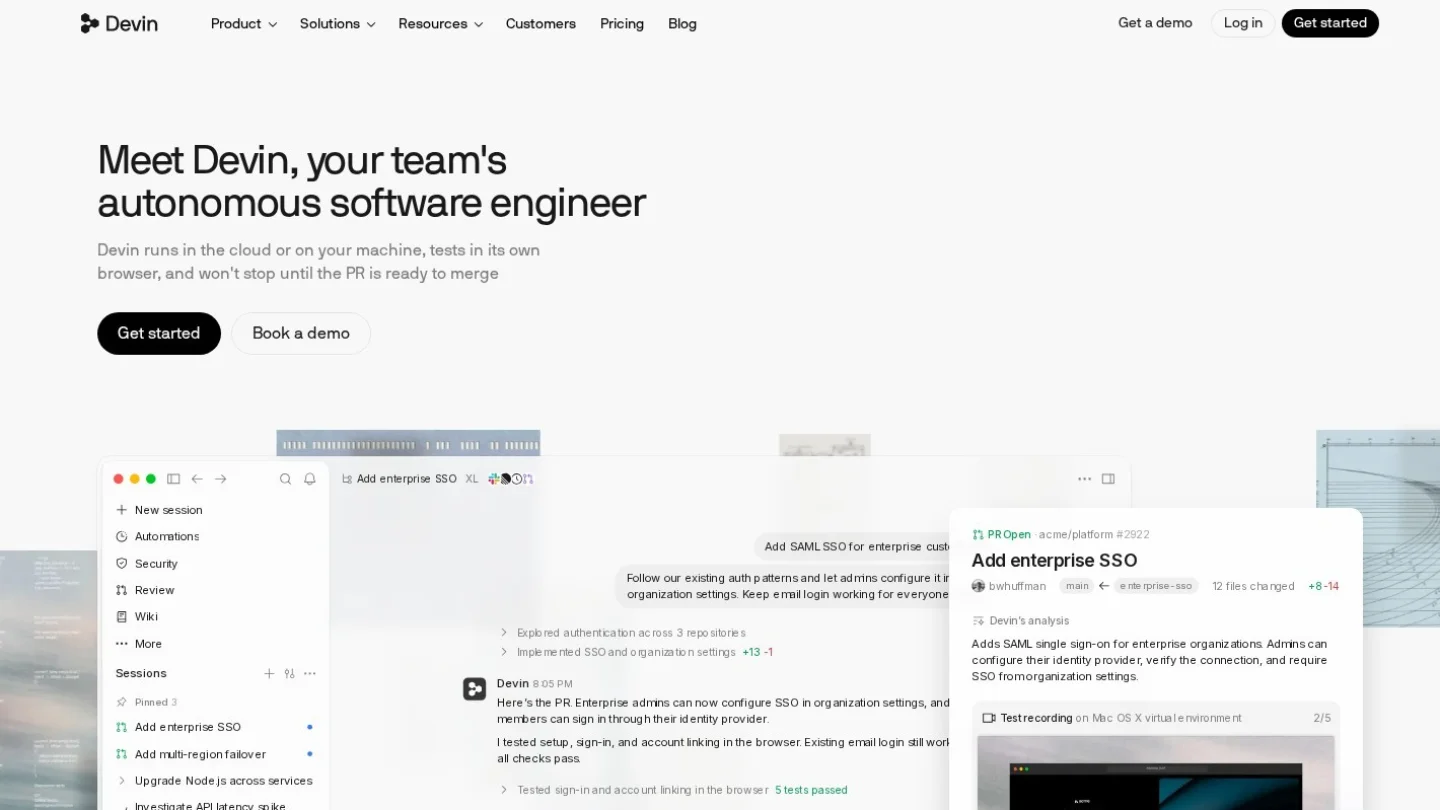
Devin from Cognition takes work when you tag it in Slack or Teams, or from a Linear or Jira ticket. It begins with an understand-and-plan step that maps the codebase. Then it works in its own virtual machine and keeps going until a pull request is ready to merge. Our Devin listing has its plans.
Manus Splits Large Jobs Across Sub-Agents
Manus has a feature called Wide Research for big jobs. A main agent splits the request into independent sub-tasks. Each sub-task then gets its own agent with fresh context, its own virtual machine and internet access. Finally, the main agent collects the results and builds one report.
Perplexity Deep Research Replans Its Searches
Perplexity’s Deep Research mode searches and reads documents in rounds. After each round, it reasons about what to do next and refines its research plan. Then it turns the findings into a structured report. That search, read and refine loop is replanning in plain view. Our Perplexity Deep Research listing covers its limits.
ChatGPT Work Breaks Long Projects Into Steps
ChatGPT Work stays with a long project by breaking it into smaller steps. It gathers information across your apps and can use a built-in browser. Meanwhile, you can follow its progress, change direction and approve important actions. You also decide when it should check in. See our ChatGPT Work listing.
Claude Cowork Shows Its Plan Before It Runs
Claude Cowork from Anthropic analyzes a request and creates a plan. So you can review its approach and then let it run. For complex tasks, it can coordinate several sub-agents at the same time. Also, it needs your explicit permission before it permanently deletes any files. Our Claude Cowork listing has the details.
When a Fixed Workflow Beats a Dynamic Plan
Dynamic planning is not free. Each replan is another model call, and each extra call adds delay and cost. Also, a plan that changes every run is harder to test.
So use a fixed workflow when the steps rarely change. Refunds, invoice checks and form intake usually follow the same path. Then let the model plan only the branch that needs judgment, the way Google’s ADK refund example does.
On the other hand, choose dynamic planning when the path depends on what the agent finds. Research, coding and multi-site browsing all fit that pattern. Also, track how often runs end with a person stepping in. Our post on AI agent human intervention rates explains how to measure it.
Picking a Planning Style for Your Own Agent
First, begin with a ReAct loop and a step cap. Most frameworks give you this by default. Then watch where runs fail.
Second, add a written plan if runs drift or repeat steps. A to-do list tool or CrewAI’s planning flag adds this with little code. Also, show the plan to users when actions cost money.
Third, add reflection when you have a clear pass or fail signal, such as tests. Save the lesson where the next attempt can read it.
Finally, try tree search only for high-value tasks with checkable results. For framework choices, read our roundup of the best AI agent frameworks, or browse the multi-agent tools category.
Short Answers on ReAct, Reflexion and Tree Search
What Is the Difference Between ReAct and Plan-and-Execute?
ReAct decides one step at a time, with no full plan up front. Plan-and-execute writes the whole plan first and then runs it. Many agents now combine them by replanning after each step.
Does Dynamic Planning Make Agents More Accurate?
The papers report gains over their own baselines, such as Reflexion’s 91% on HumanEval. However, results depend on the model and the task. So test planning on your own cases before you roll it out.
Which Framework Has Built-In Planning?
CrewAI has a planning flag and a per-agent PlanningConfig. Also, LangChain offers a to-do list middleware, and Microsoft Agent Framework ships the manager-led Magentic pattern.
Is Tree Search Worth the Extra Cost?
It can be for coding or other tasks with tests, where a wrong path is costly. But for chat and basic lookups, the extra model calls rarely pay back.
Read also: Best Salesloft AI Alternatives After the Clari Merger
Related AI Agents


Explore Agent Categories
Related Articles
 GuidesLLM or AI Agent? AI Search Engines and What They Actually Are
 GuidesParallel AI Alternatives: 8 Web Search APIs Compared
 GuidesSynthesia AI Video Usage Among Corporate Training Teams
 GuidesBest CAMEL AI Alternatives and What They Cost
 Guides100 AI Agent Statistics for Retail Companies
 GuidesCan You Trust an AI Agent?
