

Put a Person Where an Agent Mistake Costs Real Money
An agent writes a refund email, then stops until a person clicks approve. That pause is human-in-the-loop orchestration. The agent halts at set points, saves its state and waits for a person to approve, edit or take over. For most teams, the best setup gates only the actions that send, spend, delete or publish, and lets the rest run.
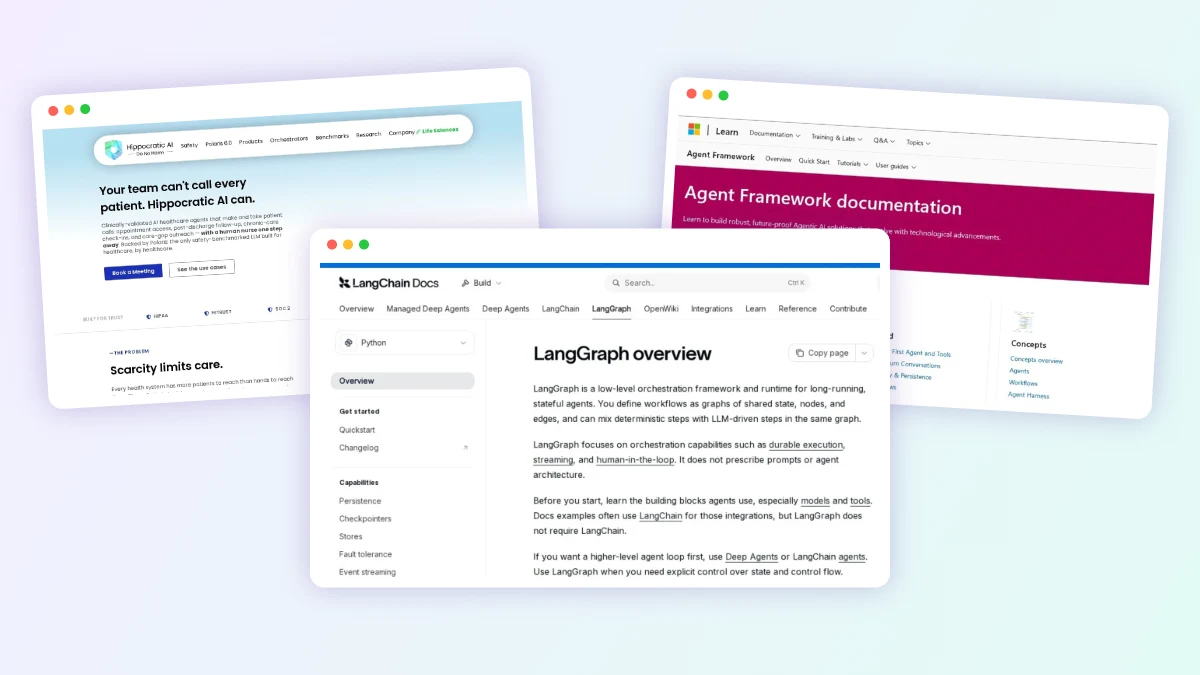
We read the docs for LangGraph, the OpenAI Agents SDK, Microsoft Agent Framework, Google ADK, CrewAI, Pydantic AI and Temporal. Then we looked at how seven live products decide when to stop for a human. One thread runs through the frameworks that handle long pauses. They all save state, so a run can wait for hours without losing its place.
The steps follow build order. Sort actions by risk, then pick a gate for each one and wire it into your framework. After that, design the review screen and track how often people step in.
Sort Every Agent Action by Risk Before Adding Gates
Write down every tool your agent can call. Then mark each one by what happens if it goes wrong. We use three groups.
- Read-only actions, such as search, lookups and reading files. These can run without a pause.
- Reversible writes, such as drafts, internal notes and test-branch code. A review after the fact is often enough.
- Irreversible or external actions, such as sending email, moving money, deleting records, posting in public or merging code. These need a person first.
This split follows what the tools themselves do. For example, Supabase suggests that unattended agents pre-approve only read-only tools scoped to one project. Then the agent stops and reports when a task needs a write. Also, under the MCP spec, a human should always be able to deny a tool call.
Add limits that apply even when nobody is watching. Cap steps per run, money per day and records per change. Our guide on controlling AI agent costs covers budget caps in detail.
Choose the Right Gate for Each Risky Step
A gate is the point where the run stops and a person acts. In practice, we found four kinds in the tools we studied.
Approve or Reject a Single Tool Call
This is the most common gate. The agent proposes a call with its inputs, and a person says yes or no. For instance, LangChain’s SQL agent tutorial pauses before every database query. A reviewer sees the query and then approves it, edits it or sends feedback to the model instead.
Show the exact inputs in full. MCP clients should show tool inputs to the user before the call runs. So a reviewer can spot a wrong email address or an extra zero.
Edit the Plan or State Before the Run Continues
Sometimes the step is fine but the details are wrong. So let the reviewer change the agent’s state and then resume. LangGraph supports this directly, because a person can inspect and edit the state at any checkpoint.
Plan review is a cousin of this gate. For example, Claude Cowork creates a plan first, so you can review its approach before you let it run. Our explainer on dynamic planning in LLM agents shows how agents build those plans.
Review the Finished Work Before It Ships
For reversible work, let the agent finish and put the result in a review queue. Devin works this way. It runs in its own virtual machine and keeps working until a pull request is ready to merge. Then people review the pull request before it goes in.
Sales tools follow the same idea. In Amplemarket’s Duo, reps can review and approve emails before sending. Or they can let Duo send on its own, so each rep picks the level of control.
Hand the Live Conversation to a Person
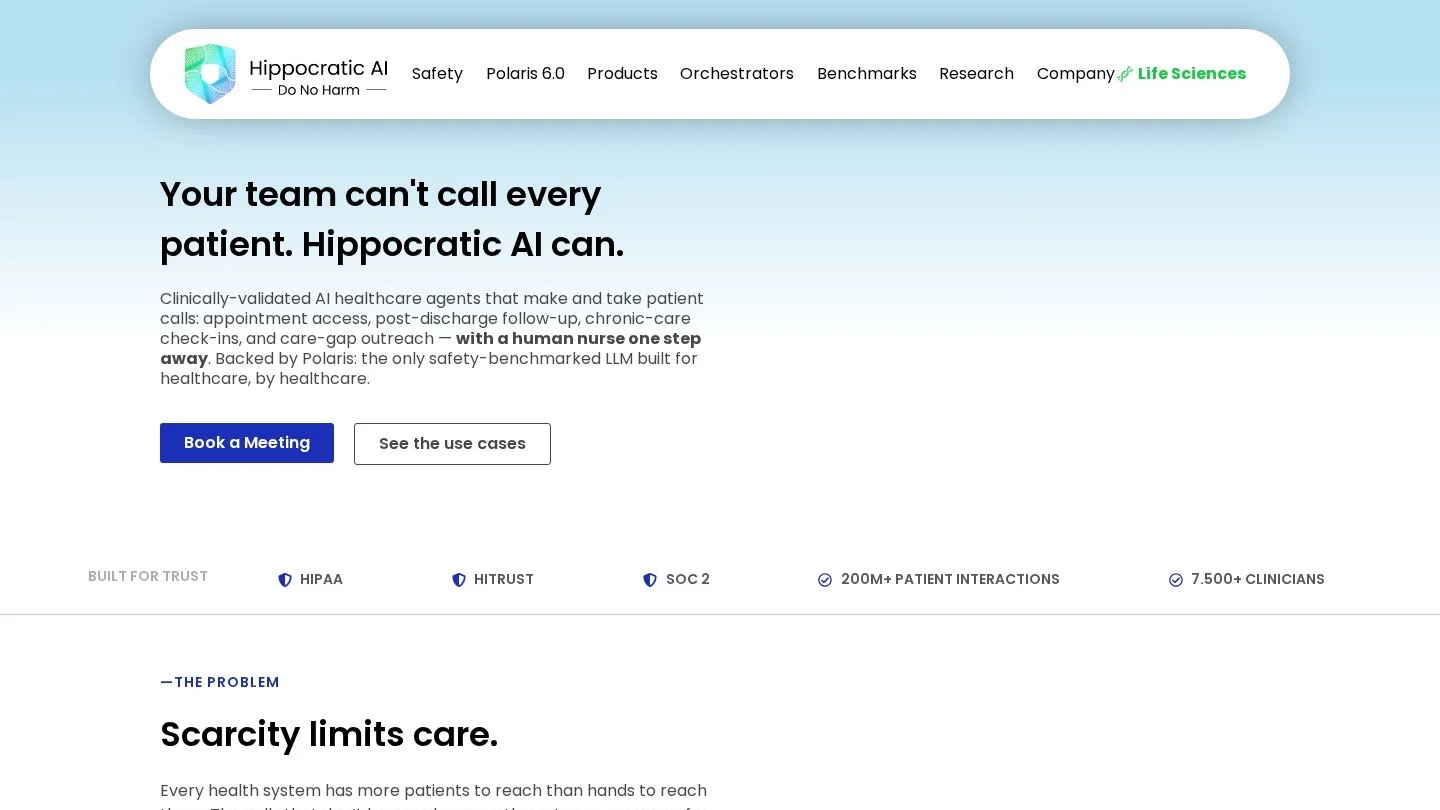
Voice and chat agents cannot pause for an hour. Instead, they transfer the conversation. Hippocratic AI’s patient-calling agents, for example, hand the call to a human nurse in real time, mid-call, on any red flag or request.
Pass context with the handoff. Assort Health, a healthcare voice agent, gives staff a full summary before they pick up, so patients do not repeat themselves. Our list of AI agents for healthcare call centers covers more tools with live handoff.
Save State So a Paused Run Can Wait for Hours
A person may take ten seconds or two days to answer. So the paused run must live outside memory. Otherwise a server restart loses the request, the context and the work done so far.
That is why the frameworks tie approval to saved state. LangGraph needs a checkpointer for every pause, and its docs ask for a durable, database-backed one in production. Then a run can pause, wait for a person, and resume later on the same thread ID. Also, LangChain’s SQL tutorial notes that its approval pause needs a checkpointer for exactly this reason.
Give every run a stable thread ID, and store who approved what and when. Our guide on keeping AI agent state across sessions explains checkpointers and IDs in more depth.
Read also: AI ISA vs Human ISA: What Each Really Costs a Real Estate Team
Wire Approvals Into Your Agent Framework
Most frameworks now ship some form of approval step. Each row comes from that framework’s official docs.
| Framework | Approval feature | State for long waits |
|---|---|---|
| LangGraph | interrupt() inside a node, resumed with Command(resume=…) | Checkpointer plus a thread ID |
| OpenAI Agents SDK | needs_approval on a tool, then approve or reject each interruption | RunState saved as JSON or a string |
| Microsoft Agent Framework | Approval-required tools that pause a workflow | Workflow state for long-running and human-in-the-loop runs |
| Google ADK | Tool Confirmation (experimental), require_confirmation=True | Resume with the original invocation ID |
| CrewAI | human_input=True on a task; @human_feedback in Flows | Pending feedback saved to SQLite by default |
| Pydantic AI | requires_approval=True on a tool (deferred tools) | Durable execution with Temporal, DBOS, Prefect, Restate and others |
| Temporal | A signal handler plus workflow.wait_condition | The workflow waits for hours or days |
Pause LangGraph Runs With interrupt()
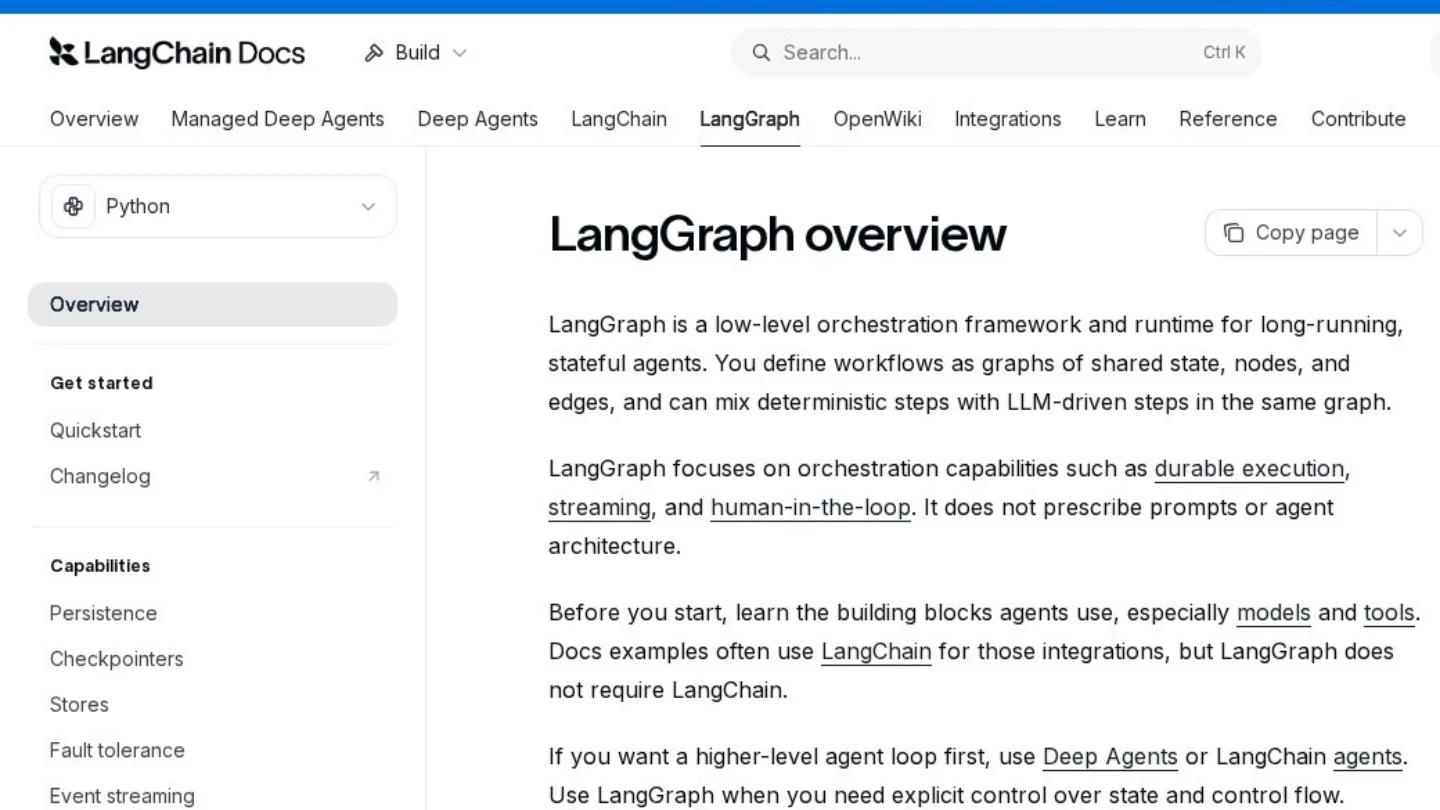
In LangGraph, call interrupt() inside the node that sends or spends. The graph pauses there, and the value you pass goes back to the caller. With invoke(), it shows up under the __interrupt__ key of the result.
from langgraph.types import interrupt, Command

def approval_node(state: State):
    approved = interrupt("Do you approve this action?")
    return {"approved": approved}

config = {"configurable": {"thread_id": "thread-1"}}
# later, after the reviewer answers
graph.invoke(Command(resume=True), config=config)
Next, resume with Command(resume=…) on the same thread ID. That value becomes the return value of interrupt(). So a reviewer can send True, False or an edited draft. However, the node restarts from its first line on resume. So keep any side effects before interrupt() safe to run twice.
LangGraph also has static breakpoints, interrupt_before and interrupt_after. But those are for debugging, and interrupt() is LangGraph’s tool for human review. See our LangGraph listing for hosting and tracing options.
Gate Tools in the OpenAI Agents SDK
In the OpenAI Agents SDK, you mark a tool with needs_approval. It takes True, or an async function that decides per call. For example, you can ask for approval only on refunds above $100. When the model calls that tool, the run pauses first.
@function_tool(needs_approval=True)
async def cancel_order(order_id: int) -> str: ...

result = await Runner.run(agent, "Cancel order 1042")
state = result.to_state()
for item in result.interruptions:
    state.approve(item)   # or state.reject(item)
result = await Runner.run(agent, state)
Each pending call shows up in result.interruptions with the agent name, tool name and arguments. Then you approve or reject it on the run state and run again. Also, the state saves to JSON or a string, so the pause can outlast your process. A rejection can carry a message the model sees. For hosted MCP tools, set require_approval to “always”. Our OpenAI Agents SDK listing has more detail.
Add Approval Steps in Microsoft Agent Framework and Google ADK

Microsoft Agent Framework builds approval into its orchestrations. Agents can use approval-required tools that pause the workflow for human review before the tool runs. Its workflows also keep state for long-running and human-in-the-loop runs. Our Microsoft Agent Framework listing covers its orchestration patterns.
Google ADK ships Tool Confirmation, which its docs still call experimental. In Python, you wrap a tool in FunctionTool with require_confirmation=True. Then the client answers with a confirmed value. Also, Google’s own refund example sends cases that fail its policy check to a review node that waits for a person. See our Google ADK listing.
Ask for Feedback in CrewAI Tasks and Flows
In CrewAI, the quick option is human_input=True on a task. Then the agent asks a person for input before it gives its final answer.
task = Task(
    description="Compile a report on recent AI advancements.",
    expected_output="A detailed report.",
    agent=researcher,
    human_input=True
)
For longer waits, use a Flow with the @human_feedback decorator, which needs CrewAI 1.8.0 or later. It can map free-form feedback to outcomes such as approved or rejected. Also, a custom provider lets the flow pause without blocking. Then the pending state saves to SQLite by default, and you resume it later with Flow.from_pending(). Our CrewAI listing has its plans.
Hand Durable Waits to Temporal Signals
Some approvals wait for days, such as a legal review. A durable workflow engine keeps the run alive in that case. In Temporal, the workflow defines a signal handler and then waits on a condition with a timeout.
@workflow.signal
async def approval_decision(self, decision: ApprovalDecision):
    ...

await workflow.wait_condition(
    lambda: self.current_decision is not None,
    timeout=timedelta(seconds=timeout_seconds),
)
A reviewer’s app then sends the decision through a Temporal client. Temporal’s own cookbook says the workflow can wait hours, days or indefinitely, and uses no compute while it waits. Besides, Pydantic AI runs agents on Temporal, DBOS, Prefect, Restate and other engines. Its deferred tools use requires_approval=True for the approval itself.
Copy the Approval Patterns Real Agents Use
Live products show how these gates feel to users. So we picked three patterns worth copying.
Let Users Choose Check-Ins Like ChatGPT Work
In ChatGPT Work, users decide when the agent should check in and when it needs approval before acting. Also, an Auto-review feature reviews important actions in connected tools before they happen. Admins can also restrict sensitive actions in connected systems. See our ChatGPT Work listing.
Ask Before Deleting Like Claude Cowork
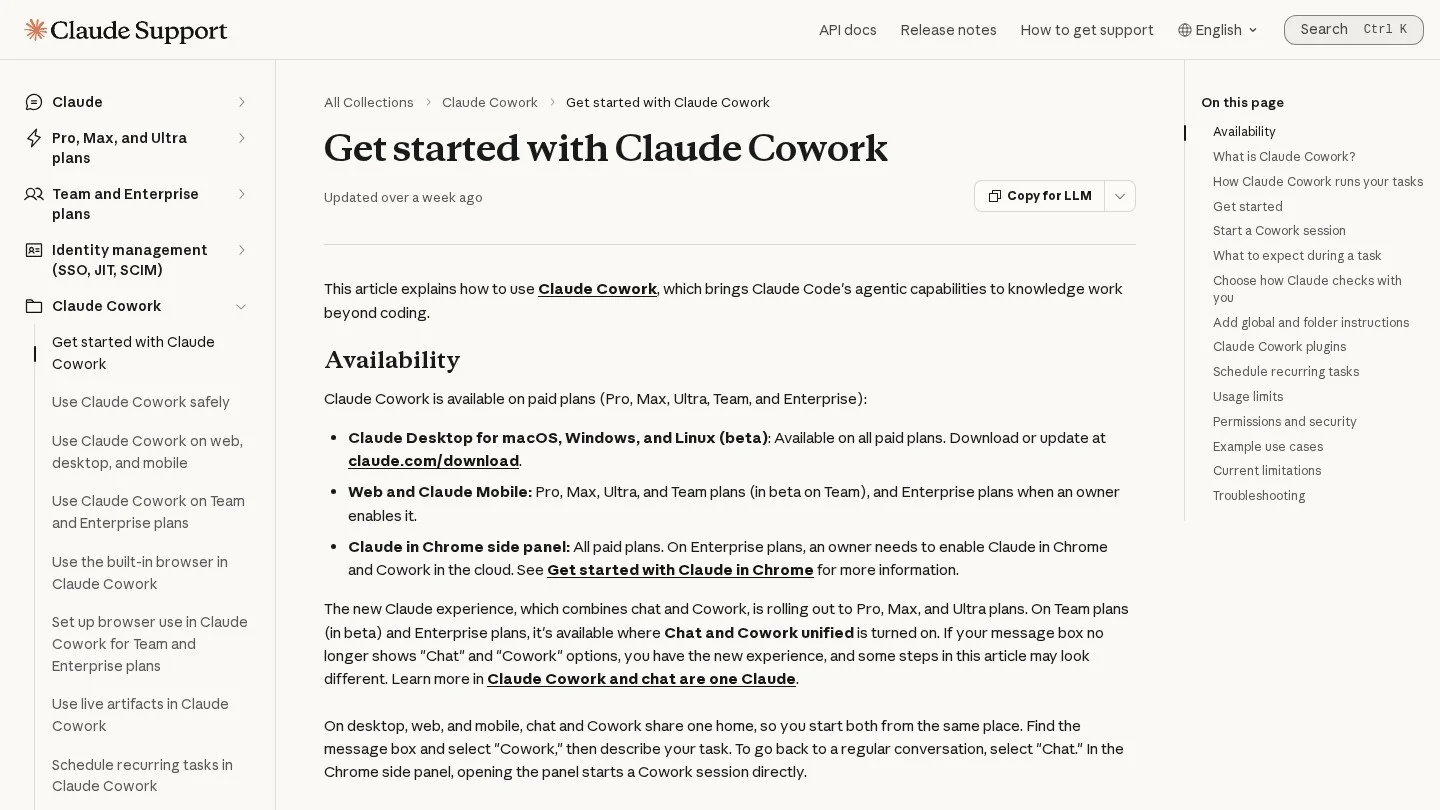
Claude Cowork needs explicit permission before it permanently deletes any file. Also, in its manual mode it pauses and asks for approval before actions. Besides, it shows its plan, so you can review its approach first. Our Claude Cowork listing covers its admin controls.
Stop Outreach for Sign-Off Like ZoomInfo
ZoomInfo’s Agent Teams let customers set autonomy, approvals and limits for each Playbook. The Playbook also defines when a human signs off. For example, a champion play waits for approval before it sends the outreach sequence. Our ZoomInfo listing has the details.
Design the Review Screen So People Decide Fast
A slow review screen turns into a rubber stamp. So give the reviewer what they need in one view.
- Show the exact tool inputs, such as the recipient, amount or SQL query.
- Show why the agent wants to act, in one or two lines from its reasoning.
- Offer three buttons, approve, edit and reject, plus a comment box for the reason.
- Show a summary of what the user already said, the way Assort Health briefs staff before a handoff.
- Send the request where reviewers already work, such as Slack or email, with a link back to the run.
Also, set a timeout rule. If nobody answers in a set time, the run should stop safely or route to a backup reviewer. It should never carry on by default.
Fight Approval Fatigue Before Reviewers Stop Reading
Too many gates train people to click yes. So cut gates that never catch anything, and keep the ones that do.
First, log every decision with the reviewer, the time and any edits. Next, look at each gate after a few weeks. If reviewers approve a gate almost every time without edits, consider moving it to after-the-fact review. On the other hand, keep the gate if reviewers edit often.
Then widen trust one play at a time. For instance, a sales team might keep review on every first email, but let reminder emails send without it once they look right.
Track How Often the Agent Needs a Human
Count three things per week. First, approval requests per hundred runs. Second, the share of requests that people edit or reject. Third, how long each request waits.
A falling request rate with few edits means the agent is earning trust. But a rising edit rate means a prompt, tool or data source needs work. Our post on AI agent human intervention rates covers how to measure this across teams. For agents that talk to each other before they reach a person, read our guide to agent-to-agent communication.
Answer Common Questions About Human-in-the-Loop Agents
What Is Human-in-the-Loop Orchestration?
It is the design of where an agent pauses for a person and how the run resumes. So it covers approvals, edits, reviews and live handoffs.
Which Actions Should Always Need Human Approval?
Gate actions that are hard to undo or that leave your company. For example, sending messages, moving money, deleting records, merging code and posting in public are the usual list.
Does Human Approval Slow Agents Down?
Yes, for the gated steps. So keep gates on risky actions only, and let reads and drafts run freely. Also, send review requests to where people already work.
Can a Paused Agent Run Survive a Server Restart?
Yes, if it saves state outside memory. LangGraph can checkpoint to SQLite or another database, and engines like Temporal keep long runs alive. Without saved state, the paused run is lost.
Related AI Agents



Read also: JSON-RPC in AI Agent Communication: How MCP and A2A Use It
Explore Agent Categories
Related Articles
 GuidesAI Agent Human Intervention Rates
 GuidesAI ISA vs Human ISA: What Each Really Costs a Real Estate Team
 GuidesSynthesia AI Video Usage Among Corporate Training Teams
 GuidesBest CAMEL AI Alternatives and What They Cost
 Guides100 AI Agent Statistics for Retail Companies
 GuidesLLM or AI Agent? AI Search Engines and What They Actually Are
